snom technology AG • 51
[ SNOM 320 USER MANUAL V1.00 ]
4
Divert when Busy
Set the option “Menu / Call Forwarding” to “Busy” if you want
to divert all incoming calls to the number set in “Redirect target” when
another call is already in progress.
Divert when not answered
Enter the number of seconds in “Menu / Call Forwarding / Time”
after which every incoming unanswered call is diverted to the number set
in “Redirect target”.
Note: To activate call divert immediately, see “Diverting all calls”,
above.
Call completion
The call completion functionality allows the user to establish calls
successfully when the other party is busy or not answering. This feature
can be enabled via the menu item “Phone Behavior / Call Completion”.
On busy (CCBS)
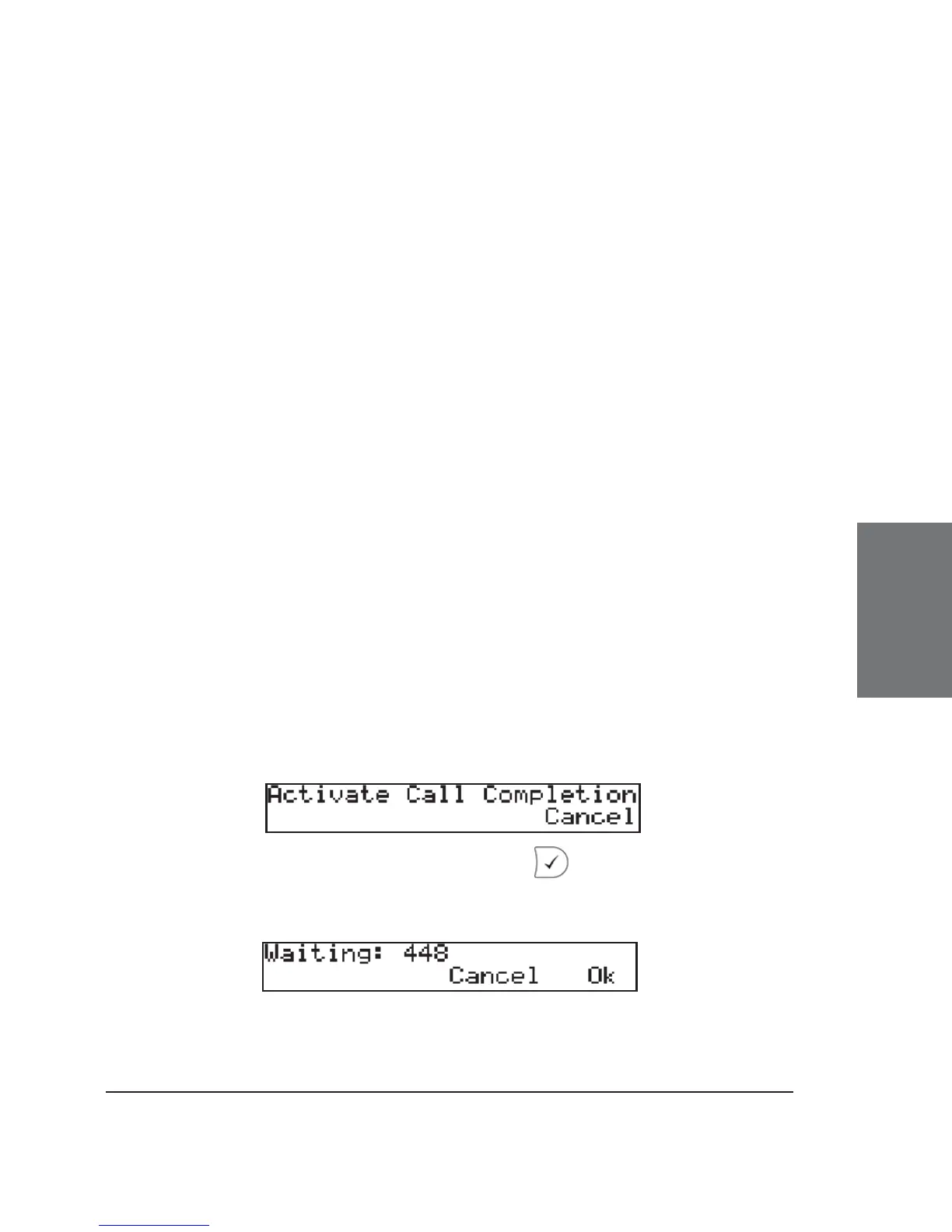
When the party you are trying to reach is busy, the following
window will appear during the call attempt:
Activate call completion by pressing ; the phone then waits
for the other party to return to idle.




 To Next Page