snom technology AG • 21
[ SNOM 320 USER MANUAL V1.00 ]
1
Logging on the fi rst account
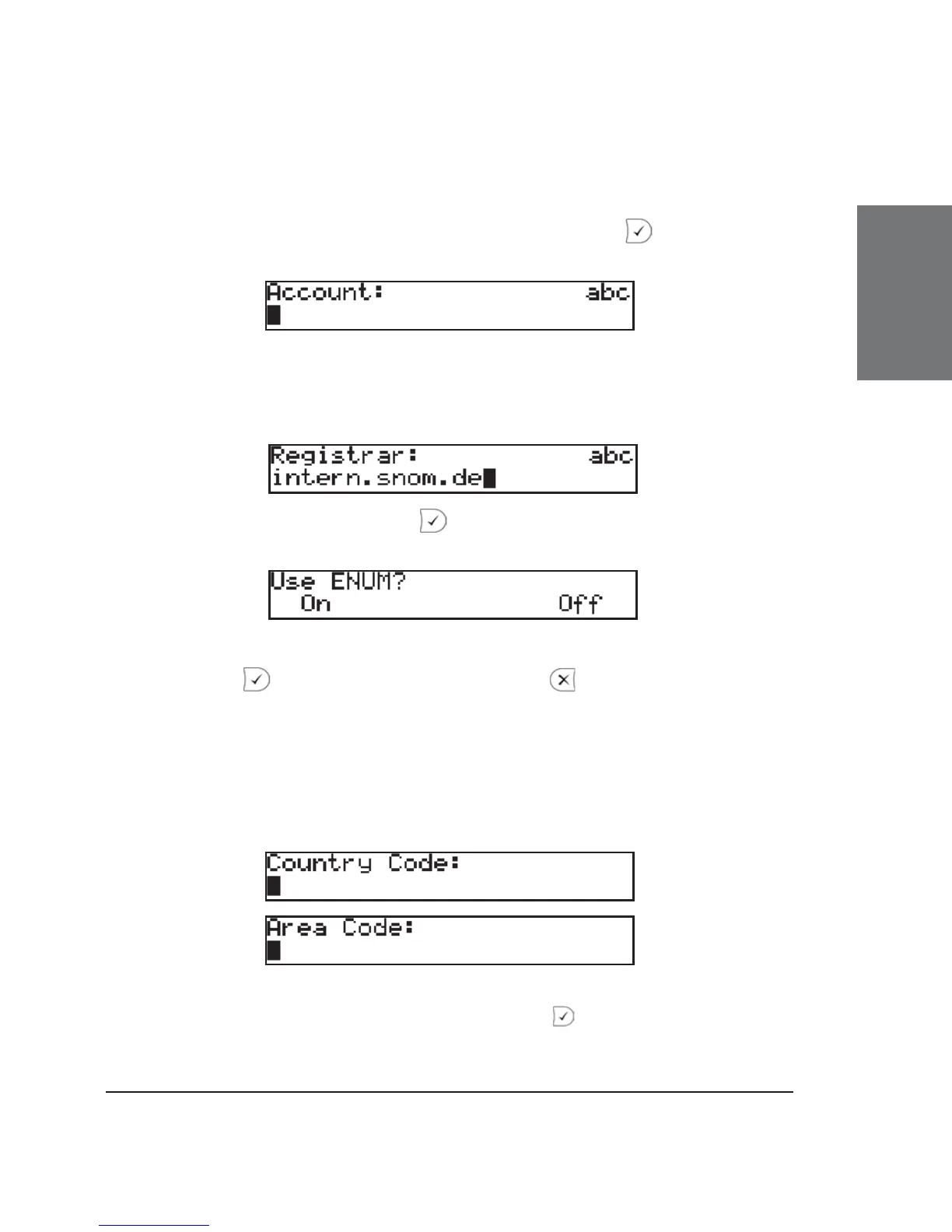
If no number is assigned to the phone yet, you will be prompted
to type in your account name. Confi rm your input with
.
This will be followed by the address of your registrar. The phone
tries to guess the correct registrar, so the display could show something
like this:
Confi rm your input with ; you will then be asked if you want
to use ENUM.
Press if you wish to use ENUM or , if you do not. If you
have chosen ENUM you will be asked for your country code (e.g., 1 for
the US) and your area code (e.g., 802 for Vermont). ENUM means that
a conventional E.164 number (normal phone number) is mapped to a
SIP URI so that a pure IP call can be started instead of an IP/PSTN call.
Regarding ENUM see also our white paper “ENUM on snom phones”!
After entering each code, confi rm with .





 To Next Page