snom technology AG • 43
[ SNOM 320 USER MANUAL V1.00 ]
3
In the subsequent submenus you can set up the timezone and
the tone schemes for the phone, as explained in the chapter Initialization,
above.
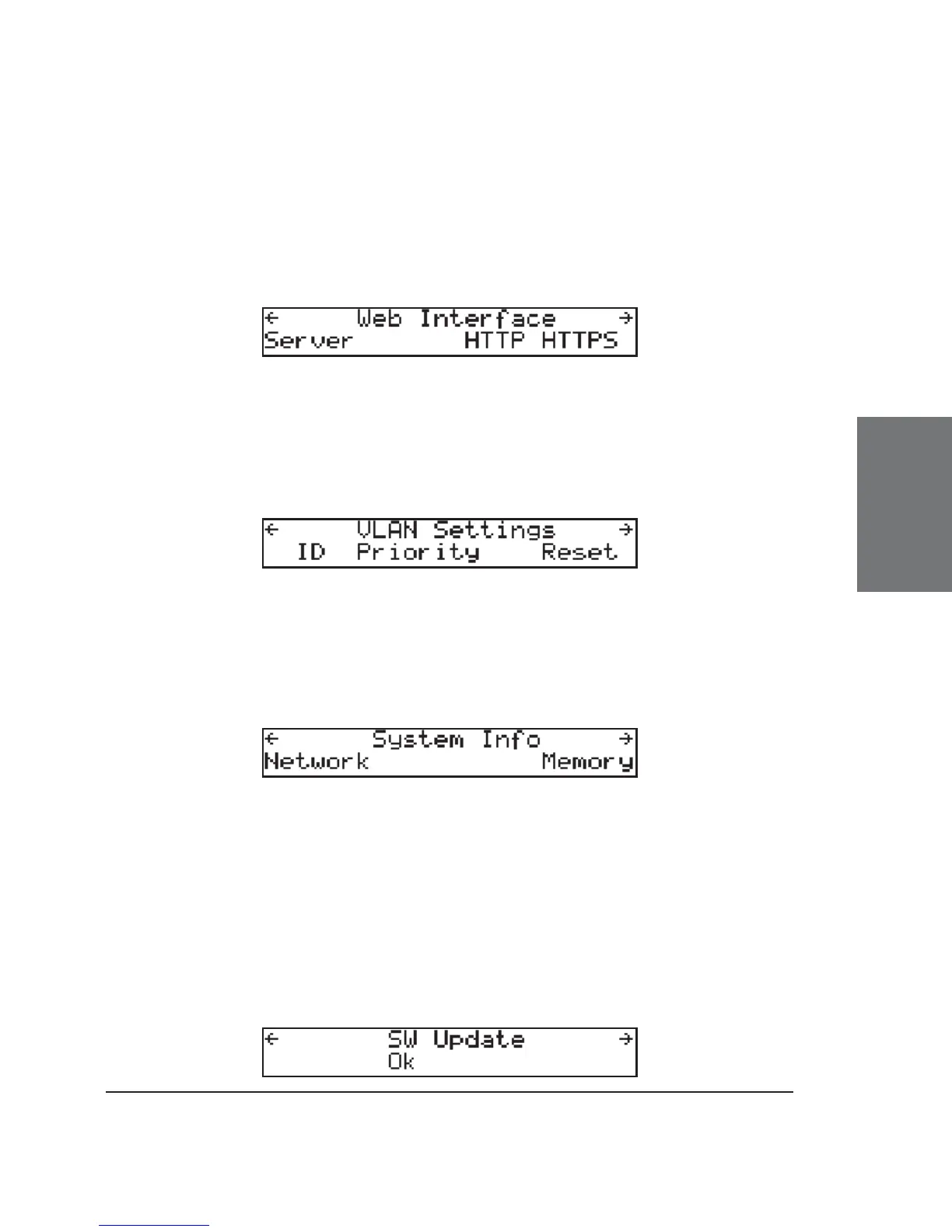
Web Interface
In the subsequent submenus you can set up whether the web
interface should be accessible via HTTP only, HTTPS only, or via HTTP and
HTTPS. The appropriate ports for both protocols can also be set here.
VLAN Settings
The ID (0..4095) (80.2.1q) and priority (0..7) (802.1p) values for
VLAN can be set here. “Reset” removes both settings from the phone.
System Info
Enter the respective submenus to view the Network status
(number of packets sent/received) and the total and free memory in kB.
SW Update
When a new software version for your phone is available for
download, an additional menu item “SW Update” can be found in the
menu.





 To Next Page