snom technology AG • 33
[ SNOM 320 USER MANUAL V1.00 ]
3
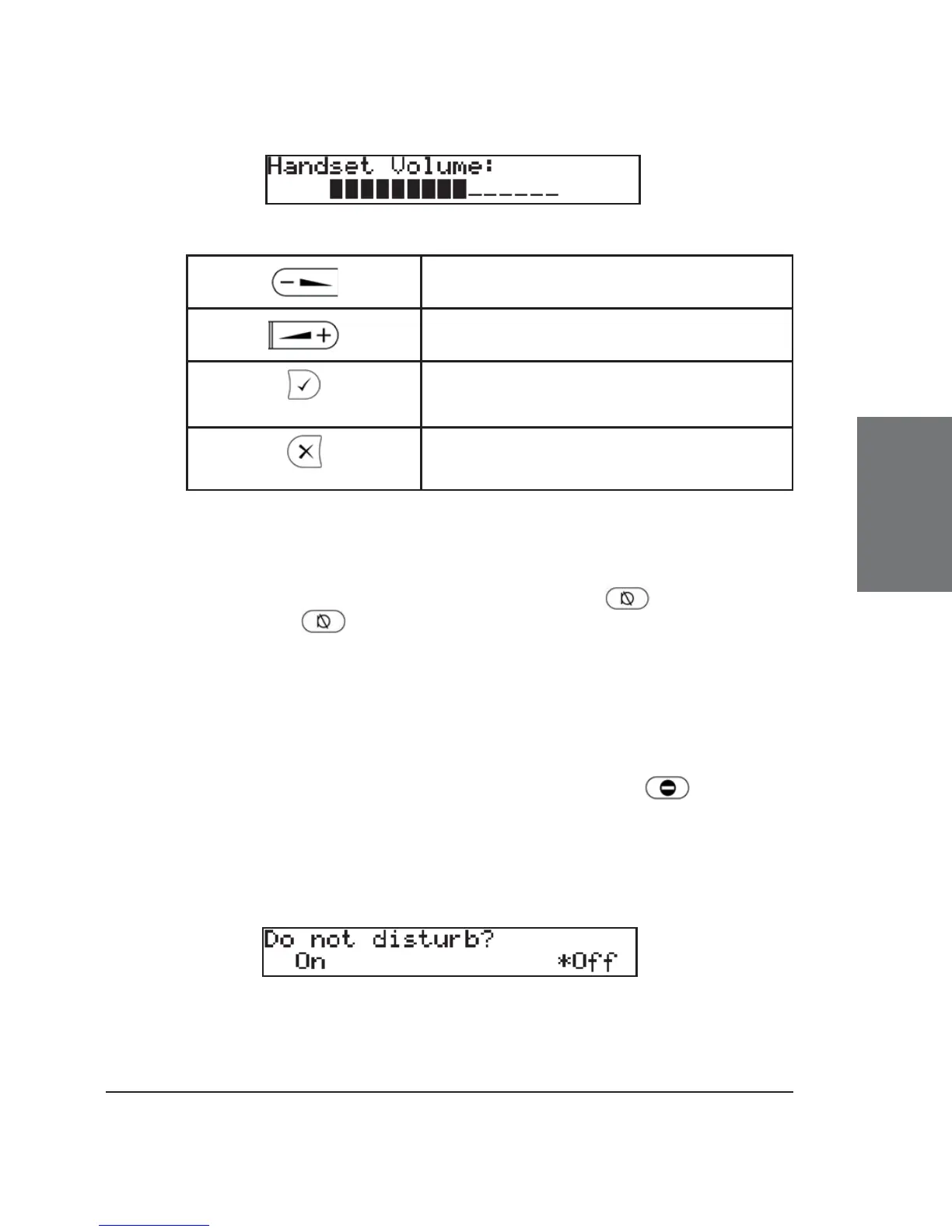
Key mapping:
Reduce the volume in steps
Increase the volume in steps
Sets the volume and returns to idle
state
Returns to idle state without setting
the volume.
Mute / Unmute
To mute the microphone during a call, press or the function
key “Mute”. Press or the function key “Unmute” to enable the
microphone again.
DND Mode on/off
The DND functionality is available in the snom menu. DND is
short for “Do Not Disturb”. If this mode is activated with , incoming
calls will no longer come through to the phone and you will be completely
undisturbed by the phone, except for VIP calls. If there is a mailbox set
up for you, the call is redirected to it. Before this mode is activated, you
will be asked if you really want to change to this mode.
When DND is activated, “DND active!” is displayed in the top line
of the idle screen.





 To Next Page