snom technology AG • 57
5
Call Register
Phone book
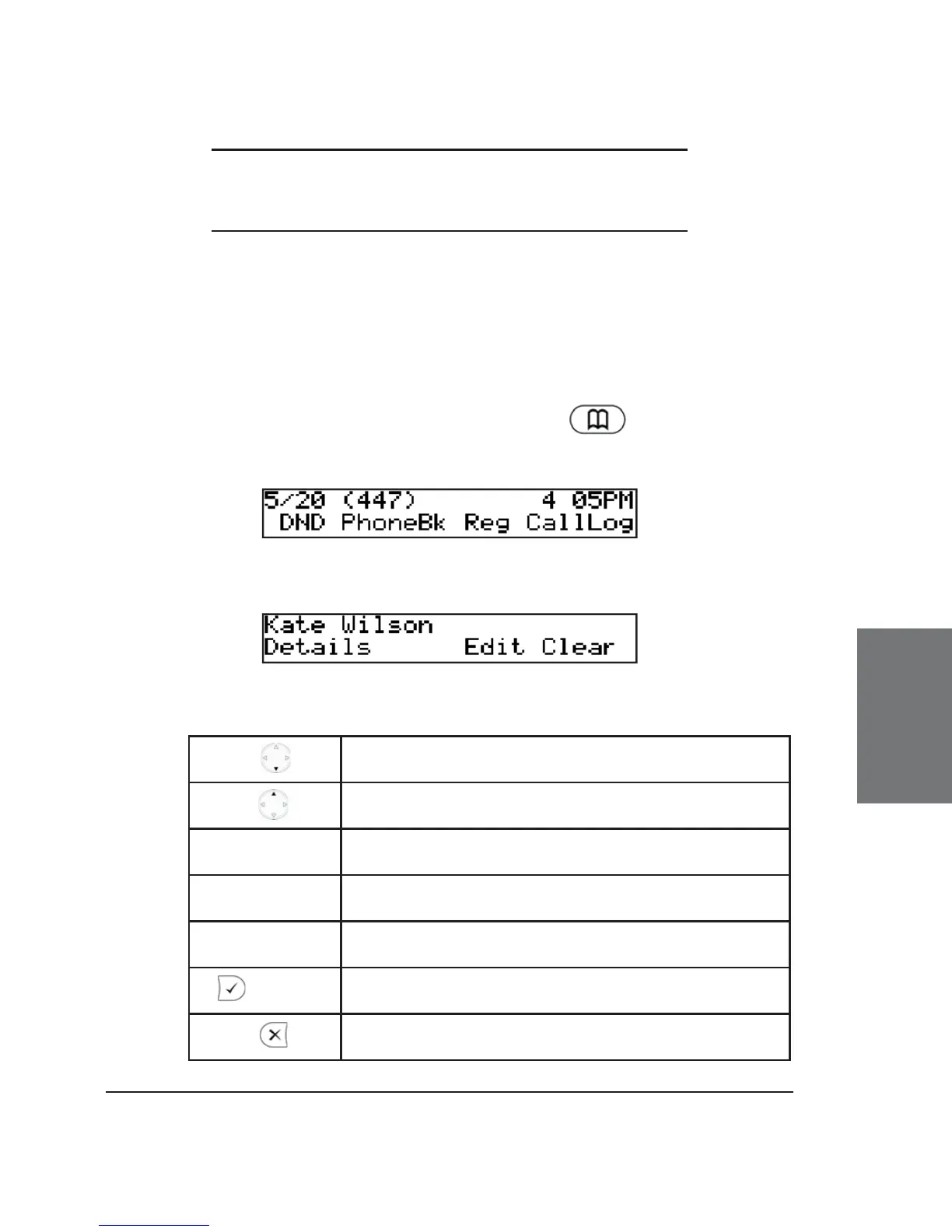
The snom 320 contains an internal phone book that can be
accessed from the phone’s idle state by pressing or the “PhoneBk”
function key.
You will then see the fi rst entry:
Key mapping:
Scroll to the next item
Scroll to the previous item
Details
Toggles between displaying name and number
Edit Enter edit mode for the selected entry
Clear
Delete current item
/ off hook
Dial the number of the selected entry
Return phone to idle state





 To Next Page