snom technology AG • 29
[ SNOM 320 USER MANUAL V1.00 ]
3
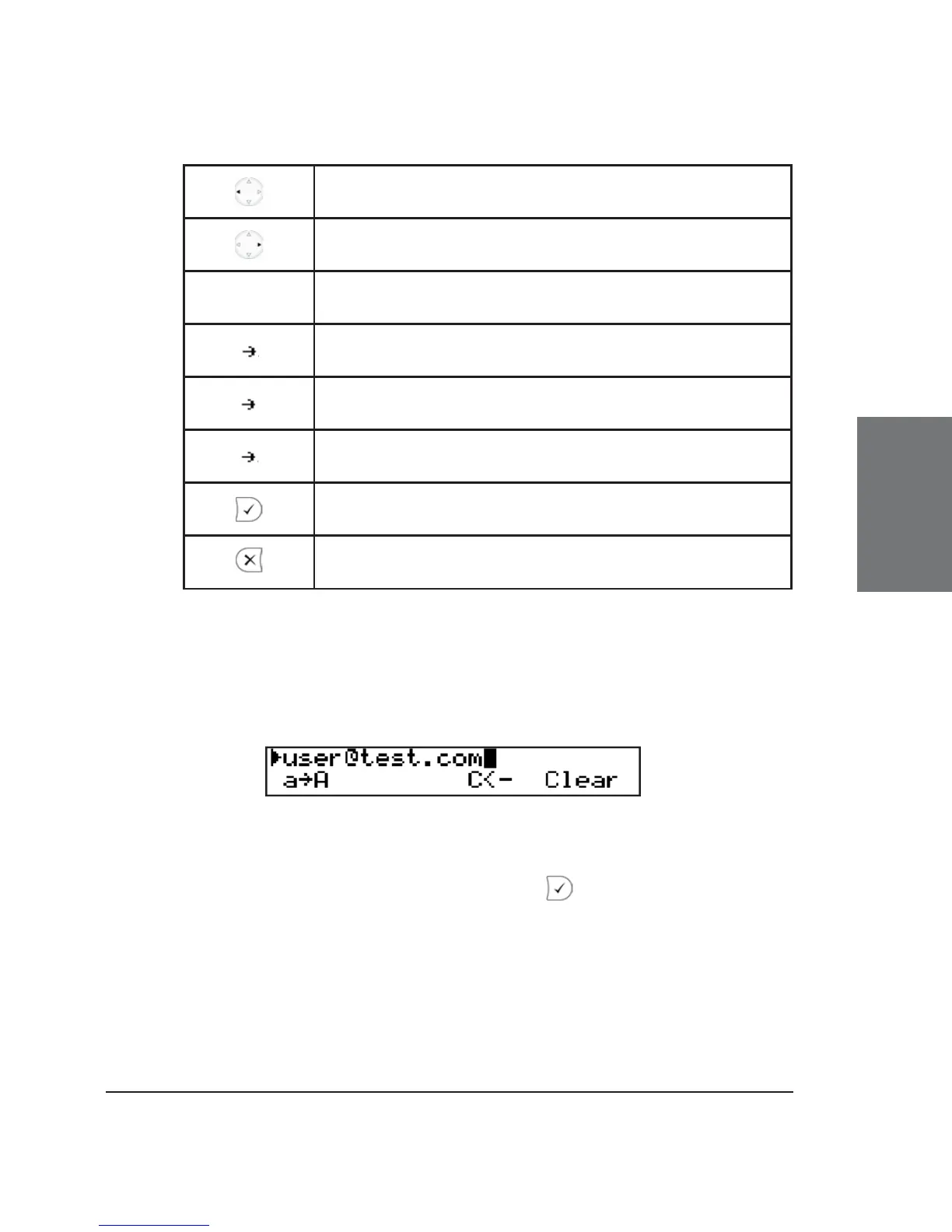
Move cursor to the left
Move cursor to the right
C<- Delete the character to the left of the cursor
A 1
Change input mode to numbers
a A
Change input mode to capital letters
1 a
Change input mode to small letters
Dial the number
Abort the dialing
Dialing a SIP address
Enter a SIP address via the alphanumeric block. To fi nd the “@”
symbol, press the numeric key “1” twice.
Key mapping:
See Dialling a Phone Number, above. dials the SIP address if
entered correctly.





 To Next Page