54 • Advanced Functions
[ SNOM 320 USER MANUAL V1.00 ]
4
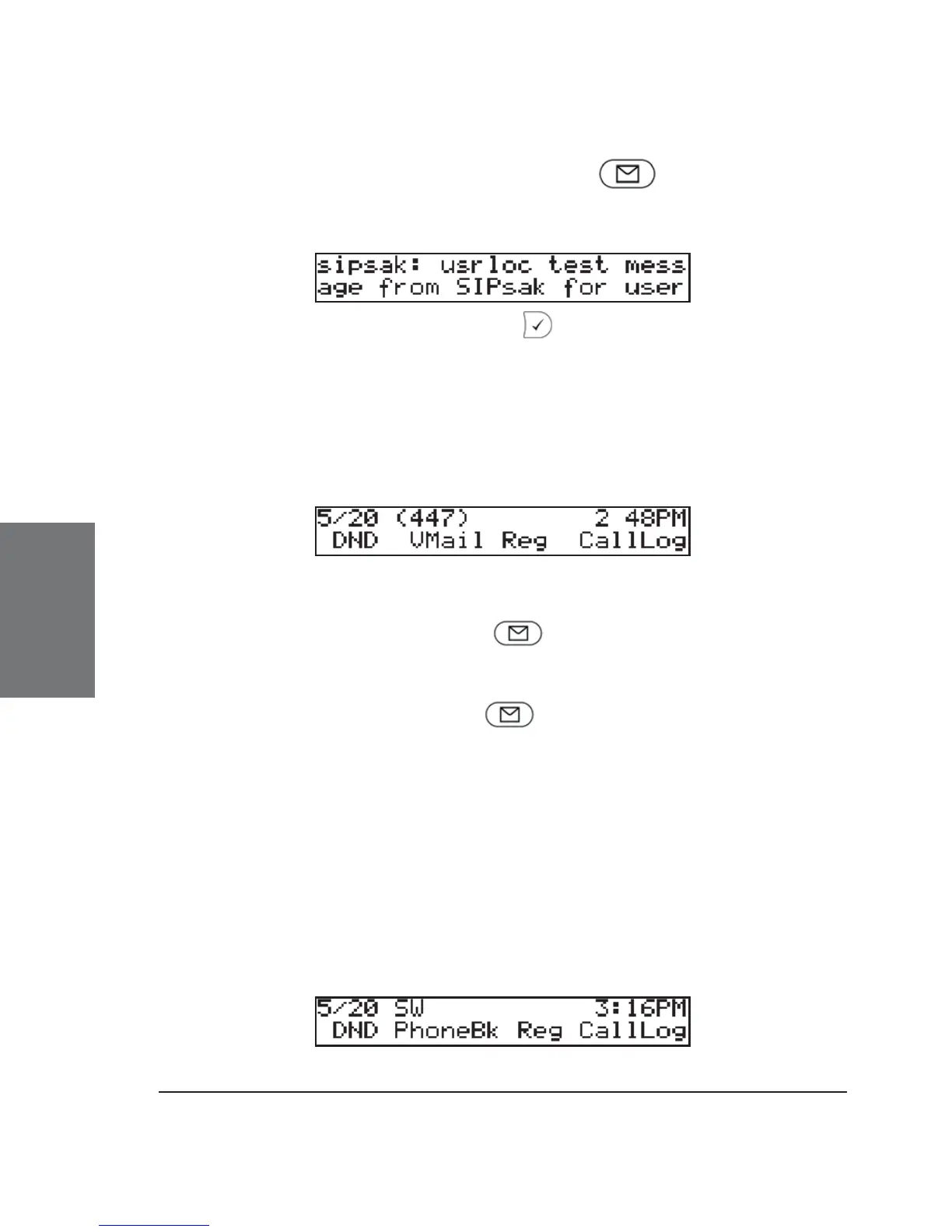
To display the message, press either or the SMS key. A
message could look like this:
Return to the idle screen with .
Message Waiting Indication (MWI)
If you did not answer a call and the mailbox recorded a message
for you, the idle screen shows that a recorded message is waiting for
you.
The text above the second function key from the left now says
“VMail”. Press this function key or to connect to your mailbox and
listen to the recorded message(s).
If you want to connect to your mailbox independently when there
is no “new message” alert, press . This will only work, however, if
you have entered the correct number of the mailbox on the Login index
card of the web page for the corresponding line (Confi guration Line 1-
12)!
Conducting a Software Update
When a new software version for your phone is available for
download, you will see the text “SW” to the right of the date in the top
line of the screen.





 To Next Page