snom technology AG • 55
[ SNOM 320 USER MANUAL V1.00 ]
4
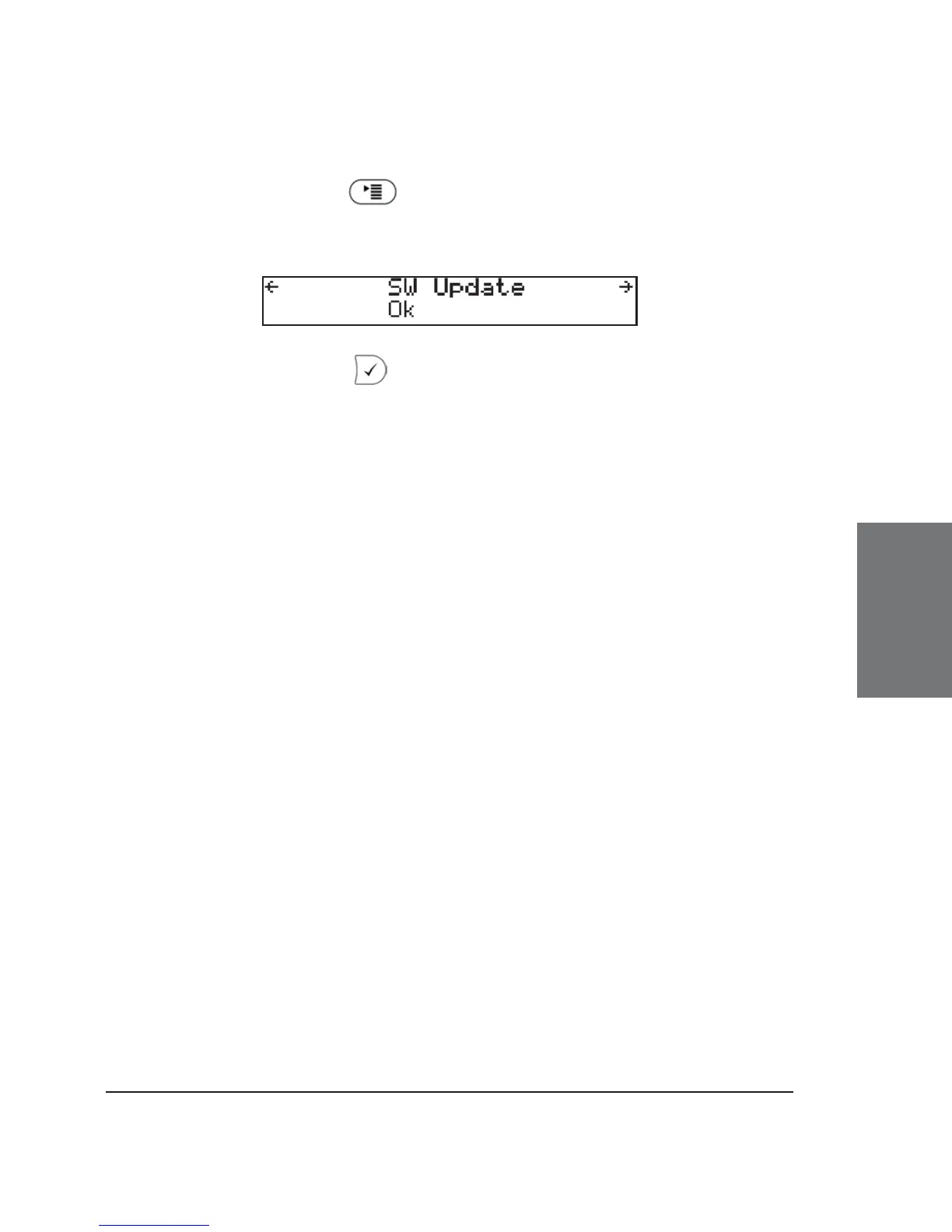
In this case, an additional menu item “SW Update” can be found
in the menu by pressing
and using the navigation key to scroll to
it.
Pressing “Ok” or reboots your phone after a few seconds.
During boot-up, the phone asks you whether or not it should proceed with
the fi rmware update. If the phone doesn’t reboot by itself, please start
the reboot manually.





 To Next Page