snom technology AG • 25
[ SNOM 320 USER MANUAL V1.00 ]
2
Logoff user
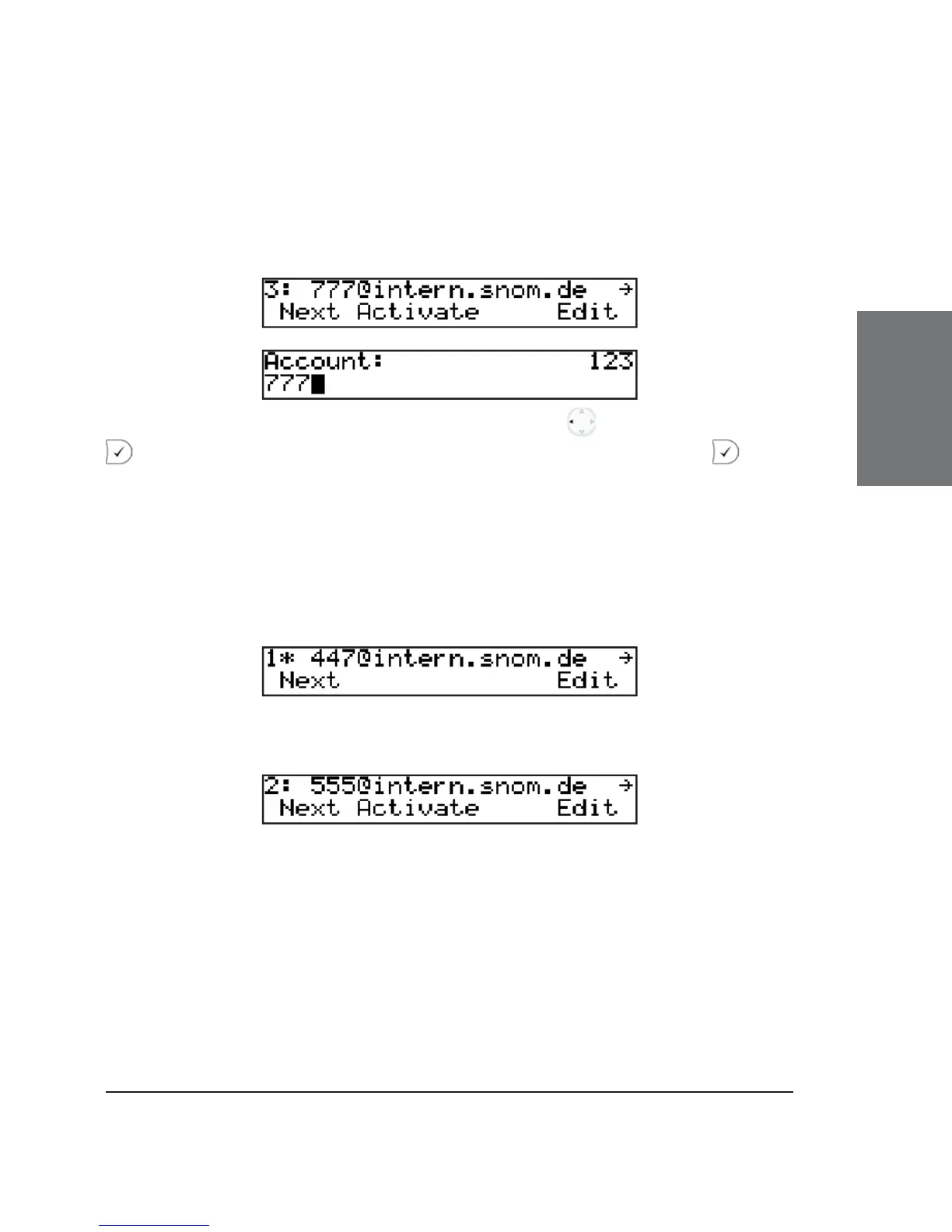
Choose the registration line where you want to logoff the user
and press “Edit”.
Remove the current phone number with and confi rm with
. You will then see the registrar entry again. Confi rm it with to
leave it for later use.
Select Outgoing Line
Select the registration line you want to use as your outgoing
identity for the next call by pressing “Next”.
Then activate the selected registration line by pressing
“Activate”.
By choosing a different line, your originator phone number is
changed to this line. This means that different people can start calls from
the same phone with their own originator phone number, and the called
phone will display the current outgoing line information. The current
outgoing line is marked on the registration screen with an “*” directly in
front of the registered SIP line.





 To Next Page