28 • Basic Functions
[ SNOM 320 USER MANUAL V1.00 ]
3
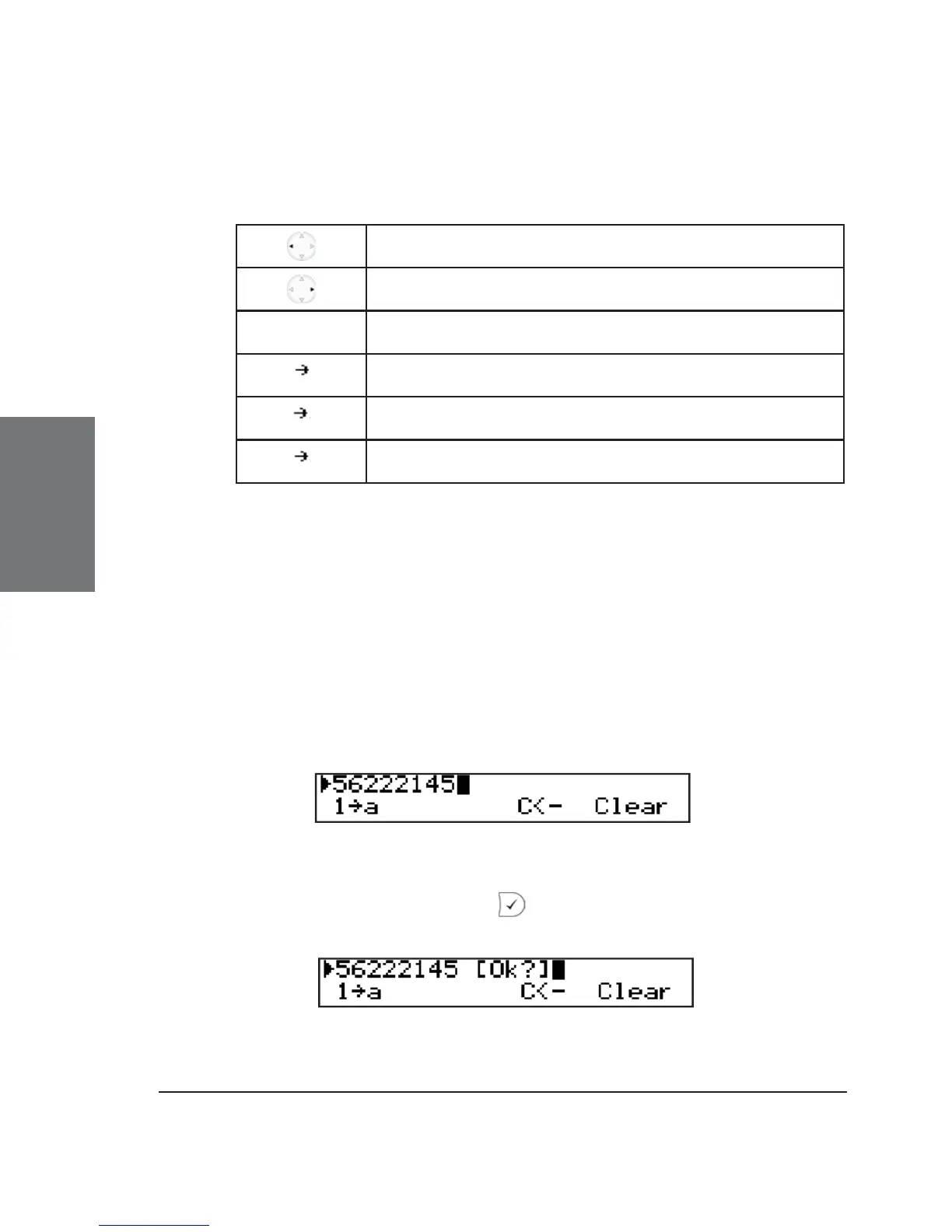
Key mapping for input:
Move cursor to the left
Move cursor to the right
C<- Delete the character to the left of the cursor
A 1
Change input mode to numbers
a A
Change input mode to capital letters
1 a
Change input mode to small letters
As mentioned in the table above, you may use “A->1”, “a->A”, or
“1->a” to change the input mode. After using a specifi c input mode for
dialing a number, the phone saves this mode as default for future use. If
you want to use a different mode, begin dialing and, if the mode is wrong,
choose your preferred mode and continue dialing.
Dialing a phone number
A telephone number is dialed with the numeric keypad.
If the user has not pressed any keys for several seconds, the
phone will remind the user to press in order to start the call.
Key mapping:





 To Next Page