snom technology AG • 31
[ SNOM 320 USER MANUAL V1.00 ]
3
If the displayed number is not the one you want, you can either
keep pressing the “#” key (in alphanumeric modes only) to get the next
matching number, continue typing your desired number, or press
to
temporarily switch off number guessing for this session of editing a phone
number.
Terminating a call
End calls by placing the handset on its cradle, pressing the hook
switch, or pressing
. The snom 320 will terminate the call and return
to the idle state.
Incoming call
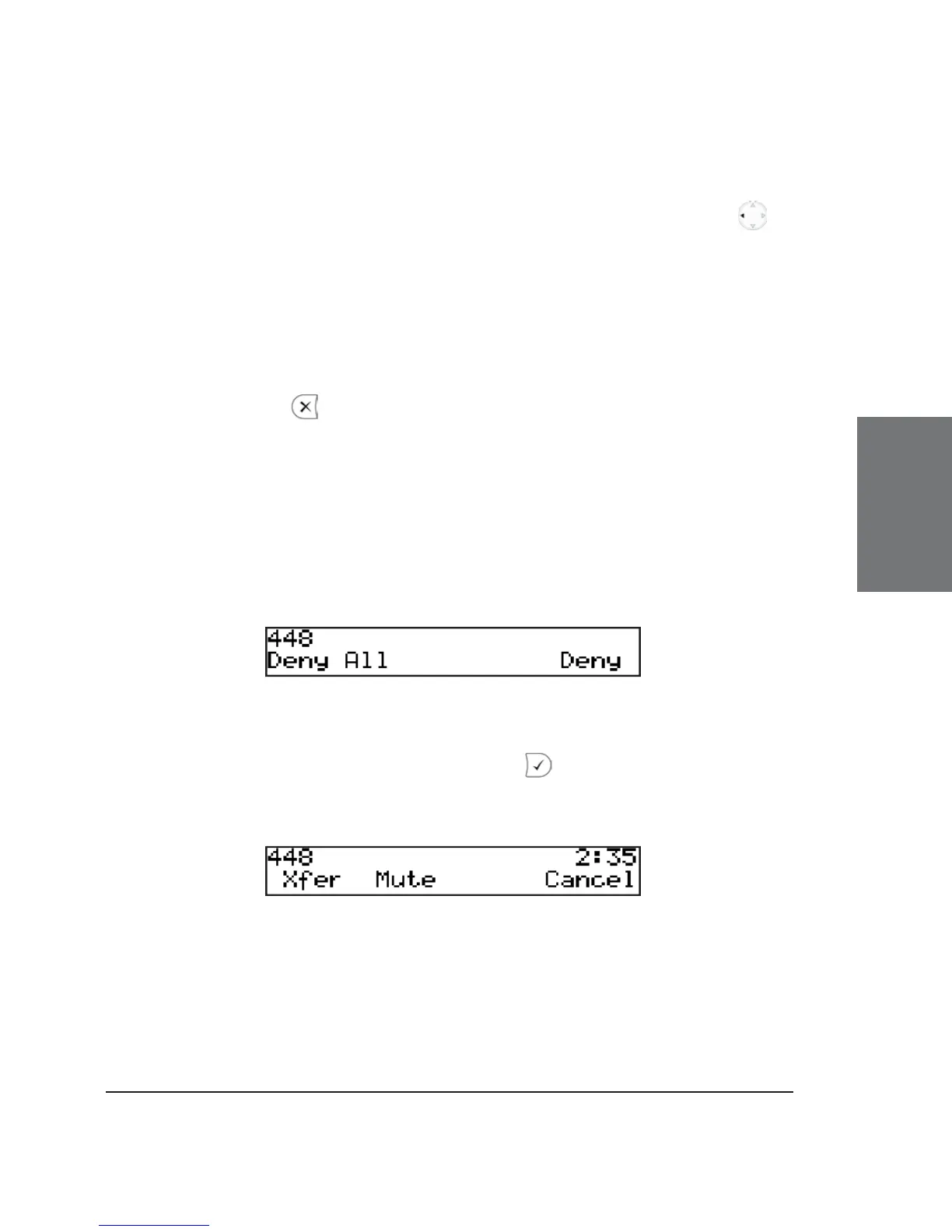
When your snom 320 is called, it rings and displays the following
screen:
Accepting a call
Picking up the handset or pressing will accept the call. The
snom 320 is now in a call.
Key mapping:





 To Next Page