22 • Installation
[ SNOM 320 USER MANUAL V1.00 ]
1
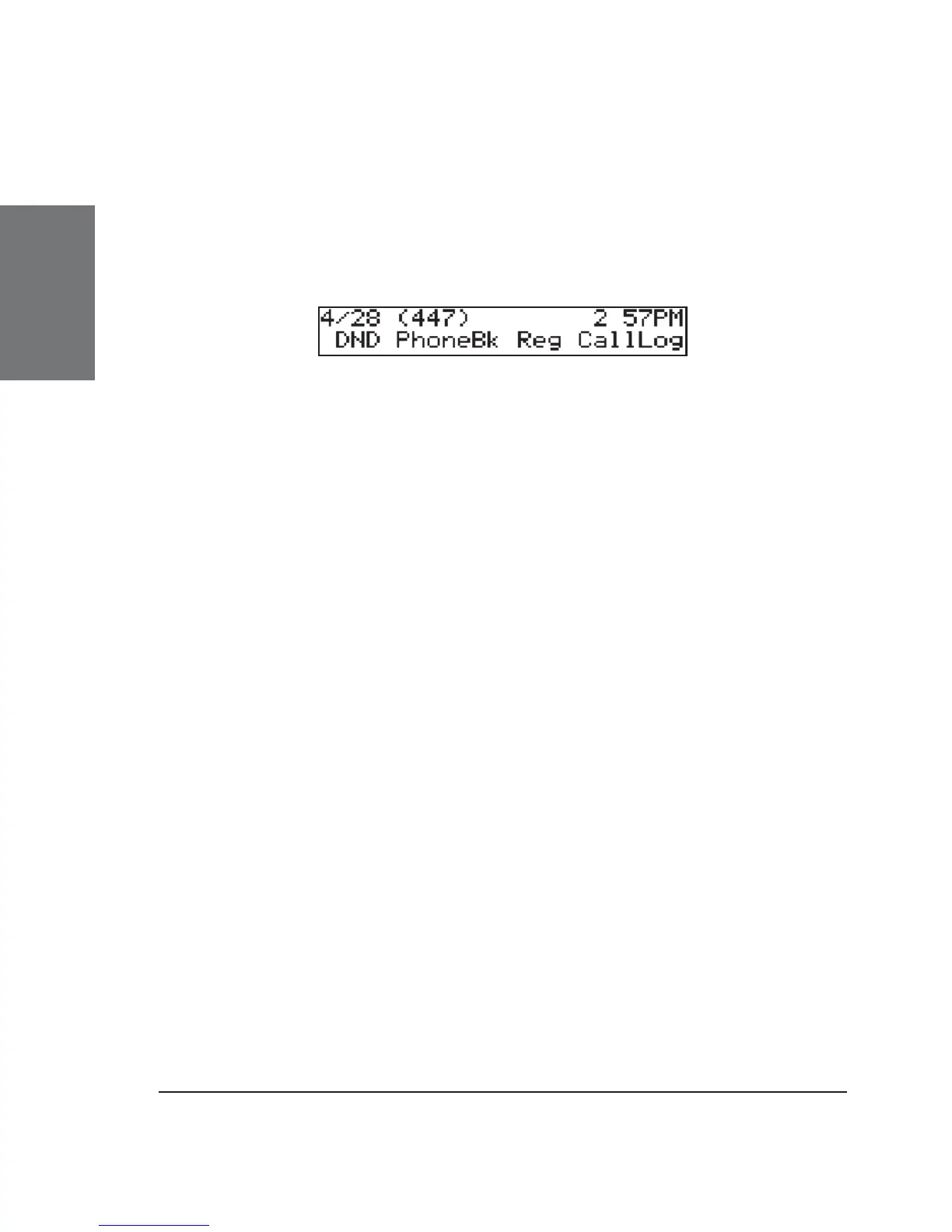
The phone tries to register your given account name at the given
registrar. The idle screen appears. Your registration has been successful if
the identity you have just confi gured is shown in brackets in the top line.
If, however, the letters „NR“ are shown instead, the registration has not
been successful.
When this state has been reached, the time and date are also
shown on the display.





 To Next Page