62 • Call Register
[ SNOM 320 USER MANUAL V1.00 ]
5
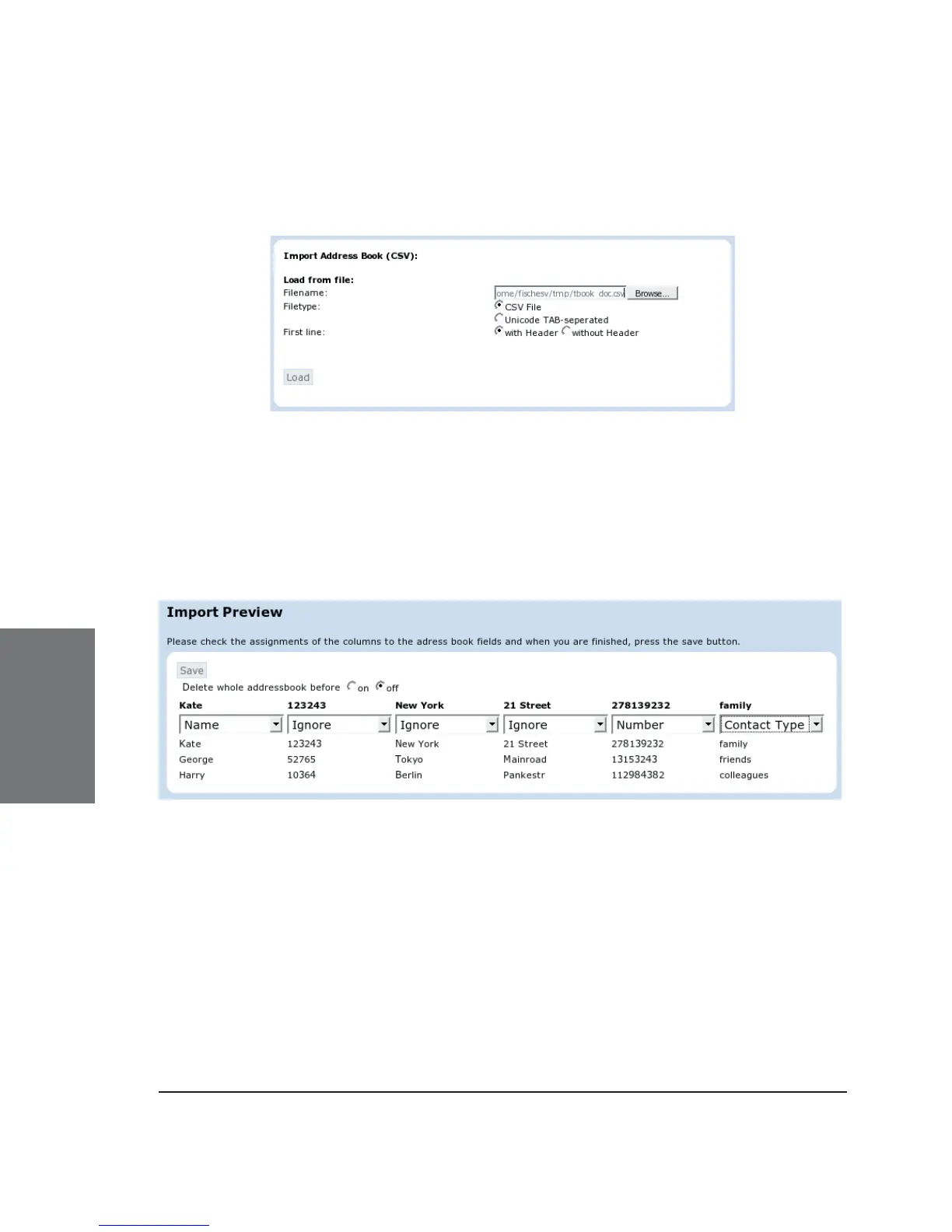
Selecting a CSV or Unicode TAB-separated fi le is possible through
the web interface, as shown in the following:
After choosing a fi le, a preview of the selected fi le contents will
be shown.
Now assign the three possible data types (name, number, contact
type) that can be imported to the columns in the preview representing
those kinds of data.
If you want to remove all existing phone book entries before
the import starts, select the “on” option in “Delete whole addressbook
before”.
Once satisfi ed with the preview, press “Save” to save the fi le
contents to the phone book, which could look like this:





 To Next Page