snom technology AG • 87
[ SNOM 320 USER MANUAL V1.00 ]
6
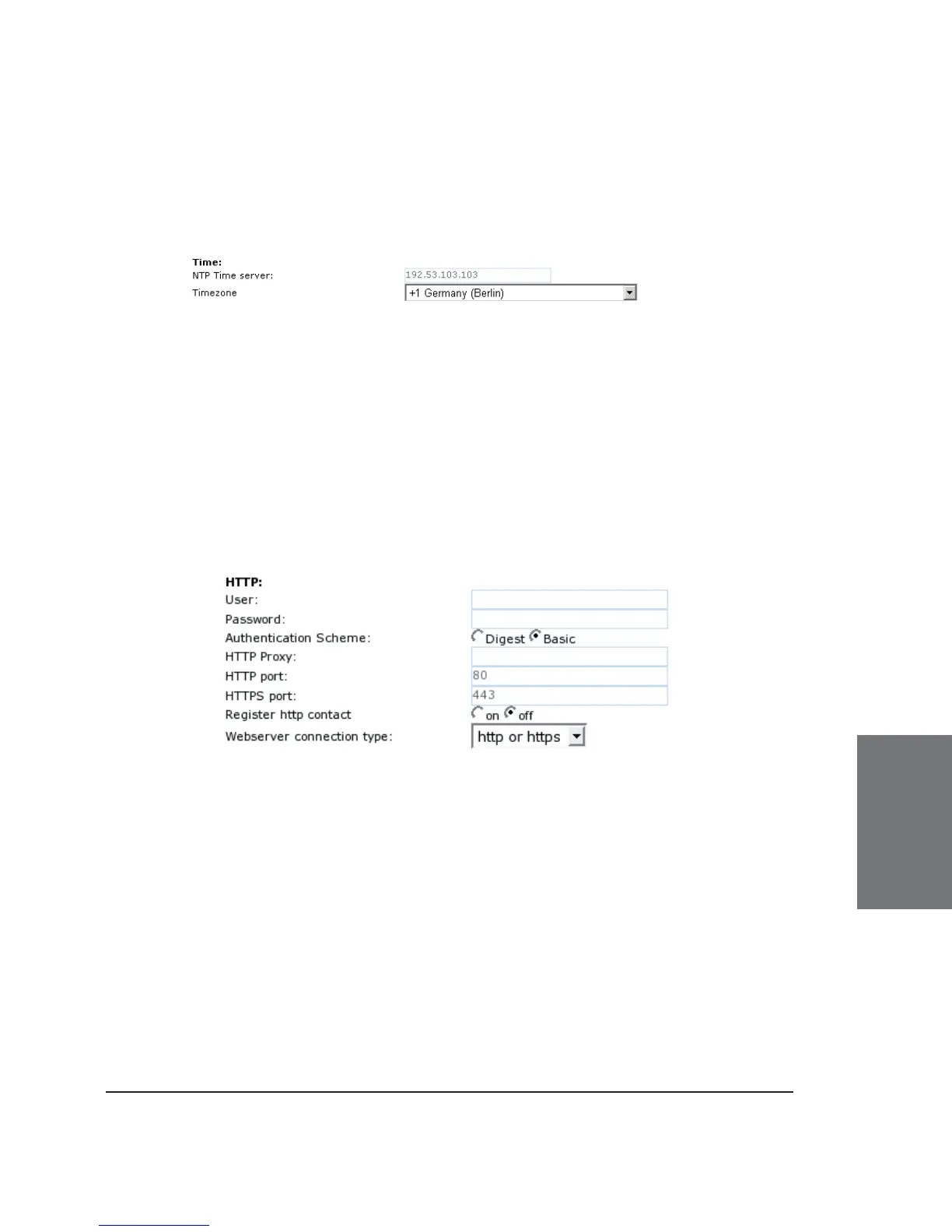
TIME SETTINGS
NTP Time server: Specify the url or IP address of the NTP server
here.
Timezone: Select the time zone of your geographical location
through this option.
HTTP
User: Here, you can select the HTTP username for your phone.
This and the next option (Password) protect your web interface if you so
desire.
Password: Set up the HTTP password for your phone here.
Authentication Scheme: Defi ne whether “Basic” or “Digest
Authentication Scheme” should be used. The latter is the more secure
option.
HTTP Proxy: You can select the HTTP proxy address for your
phone here. This is needed if you are also surfi ng the web via such a
proxy.





 To Next Page