73
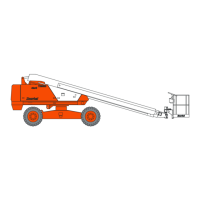
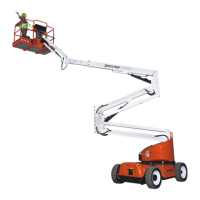
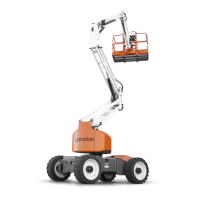
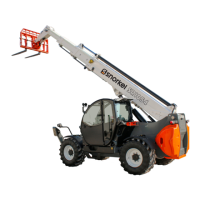
Model: Snorkel SR9244 SR1054
Part Number: 159-0037-000
Snorkel International, LLC
2009 Roseport Road
Elwood, KS 66024
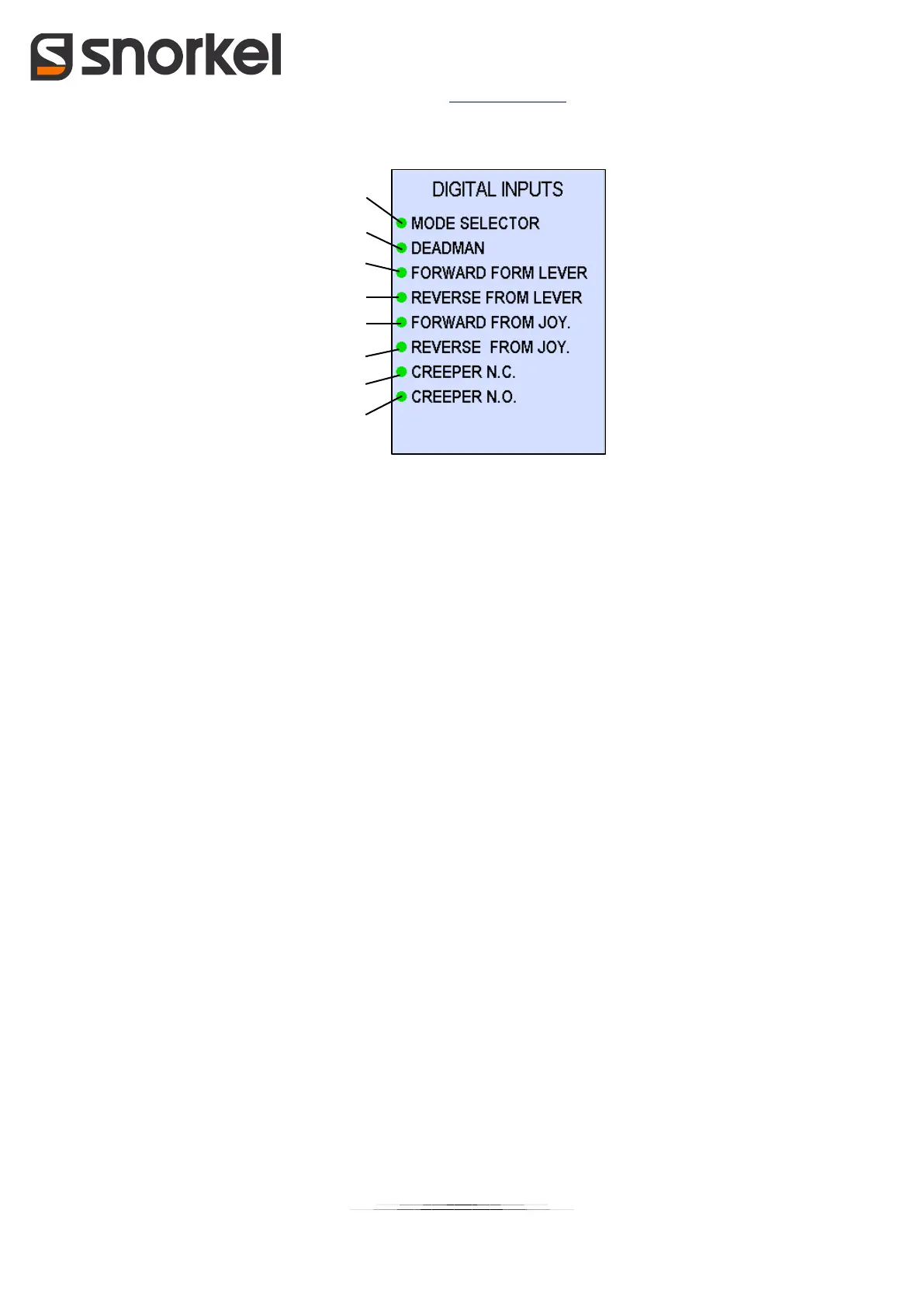
“Digital inputs” page:
List of icons/data:
1. Drive mode selector input
2. Man present button on joystick input
3. Forward drive with selector on steering column input
4. Reverse drive with selector on steering column input
5. Forward drive with selector on joystick input
6. Reverse drive with selector on joystick input
7. Creeper selector normally closed input (only if Creeper mode present)
8. Creeper selector normally open input (only if Creeper mode present)
Red light if the input is not active, red light if the input is active.
Press the UP/DOWN button to go to the "Analogue inputs" page.
Press the OK button to go back to the “main” page.
Press the MENU button to go back to the "menu" page.


 To Next Page