74
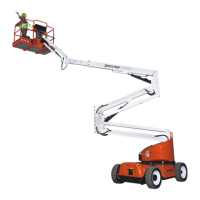
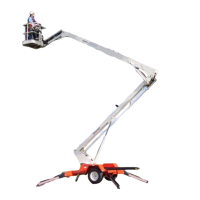
Model: Snorkel SR9244 SR1054
Part Number: 159-0037-000
Snorkel International, LLC
2009 Roseport Road
Elwood, KS 66024
3.2.1.17
FNR MODE PAGE
The forward movement mode can be selected on the “FNR mode” page: if with the stalk or the joystick (see
“Joystick” paragraph).
Press the UP or DOWN button to switch from one mode to the other.
Press the OK button to select the preset mode and return to the "main" page.
Press the MENU button to go back to the "menu" page.
When the mode has been selected, the symbol corresponding to the main screen will be displayed.



 To Next Page