HYD 5/6/8/10/15/20KTL-3PH USER MANUAL
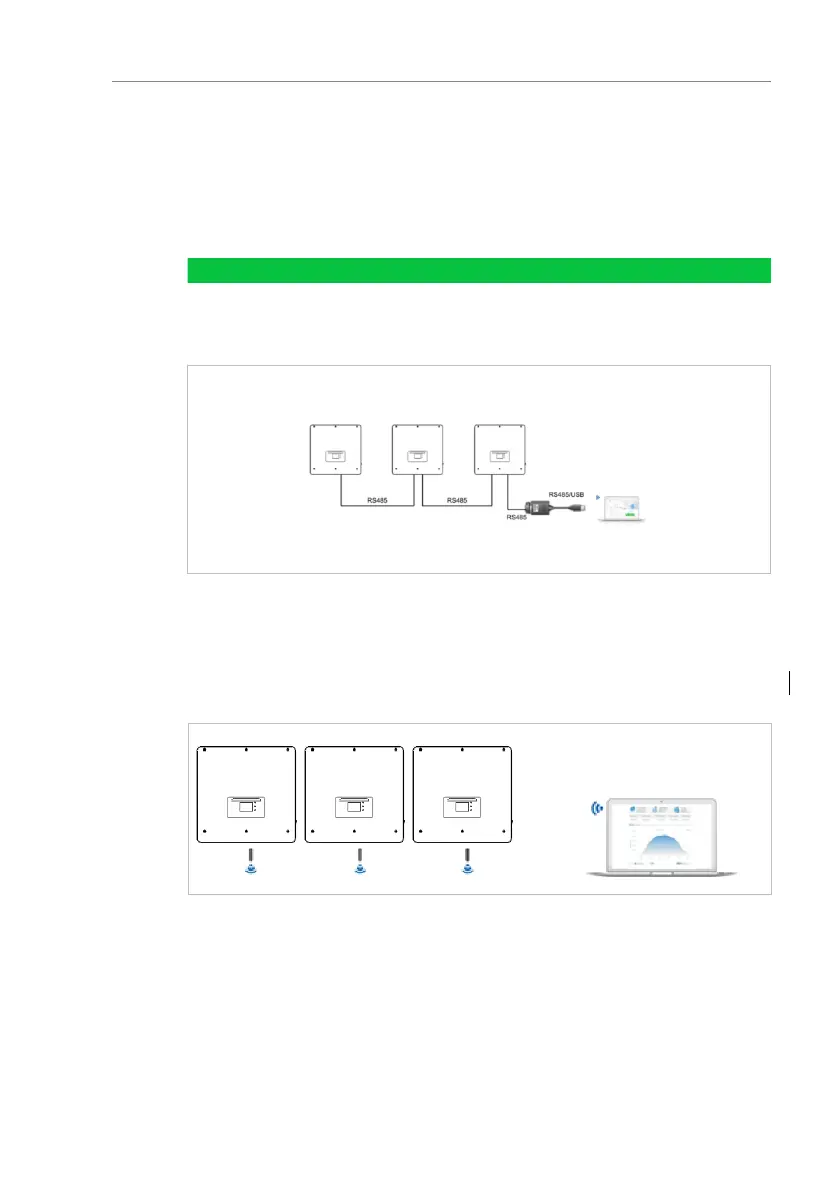
5.12.1 RS485
You can connect RS485-linked devices to your PC or a data
logger via an RS485 USB adapter. Please refer to the pin
assignment in paragraph 5.9.2.
The RS485 line may not be any longer than 1000 m
Assign each inverter its own modbus address (1 to 31)
via the LCD display
Figure. 5-39 RS485 monitor system
5.12.2 WiFi, Ethernet stick
When you have installed the stick logger, the inverters can
directly upload your operating, energy and alarm data in the
SolarMAN monitoring portal.
Figure. 5-40 WiFi monitor system
5.13 Installation of the WiFi or Ethernet stick
1. Remove the protective cap from the USB interface.
2. Install the WiFi/Ethernet stick.



 To Next Page