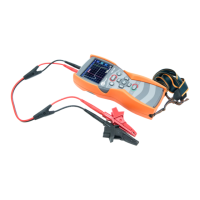
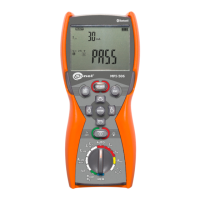
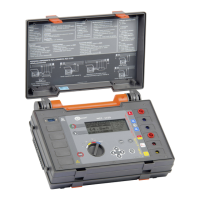
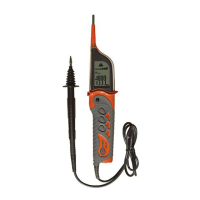
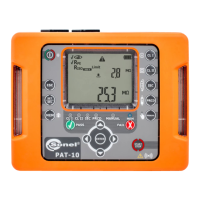
OPERATING MANUAL PAT-1, PAT-2, PAT-2E, PAT-10 version 1.02
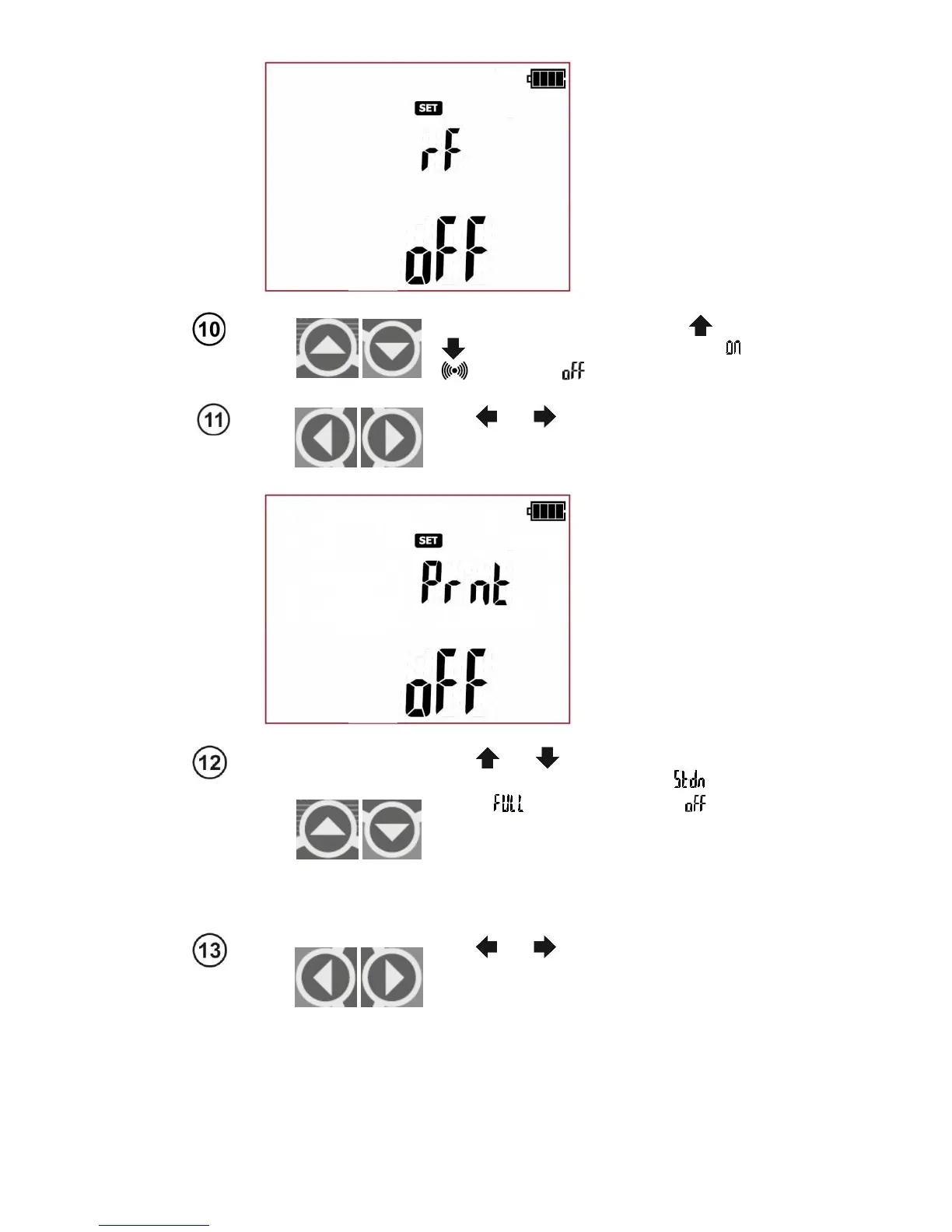
When rF screen is displayed use and
to set the wireless connection
: on ( +
icon) or off ( ).
Use and
buttons to enter the
screen with report printing settings
- (Print):
Prnt (not applicable for PAT-1).
Use and
buttons to set the report
printing mode: standard report
( ), full
report ( ) or printing disabled ( ).
NOTE: The printing function will work only
when the wireless communication function
'rF' is activated, and the connection with
the printer is configured properly (Prnt
Conf).
Use and
to enter the screen with
auto print mode settings after saving
measurement results to memory
- (Auto-
Print): APrn (not applicable for PAT-1).


 To Next Page