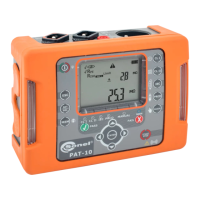
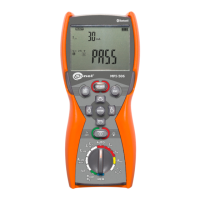
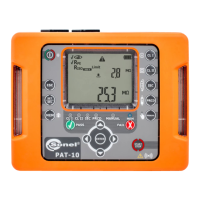
OPERATING MANUAL PAT-1, PAT-2, PAT-2E, PAT-10 version 1.02
Use and
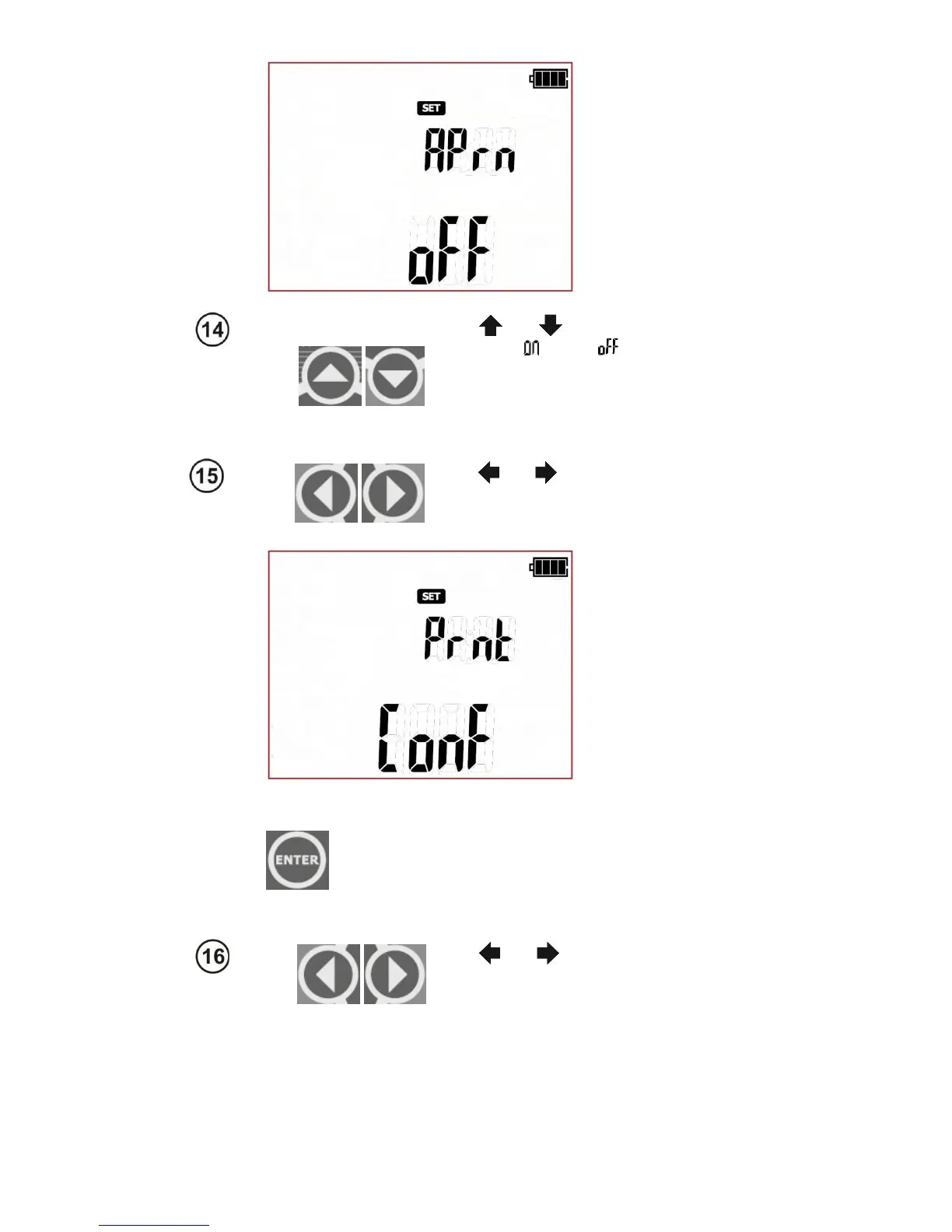
to turn the auto print
mode
: on ( ) or off ( ).
NOTE: The auto print mode will work only
when the wireless communication function
'rF' is activated, and the connection with
the printer Prnt is configured properly.
Use and
to enter the printer connec-
tion settings screen
- (Printer configura-
tion): Prnt Conf
Press ENTER
to go to the code entry screen
(codE)
that allows to establish the connection
(These are the last four digits of the printer's
serial number). Detailed configuration de-
scription is presented in section 6.1.1 of this
manual.
Use and
to enter the screen for set-
ting nominal network voltage powering the
tester
- (Unominal): Un


 To Next Page