OPERATING MANUAL PAT-1, PAT-2, PAT-2E, PAT-10 version 1.02
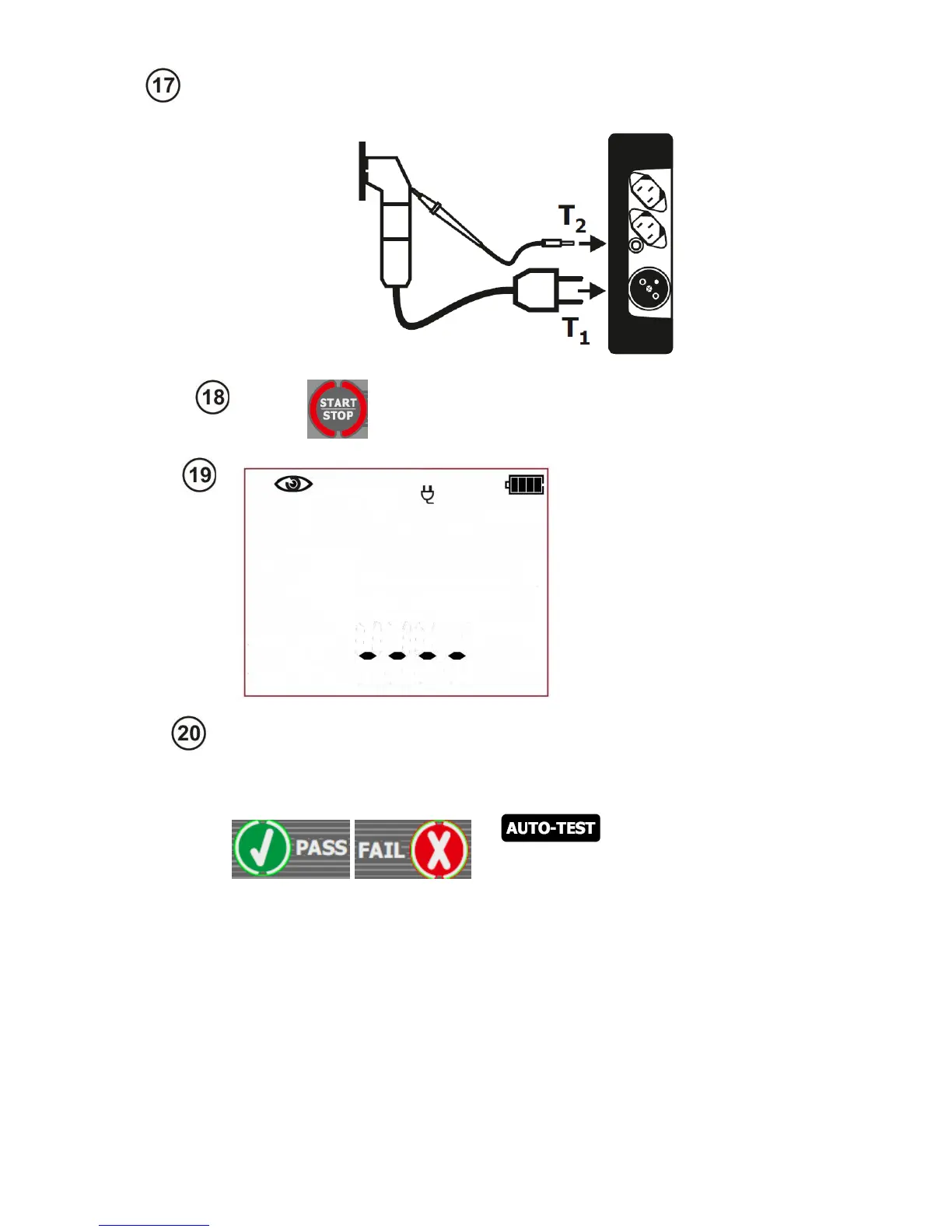
The tester is waiting for
the evaluation of the
device after completing
visual inspection. If the
measurement of the L-N
circuit resistance is
selected, tester will also
display the result of R
LN
measurement. If it's not
selected, then dashes will
be displayed in the main
screen area „----„.
Press PASS (V) or FAIL button (X) to
evaluate the tested device’s condition:
PASS means positive visual examina-
tion result – if the AUTO-TEST
( ) mode is on, the tester
will automatically run the sequence of
tests. If the AUTO-TEST mode is off,
commencing subsequent test will re-
quire pressing START/STOP button.
FAIL – means negative visual exami-
nation result. Irregularities in the de-
vice have been found. Further meas-
urements will not be conducted.
If the result of the visual inspection is positive, connect the tested device accord-
ing to the diagram below (the device should be turned on).



 To Next Page