10
DVR4400 DVD+VCR
Stereo Receiver Connections
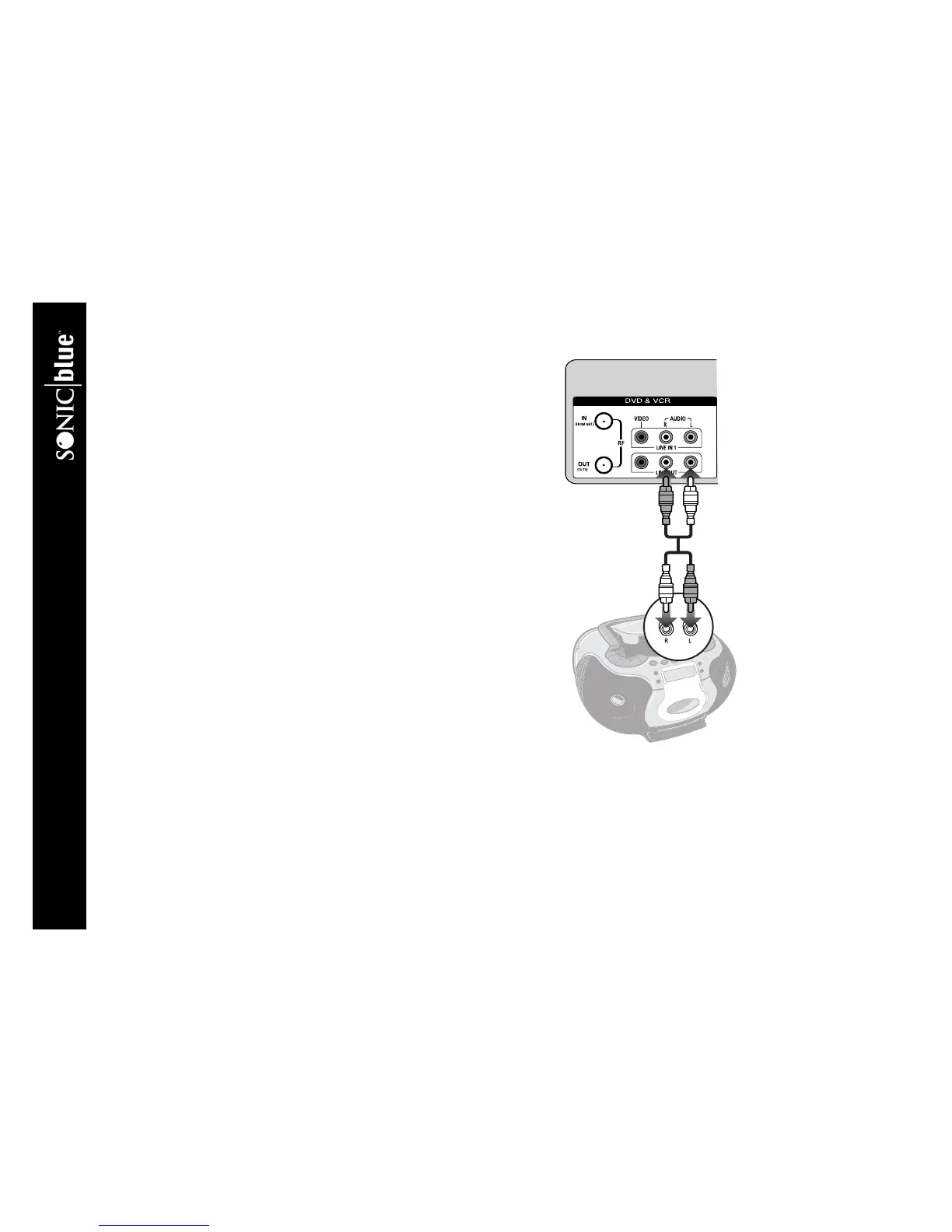
Follow these steps to connect the DVD+VCR to a stereo receiver:
1 Connect DVD+VCR to Stereo Receiver Connect stereo audio
cables from the Line Out jacks on the back panel of the DVD+VCR to the
line in jacks on your stereo receiver.
2Select Line or Aux Set your stereo receiver to its Line or Aux input
(refer to your stereo owner’s guide for the proper setting).
DVD+VCR
Stereo Receiver



 To Next Page