26
DVR4400 DVD+VCR
Black Level
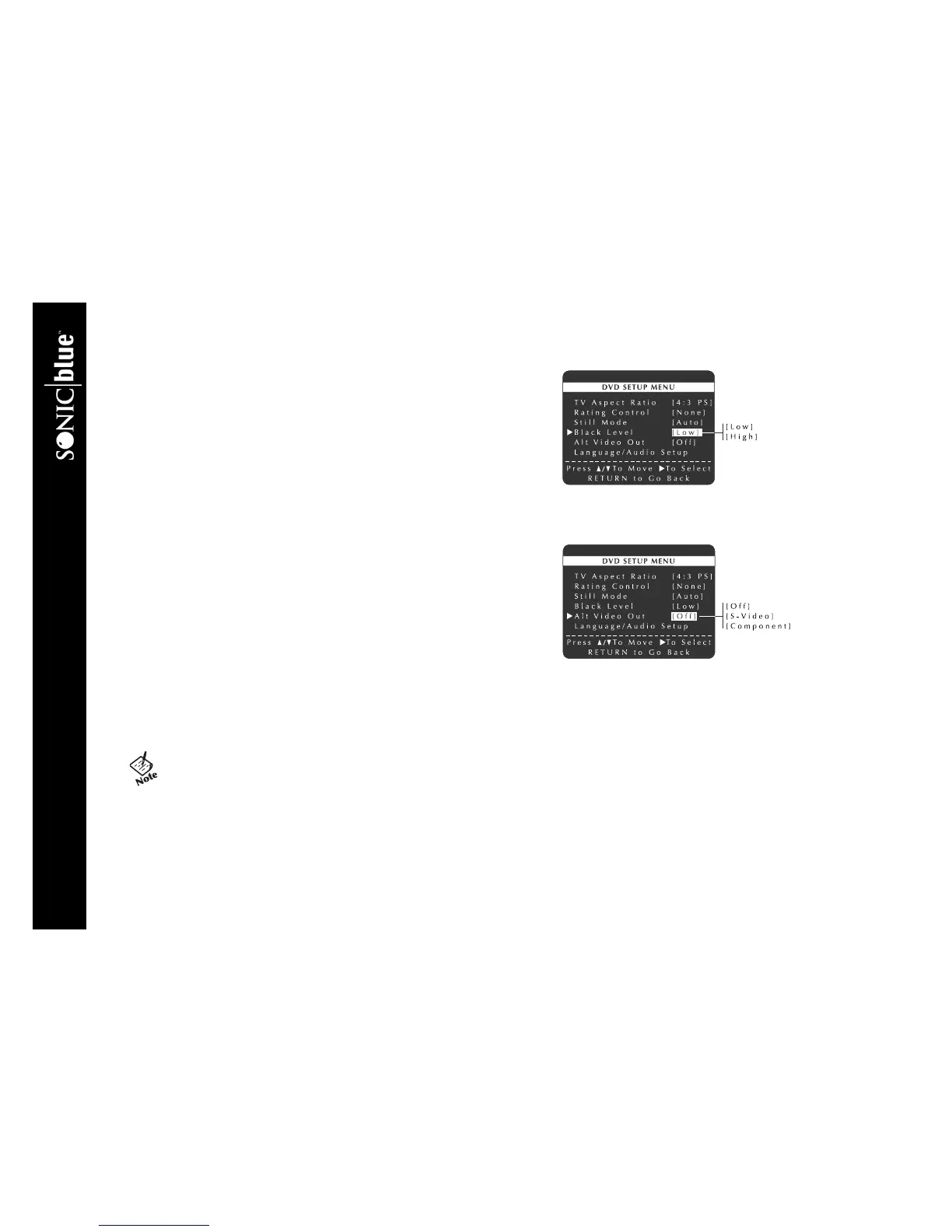
Black Level allows you to set the reference level for black in the video signal:
1 Press SETUP/ENTER.
2 Press
Y/B and " to select DVD Setup Menu.
3 Press
Y/B and " to select and set Black Level as follows:
LOW Enhanced black level for increased brightness/contrast when viewing
DVDs.
HIGH Standard NTSC reference black level for consistent brightness/con-
trast across all sources.
Alt Video Out
If you connected the DVD+VCR to your television using the S-Video or Compo-
nent Video Out jacks, you MUST set the Alt Video Out to activate your selec-
tion. You can ONLY watch DVDs through the S-Video or Component Video
outputs. The tuner and VCR deck will still be viewed through the RF or line out-
puts.
1 Press SETUP/ENTER.
• Make sure the DVD deck is stopped before pressing SETUP/ENTER.
You will not be able to enter the DVD Setup menu if a DVD is playing.
2 Press
Y/B and " to select DVD Setup Menu.
3 Press
Y/B and " to select and set Alt Video Out as follows:
OFF Component and S-Video outputs are disabled.
S-VIDEO The S-Video Output is enabled for watching DVDs only.
COMPONENT The Component Video Output is enabled for watching DVDs only.
• You can ONLY watch the DVD player through the S-Video or
Component Video connection method. The tuner and VCR will
still be viewed through the RF or line inputs.



 To Next Page