43
Connections Getting
Started
SetupBasic
Operations
Advanced
Features
Help
Chapter 5 Advanced Features
:: Special Playback Features
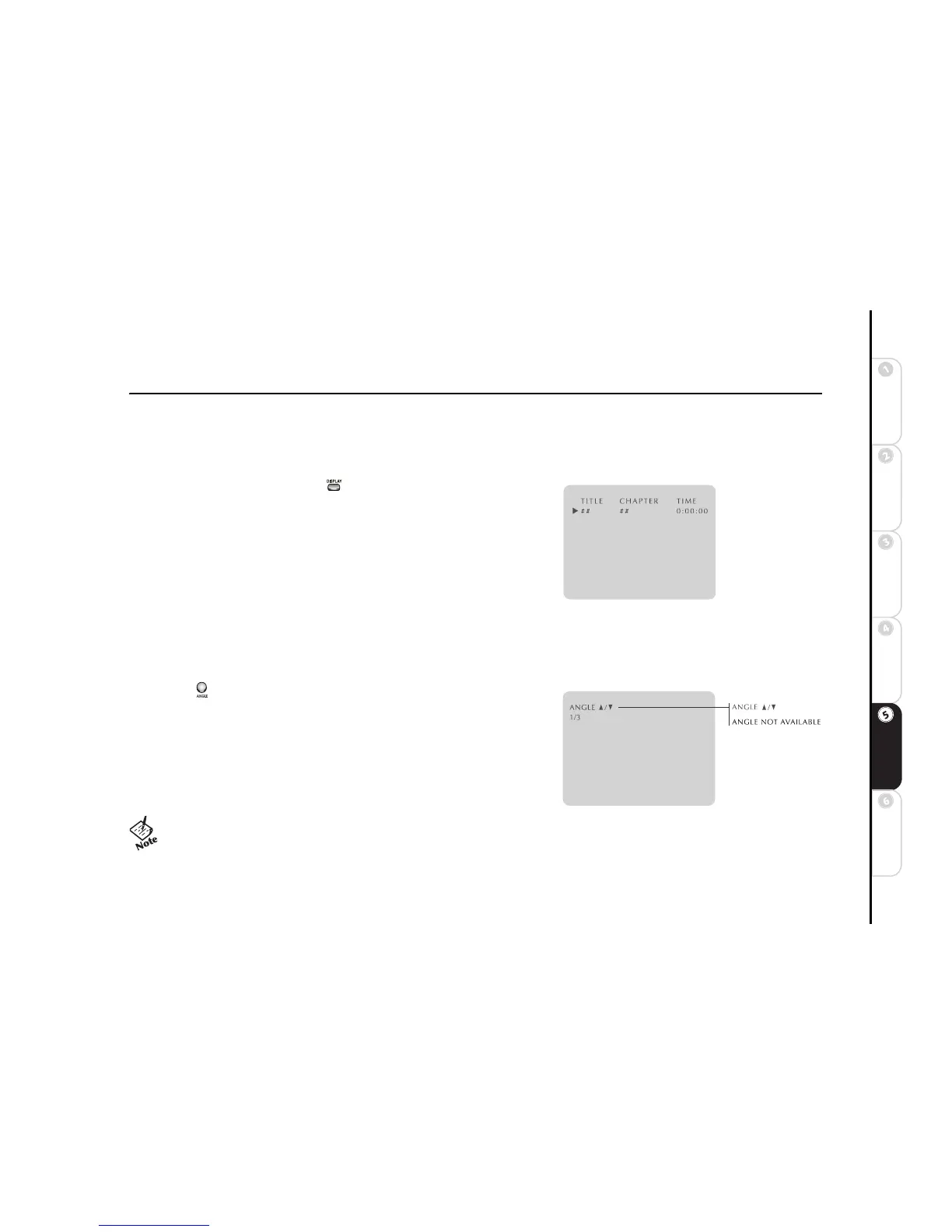
Title/Chapter/Time
DVDs are organized into Titles (movies) and Chapters (individual scenes), while
CDs are organized into Tracks (songs). To jump to a specific Title, Chapter or
Time on your disc:
1 Press DISPLAY during DVD/CD playback.
2 Press
A/" to select Title, Chapter or Time.
3 Press
Y/B to select from all available Titles or Chapters on the disc.
OR
Use the number keys (0-9) to enter the desired Time (counter position) in hours, minutes and seconds.
4 Press SETUP/ENTER to jump to the desired Title, Chapter or Time.
Angle
Some DVDs contain scenes filmed from multiple angles. The Angle icon
appears when additional angles are available. To select the angle you wish to
view:
1 Press ANGLE when you see the Angle icon appear on screen during DVD
playback.
2 Press
Y/B to select the desired screen angle.
3 Press SETUP/ENTER to view the scene from the selected angle.
• The Angle feature is not available during VCD playback.



 To Next Page