44
DVR4400 DVD+VCR
Subtitle
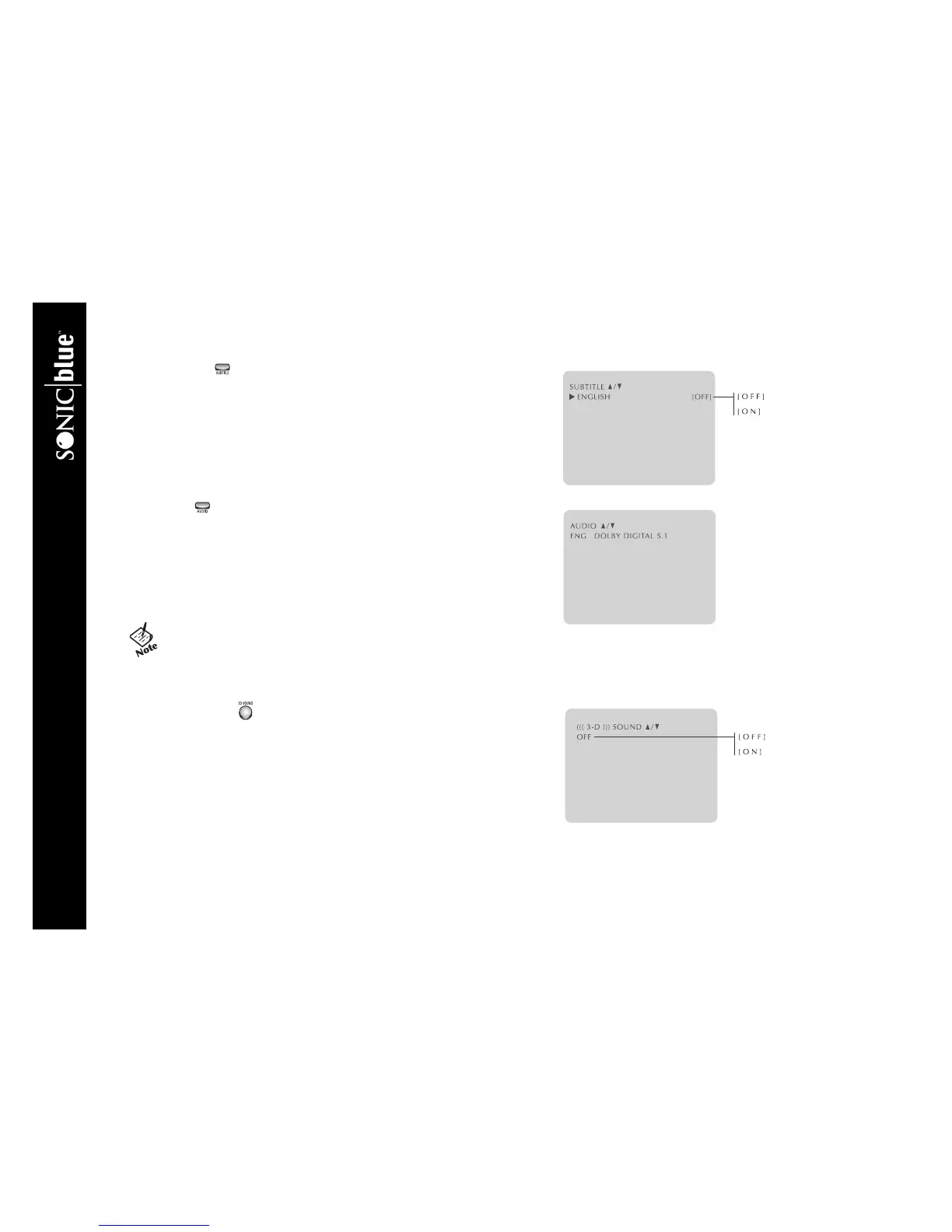
Many DVDs contain subtitles in multiple languages. To select among all avail-
able subtitle languages:
1 Press SUBTITLE during DVD playback.
2 Press
Y/B to select from all available subtitle languages.
3 Press
A/" to turn the selected subtitle language on or off.
4 Press SETUP/ENTER to confirm your selection.
Audio
Many DVDs contain multiple audio formats, such as Dolby Digital 5.1 or 2-
Channel Stereo, or soundtracks in multiple languages. To select among all avail-
able audio formats/soundtracks:
1 Press AUDIO during DVD playback.
2 Press
Y/B to select from all available audio formats/soundtracks.
3 Press SETUP/ENTER to confirm your selection.
3D Sound
3D Audio is an enhanced audio mode that creates the illusion of Surround Sound
with only two speakers. This feature uses Spatializer N-2-2 digital virtual sur-
round processing. To activate 3D Sound:
1 Press 3D SOUND during DVD playback.
2 Press
Y/B to turn 3D Sound On or Off.
3 Press SETUP/ENTER again to confirm your selection.
• In CD mode, the AUDIO button selects Stereo, Right or Left.
• In VCR mode, the AUDIO button selects Hi-Fi or Mono.
• In Tuner mode, the AUDIO button selects Stereo, Mono, SAP
(Second Audio Program) or TV+SAP.



 To Next Page