36
DVR4400 DVD+VCR
:: Basic VCR Recording
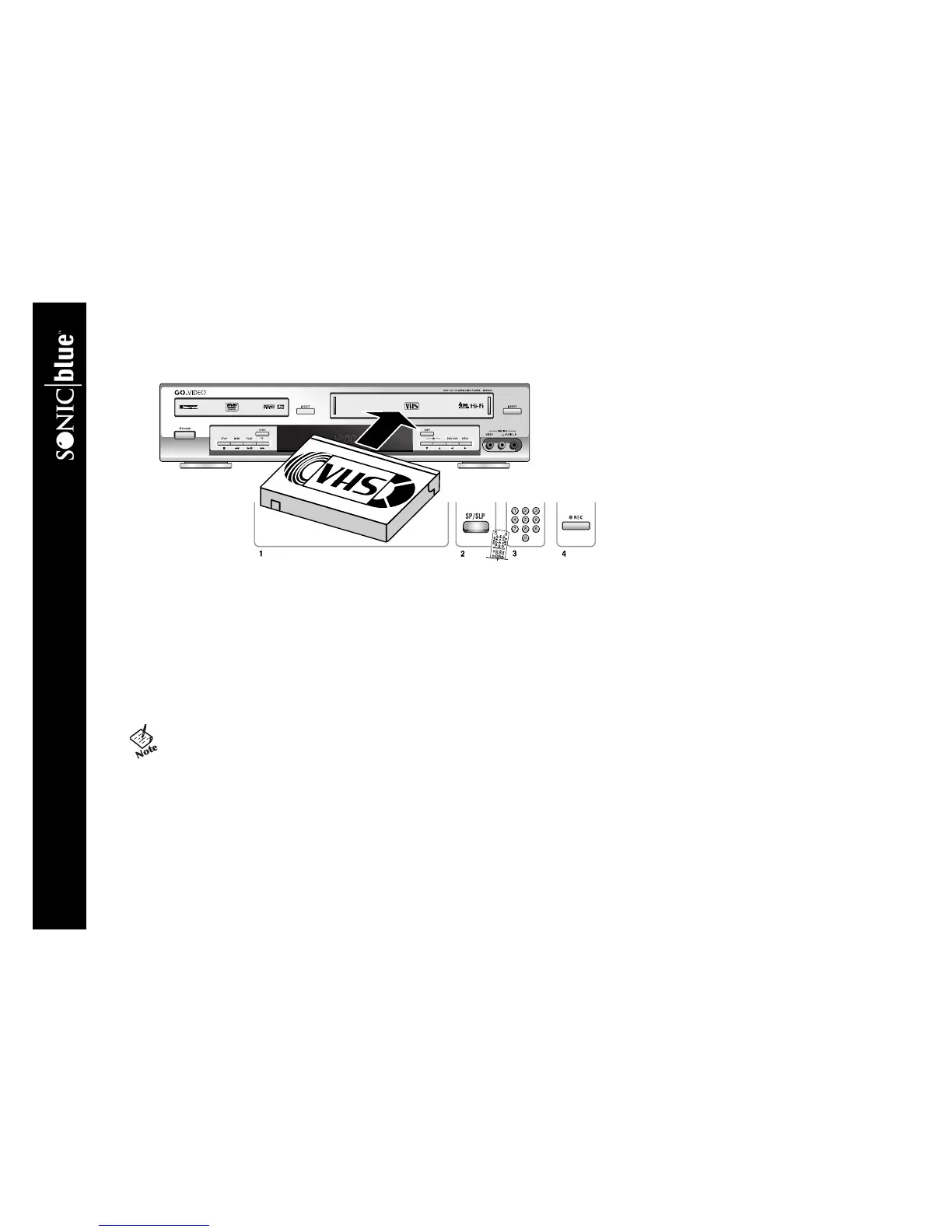
To Record to VHS Tape
1 Insert a standard VHS tape with a record safety tab into the VCR deck.
• If the record safety tab is removed, the tape will eject if you try to record.
2 Press SP/SLP to set the record speed to:
SP Standard Play, for best quality.
SLP Super Long Play, for maximum recording time (3 times longer than SP).
3 Use the 0-9 keys or the CH
Y/B keys to select the channel you wish to record.
4 Press REC
F to start recording.
• To record from an external device, connect the device to the
rear (Line 1) or front (Line 2) audio/video inputs, press TV
VIEW until you see Line 1 or Line 2, then press REC F.



 To Next Page