1
Connections Getting
Started
SetupBasic
Operations
Advanced
Features
Help
Chapter 1 Getting Started
:: Welcome
Congratulations on your purchase of this Go-Video DVD+VCR. In case warranty service is required, please take a moment to
attach your receipt to this manual and write down your Serial Number, located on the back panel of the DVD+VCR:
__________________________________.
Playable Media
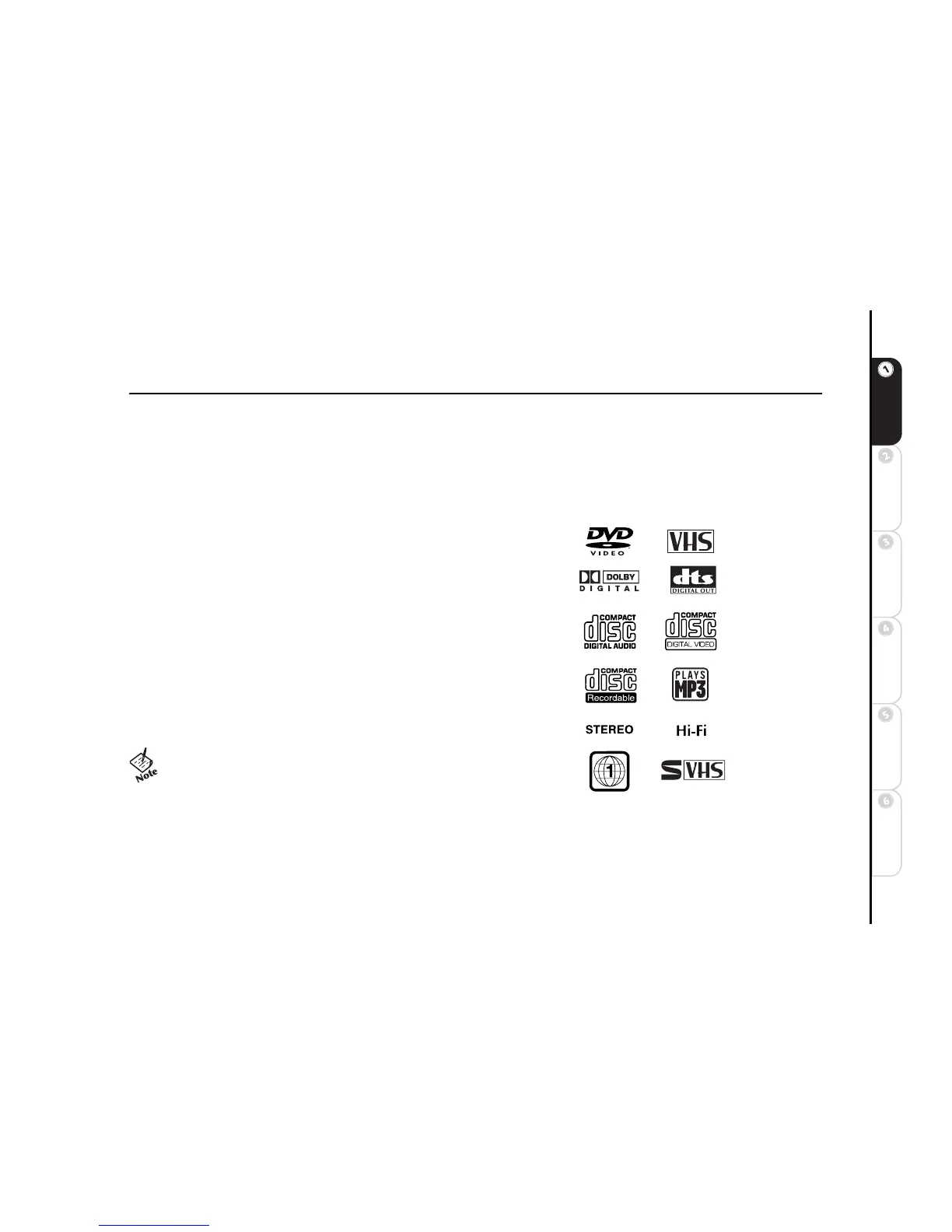
This DVD+VCR can play discs/videotapes with the following logos:
• DVD
• VHS
• Dolby Digital
•DTS
• CD-Audio
•VCD/SVCD
• MP3 files burned on CD-R/RW
•Stereo
•Hi-Fi
•Region 1
• S-VHS (see note below)
• The SQPB (SuperVHS Quasi Playback) feature allows play-
back of S-VHS recorded tapes. Playback will be at VHS quality.
Recording is not permitted in S-VHS format.
• CD-ROM, CD-G, photo CD, and CD-i discs cannot be played
on this DVD player.



 To Next Page