18
DVR4400 DVD+VCR
:: VCR Setup
For Channel Setup menu, please see page 23.
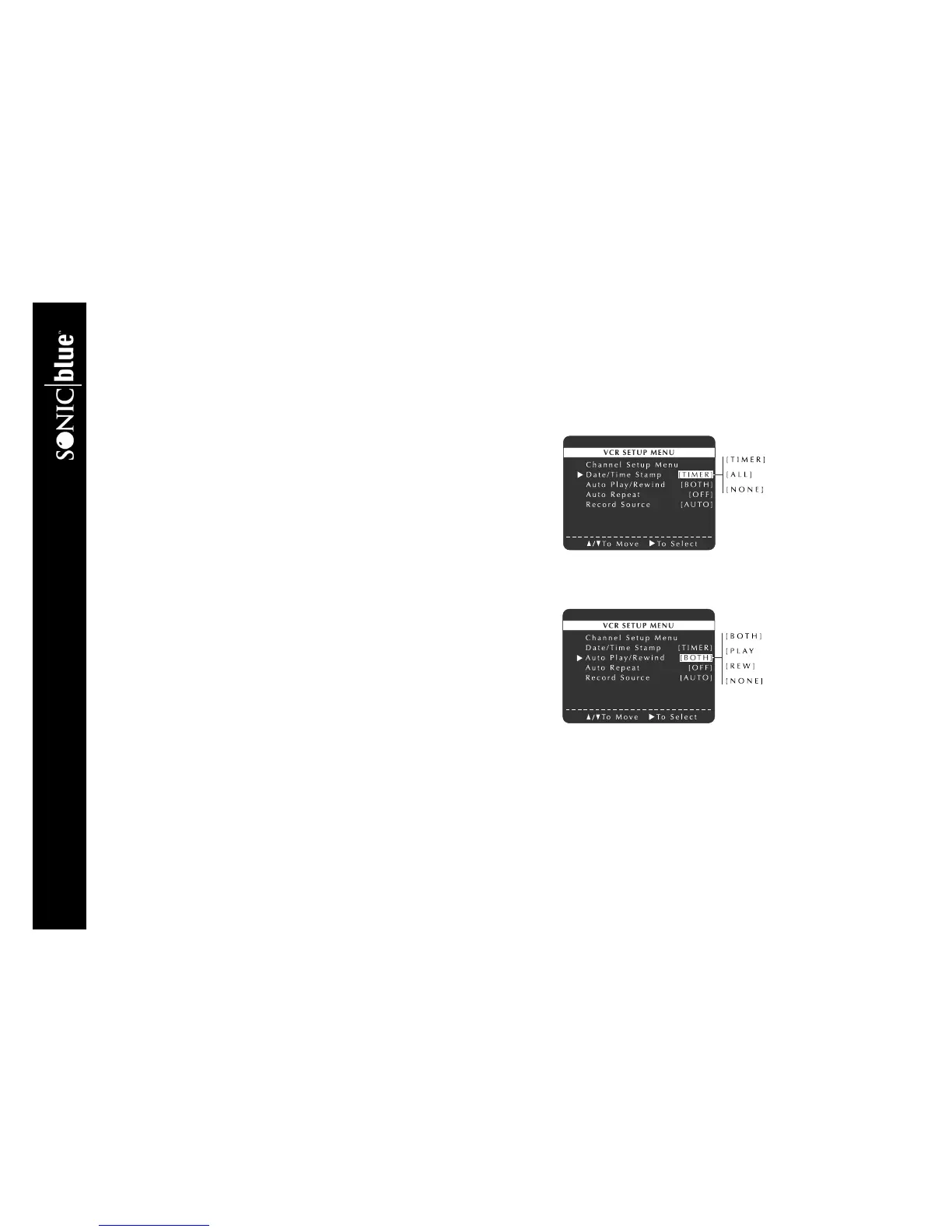
Date/Time Stamp
The Date/Time Stamp will superimpose the date and time on VHS recordings.
1 Press SETUP/ENTER.
2 Press
Y/B and " to select VCR Setup Menu.
3 Press
Y/B and " to select and set Date/Time Stamp as follows:
TIMER The date, time, and record source will be stamped briefly at the
start of timer recordings only.
ALL The date, time, and record source will be stamped briefly at the start of
all recordings.
NONE The date, time, and record source will not be stamped.
Auto Play/Rewind
Auto Play will start playing tapes without record safety tabs (such as rented
movies) automatically when you insert them. Auto Rewind will rewind videos
automatically at the end of the tape.
1 Press SETUP/ENTER.
2 Press
Y/B and " to select VCR Setup Menu.



 To Next Page