45
Connections Getting
Started
SetupBasic
Operations
Advanced
Features
Help
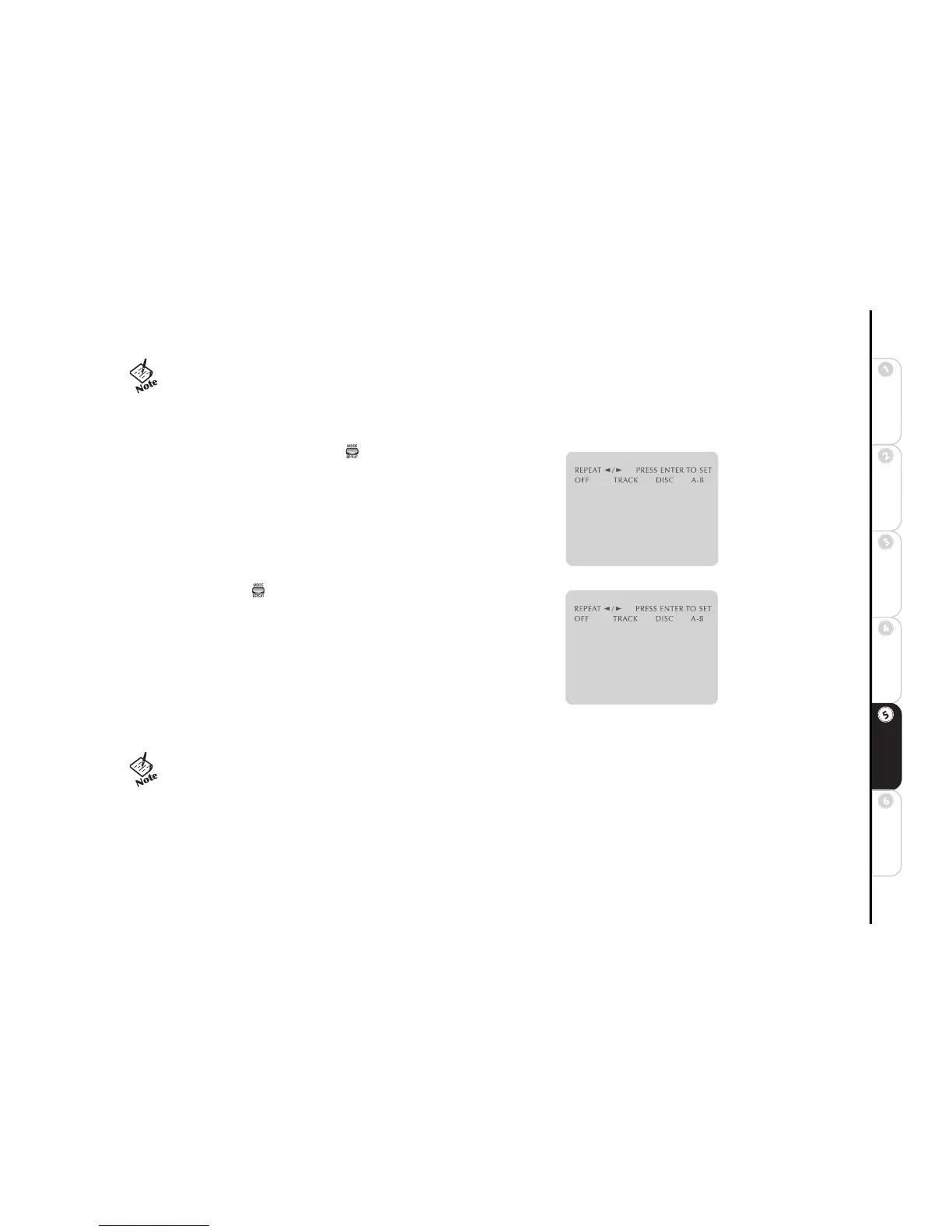
Repeat Title/Chapter
To repeat a Title/Chapter of a DVD (or a Disc/Track of a CD):
1 Press MODE/REPEAT during DVD playback.
2 Press
A/" to select Title/Chapter (DVD), or Disc/ Track (CD).
3 Press SETUP/ENTER to begin repeating your selection.
4 To cancel the selected Repeat mode, press MODE/REPEAT, press
A/" to
highlight Off, then press SETUP/ENTER.
A-B Repeat
The A-B Repeat function allows you to repeat a segment of a DVD or CD. To
program A-B Repeat:
1 Press MODE/REPEAT during DVD/CD playback.
2 Press
A/" to select A-B. The A will blink when A-B is selected.
3 Press SETUP/ENTER at the beginning of the segment you want to repeat.
The B will blink after Point A is selected.
4 Press SETUP/ENTER again at the end of the segment you want to repeat.
The segment will begin repeating in a continuous loop.
5 To cancel, press MODE/REPEAT, press
A/" to highlight Off, then press SETUP/ENTER.
• Portions of this product are licensed from Desper Products,
Inc., a subsidiary of Spatializer Audio Laboratories, Inc. 1997-
2001 Spatializer Audio Laboratories, Inc. All Rights Reserved
Worldwide. Spatializer®, Spatializer N-2-2™, and the circle-
in-square device are trademarks of Desper Products, Inc.
• The minimum A-B Repeat time is 5 seconds.



 To Next Page