24
DVR4400 DVD+VCR
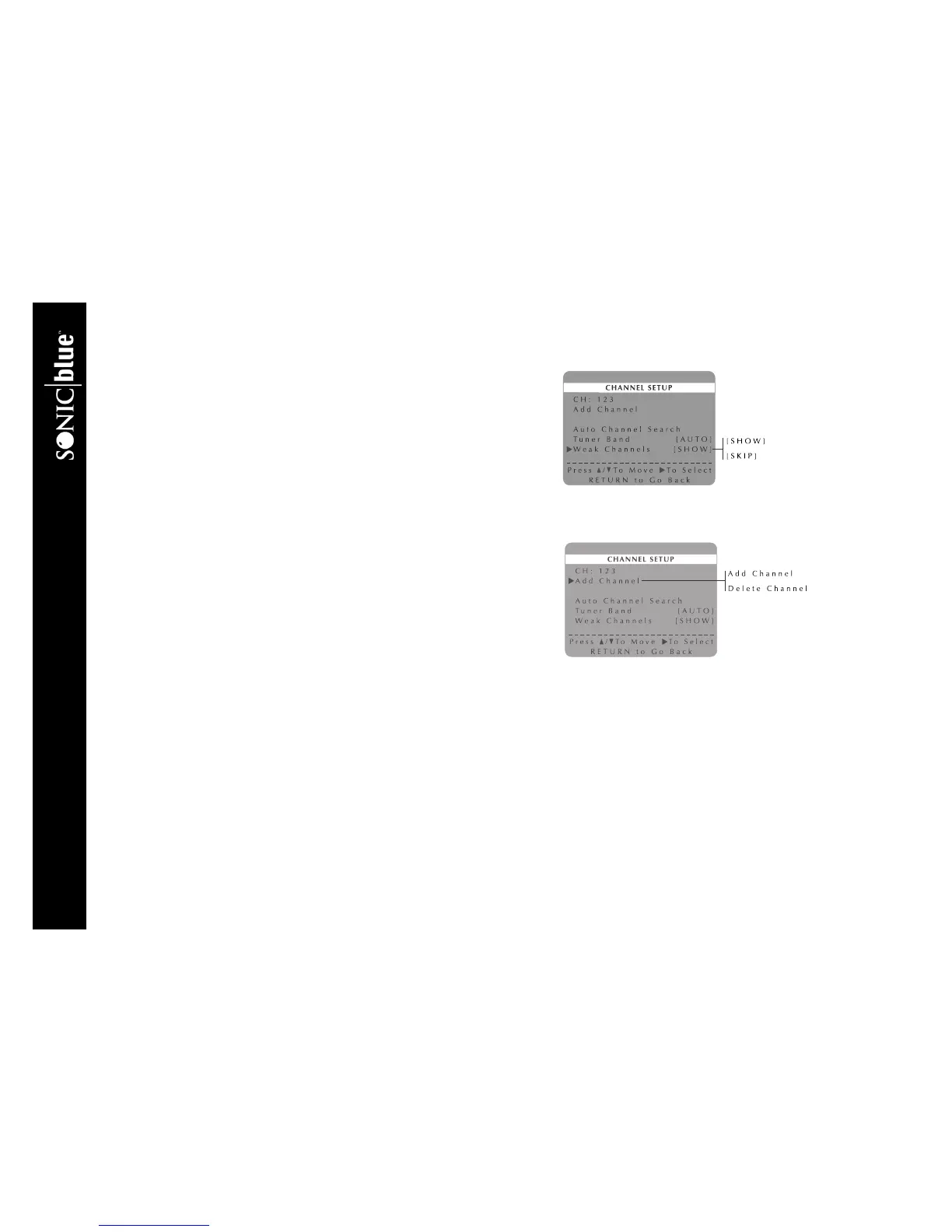
Show Weak Channels
When you select channels with weak signals, you can choose to view a distorted
picture or replace it with a blue screen.
1 Press SETUP/ENTER.
2 Press
Y/B and " to select VCR Setup Menu.
3 Press
Y/B and " to select Channel Setup Menu.
4 Press
Y/B and " to select and set Weak Channels as follows:
SHOW Channels with weak signal strength will be displayed.
SKIP Channels with weak signal strength will be replaced by a blue
screen.
Add/Delete Channels
After running Auto Channel Search, follow these steps to add or delete channels
from the list:
1 Press SETUP/ENTER.
2 Press
Y/B and " to select VCR Setup Menu.
3 Press
Y/B and " to select Channel Setup Menu.
4 Use the 0-9 keys or the CH
Y/B keys to enter the channel number you wish
to add or delete.
5 Press
Y/B and " to select Add Channel or Delete Channel.
6 Press
" to Add or Delete the channel.



 To Next Page