37
Connections Getting
Started
SetupBasic
Operations
Advanced
Features
Help
Options During Recording
• To pause recording, press PLAY/PAUSE "/||.
• To resume recording, press REC
F again.
• To stop recording, press STOP
J.
• To watch another television program while you are recording, press TV/
VCR to switch to TV mode, then select a different channel on your televi-
sion.
• To watch a DVD while you are recording, press DVD to select the DVD
deck, then press PLAY/PAUSE
"/||.
One-Touch Recording
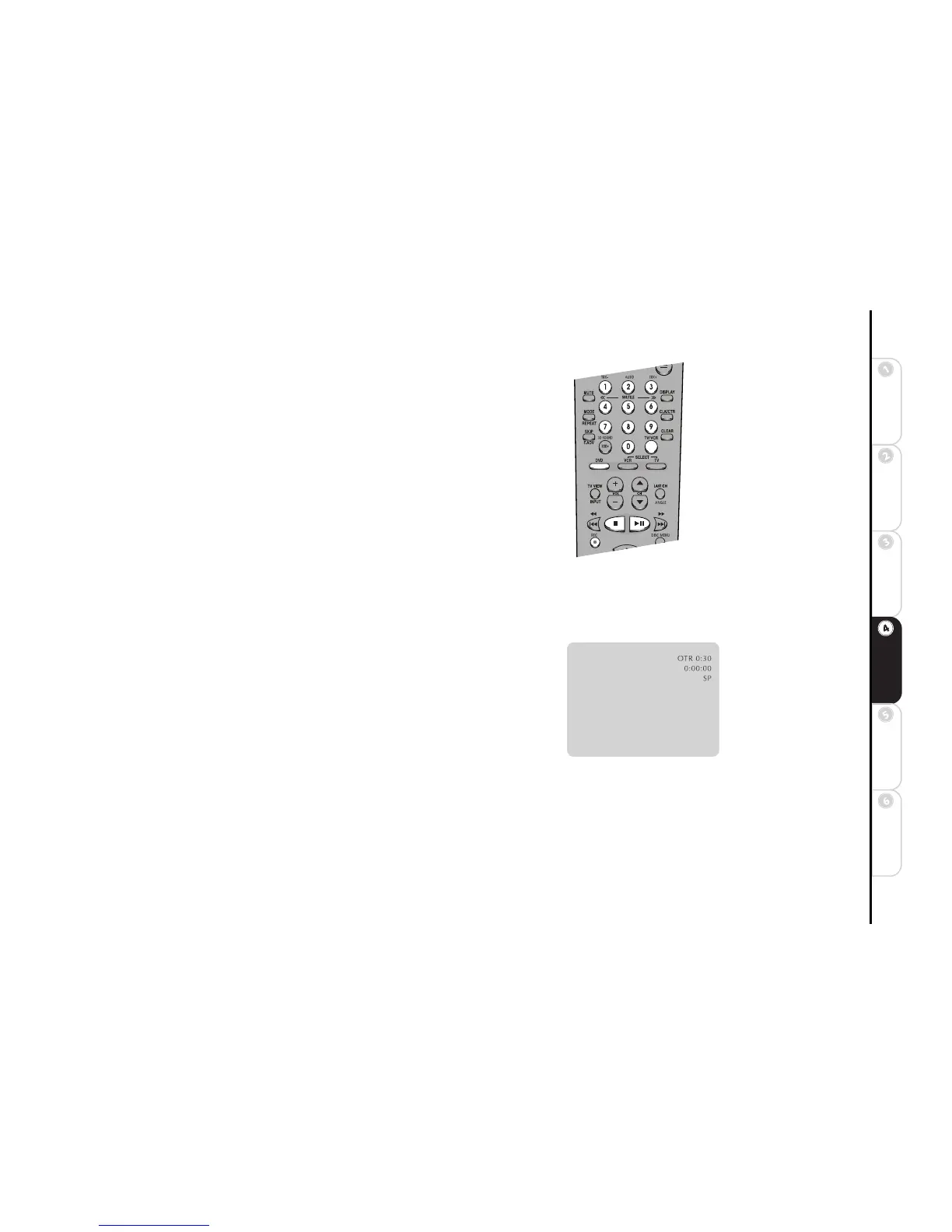
To add recording time in 30-minute increments, press REC F repeatedly. OTR
appears on the on-screen display, followed by the number of minutes the
DVD+VCR will record. Continue pressing REC
F to add up to 9 hours and 30
minutes of continuous recording. When the recording time has elapsed, the
DVD+VCR will stop.
• If you press POWER during One-Touch Recording, the DVD+VCR will
turn off automatically when the recording time has elapsed.
• To cancel OTR, press STOP
J.



 To Next Page