Working Instruction Repair Instruction Mechanical/,
Mechanical
1212-7760 State: Preliminary 8.1
Company Internal
© Sony Ericsson Mobile Communications AB
55(66)
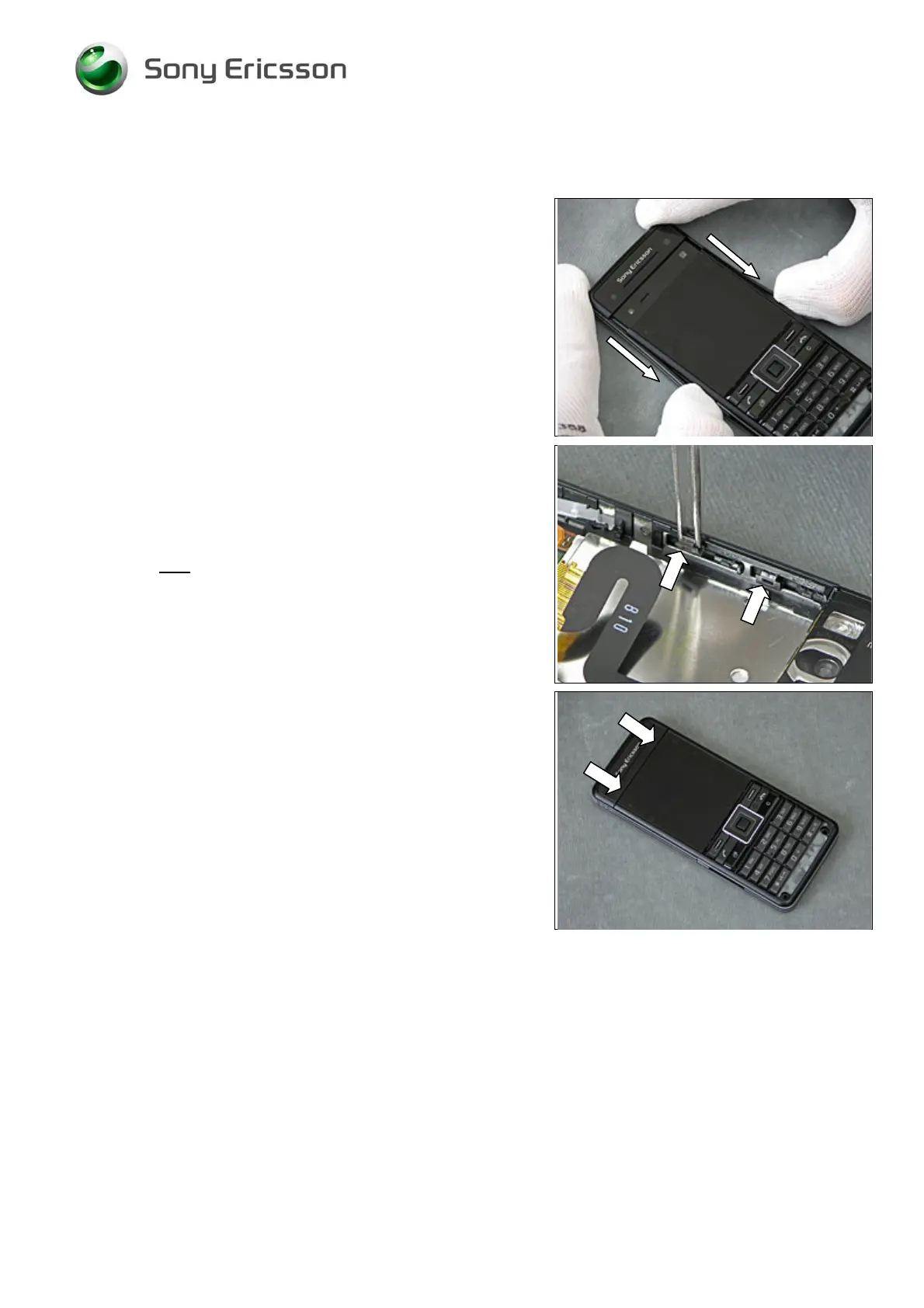
4.1.5 Sliding Lens Cover
Slide the Sliding Lens Cover onto the phone.
THE SLIDING LENS COVER MUST BE FULLY OPENED!
Get four new
Plastic Slider Snap and attach them to the
Frame Assy, two on each side.
Slide the Lens Cover back to closed position.













 To Next Page