[]",'
i J
..L
_
n
16:9
ED3
15·9
SeleCT
the
screen
aspe::t
'atio
to
match
your
TV.
When
you
do
not
connect
the
unit
and
TV
with
an
HDMI
cable
The Setup Display for [BD Internet
Connection] appears. Go to Step
14.
35
US
When
you
connect
the
unit
and
TV
with
an
HDMI
cable
The Setup Display for the [Control for
HDMI] function appears. Go to Step
12.
-
• If the picture
is
distorted or no picture appears,
wait for about 30 seconds without pressing any
buttons. [Is this resolution OK?] appears. Select
[Cancel]. The display returns
to the resolution
setting screen.
• If the selected video output resolution
is
incorrect, no picture appears on the screen. In
this case, press and hold
~
and
~
on the unit
for more than 5 seconds to reset the video output
resolution to the lowest resolution. To change
the video output resolution, set [Output Video
Format]
in
[Video Settings] (page 81).
9 Press 8 or-+.
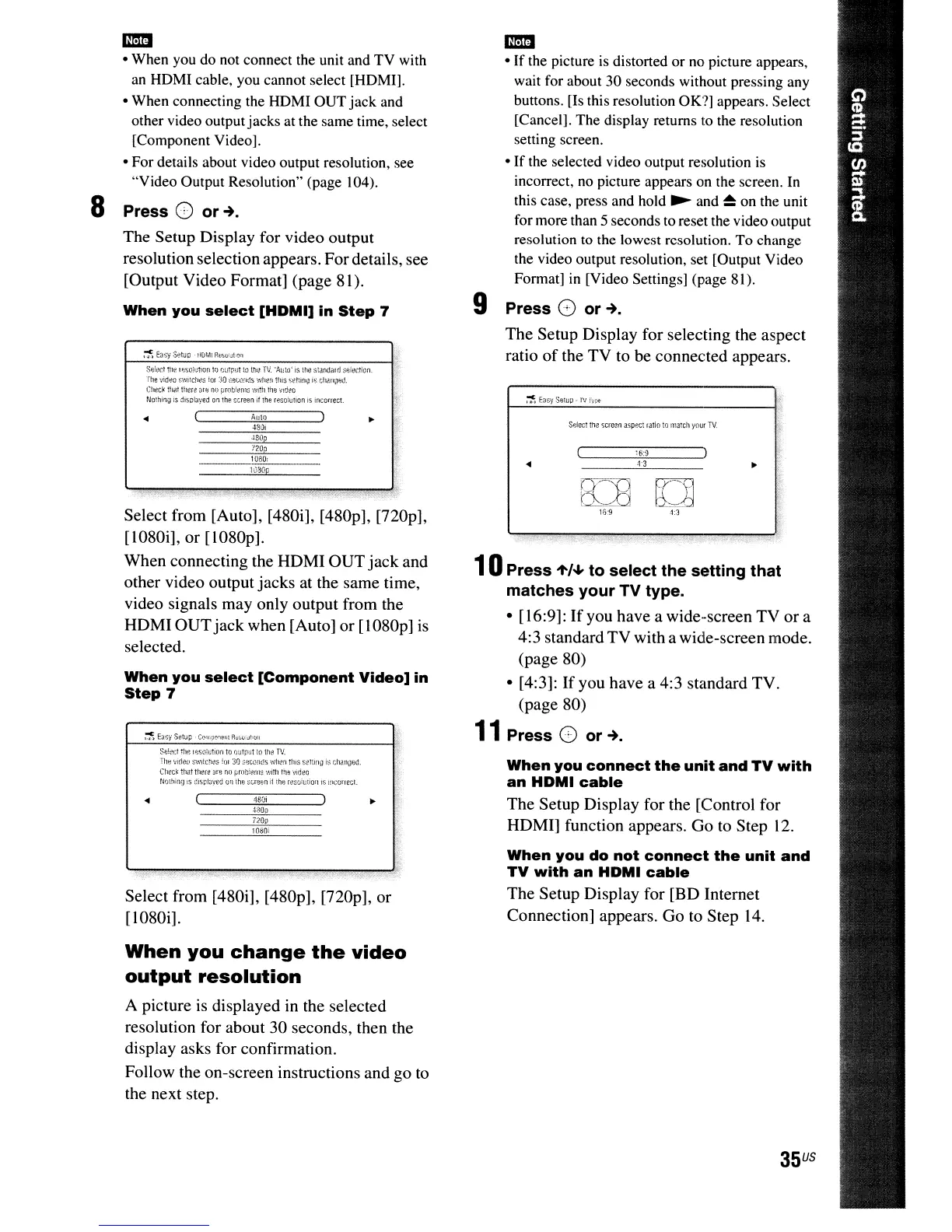
The Setup Display for selecting the aspect
ratio
of
the TV to be connected appears.
10Press
.,./+
to select the setting that
matches your TV type.
• [16:9]:
If
you have a wide-screen TV
or
a
4:3 standard
TV
with a wide-screen mode.
(page 80)
• [4:3]:
If
you have a 4:3 standard TV.
(page 80)
11
Press 8 or-+.
Select from [Auto], [480i], [480p], [720p],
[1080i], or [1080p].
When connecting the HDMI
OUT
jack
and
other video output jacks at the same time,
video signals may only output from the
HDMI
OUT
jack when [Auto] or [1080p]
is
selected.
SfJ!p.d
til!';
I
~;SGiutiorl
If) ntltp,it to ltlt!
TV,
t"llH
vl(lefl
S~"'ltcri(lS
~(Jf
30
;,flWntis
wh(!n
tIll':;
slll(lfI\)
is
r;hannnt
(tlfC\{ lliat tllere
::lre
no
Prl)t)!~!1lS
with
Ihe
video
NOI!linq
IS
:~is~,I;jyed
011
the S"relln
it
th~
rtlSvll,tiOIII1;
;!ll:onect.
1030p
• 18ill
~
4800
10ao,
J30n
When
you
select
[Component
Video]
in
Step
7
loam
Allie)
, ,
S~J!~lC.1
me
Iljl;G!I;tion
trJ
OilIPI!t
in
ltl(l
IV
"AI!tlY'
is
\tIl.!
sl;'Irl(j,lH/ :;ei(lctinn.
rhe
"ddi:!o
~~WI;ctti:!S
!OI
:.~O
:;ewflt1s
when
tills
$~1\1!l\1
is
thalllJlid.
Ghi:!c~
that
there
<llil
no
pmtJ!tlrm;
with
the
vld~o
Nothing
is
di$pla~'eu
on
the
screen
If
the
reso=ulon
is
!;Korreci.
noo
Select from [480i], [480p],
[nOp],
or
[1080i].
When
you
change
the
video
output
resolution
A picture is displayed in the selected
resolution for about 30 seconds, then the
display asks for confirmation.
Follow the on-screen instructions and go
to
the next step.
.t80i
-
• When you do not connect the unit and TV with
an
HDMI cable, you cannot select [HDMI].
• When connecting the HDMI OUT jack and
other video outputjacks at the same time, select
[Component Video].
• For details about video output resolution, see
"Video Output Resolution" (page 104).
8 Press
CD
or-+.
The Setup Display for video output
resolution selection appears. Fordetails, see
[Output Video Format] (page 81).
When
you
select
[HDMI]
in
Step
7



 To Next Page