(Scene Search)
You can move quickly between scenes within
the title currently being played back.
1 Press SCENE SEARCH during
playback or
in
pause mode.
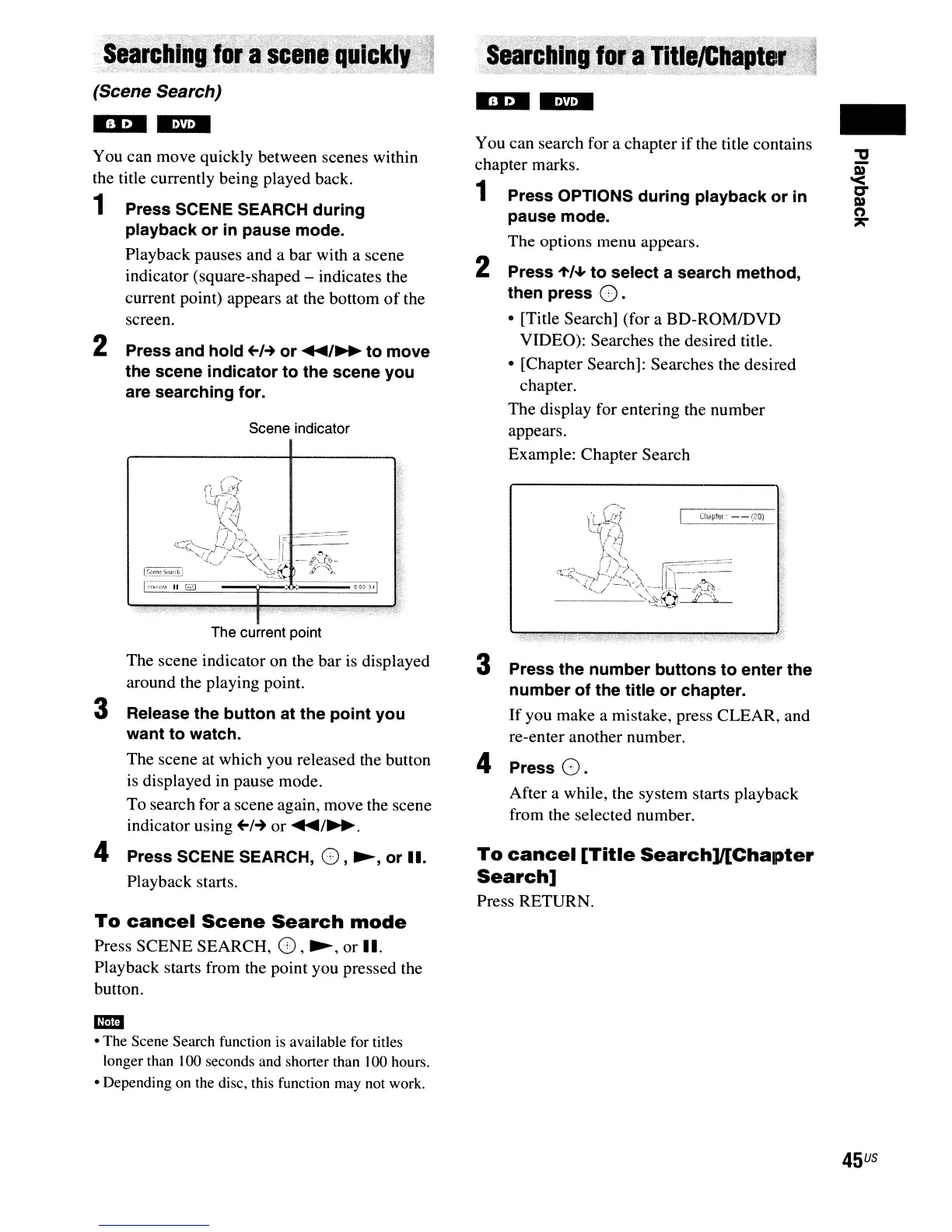
Playback pauses and a bar with a scene
indicator (square-shaped - indicates the
current point) appears at the bottom
of
the
screen.
2 Press and hold
+-1-+
or
....
/~
to move
the scene indicator to the scene you
are searching for.
Scene indicator
I
I
The current point
The scene indicator on the bar is displayed
around the playing point.
3 Release the button at the point you
want to watch.
The scene at which you released the button
is
displayed in pause mode.
To search for a scene again, move the scene
indicator using
+-1-+
or
....
/~.
4 Press SCENE SEARCH,
G,
~,
or
II.
Playback starts.
To
cancel
Scene
Search
mode
Press SCENE SEARCH, G,~, or II.
Playback starts from the point you pressed the
button.
em
• The Scene Search function
is
available for titles
longer than 100 seconds and shorter than 100 hours.
• Depending
on
the disc, this function may not work.
You can search for a chapter
if
the title contains
chapter marks.
1 Press OPTIONS during playback or in
pause mode.
The options menu appears.
2 Press
1'/~
to select a search method,
then press
G.
• [Title Search] (for a BD-ROMIDVD
VIDEO): Searches the desired title.
• [Chapter Search]: Searches the desired
chapter.
The display for entering the number
appears.
Example: Chapter Search
3 Press the number buttons to enter the
number of the title or chapter.
If
you make a mistake, press CLEAR, and
re-enter another number.
4 Press
G.
After a while, the system starts playback
from the selected number.
To
cancel
[Title
Search]l[Chapter
Search]
Press RETURN.
-
45
US



 To Next Page