1-8 (E)
CA-550
CA-550P
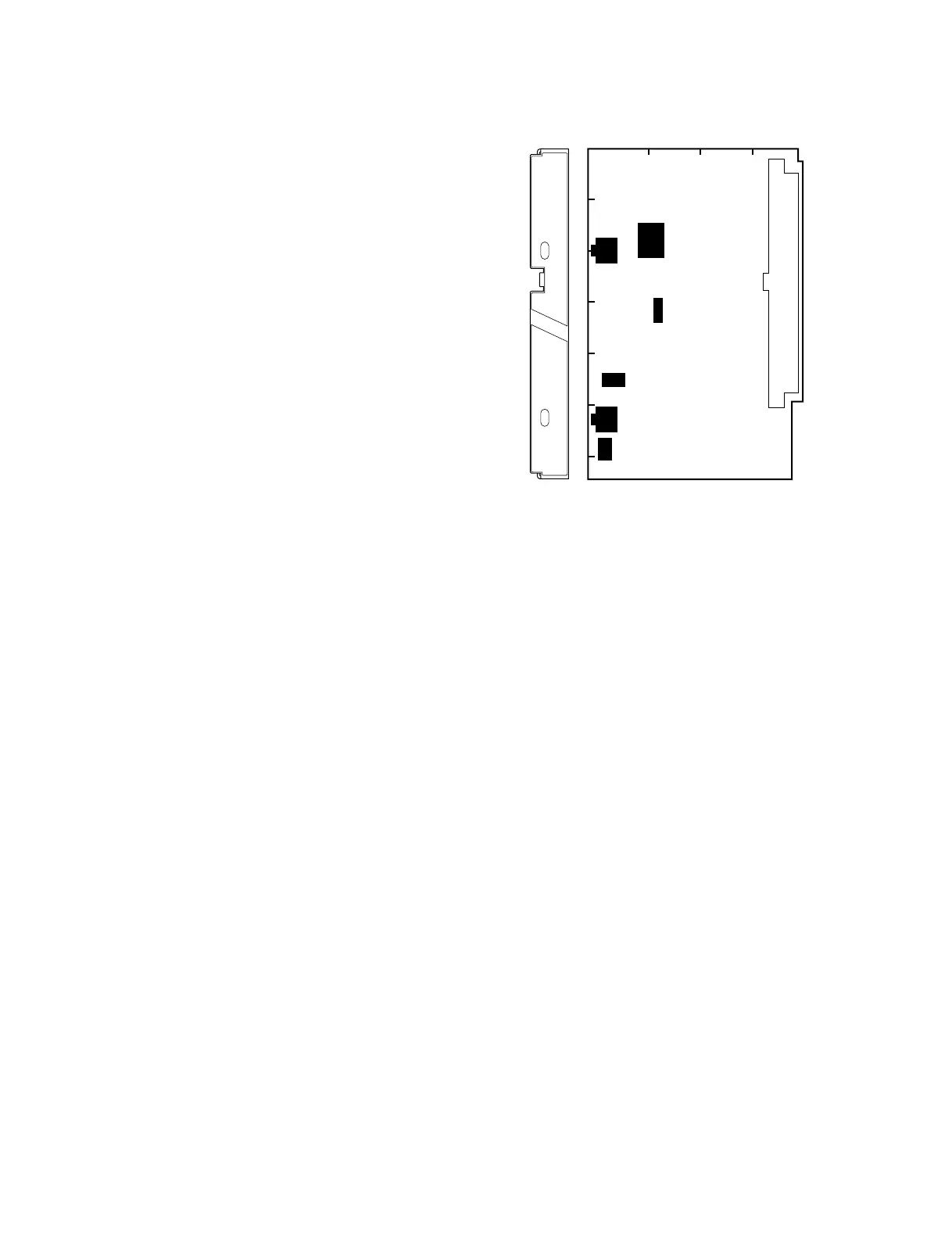
1-4. Function of Internal Switches
SW1 : INCOM MIC select switch
Select according to a microphone of the headset to be
connected to INCOM connector.
C : Carbon microphone
D : Dynamic microphone
Factory-set position : C
SW2 : INCOM CONTROL MODE select switch
(SW2-1 to 2-8)
SW2-1 : INCOM MIX switch
Turn on to add the intercom audio to the program audio.
Factory-set position : OFF
SW2-2 : INCOM/PGM MIX switch
Turn on to mix the program audio and the intercom audio
in front of IC5 (EVR).
Factory-set position : OFF
SW2-3 : PGM MIX switch
Turn on to add the program audio to the intercom audio.
Factory-setting : OFF
SW2-4 : PGM/INCOM level control mode select switch
ON : INCOM level control enables to adjust the levels of
the intercom and program audios simultaneously, and
PGM level control to adjust a mix ratio between the
intercom and program audios.
OFF : Normal mode. INCOM level control adjusts the intercom
audio level, and PGM level control adjusts program audio level.
Factory-set position : OFF
SW2-5 : SIDE TONE ON/OFF switch
Turn on to mix the side tone signal. (Mixing level: –26 dB)
RV3/AU-211 board adjusts the side tone level.
Factory-set position: ON
SW2-6 : Not used
Factory-set position : OFF
SW2-7 : PGM ON/OFF switch
Turn on to output the program audio to EARPHONE jack.
Factory-set position : OFF
SW2-8 : PB AUDIO ON/OFF switch
Turn on to output the playback audio to EARPHONE jack
while VTR is playing back. RV1/AU-211 board adjusts the
playback audio level.
Factory-set position : OFF
SW-3 : BACK TALLY CONTROL switch (SW3-1, 3-2)
SW3-1 : BATTERY ALARM ON/OFF switch
Turn on to output a battery alarm signal to BACK TALLY
lamp.
Factory-set position : OFF
SW3-2 : POWER SAVE switch
Always set to ON.
SW4 : MIC POWER ON/OFF switch
Turn on to use a microphone which operates with an
external power supply system.
When set to ON, check the setting of SW5/AU-211 board.
Factory-set position : OFF
SW5 : AB/PHANTOM MIC select switch
Select according to an microphone which operates with an
external power supply system to be used.
AB : AB POWERING +12 V microphone
PHANTOM : PHANTOM +48 V microphone
Factry-set position : PHANTOM
SW6 : MIC LINE select switch
Selects a signal to be transmitted to MIC1 line.
MIC1 : MIC signal input at MIC IN connector of BVP-
550/550P
MIC2 : MIC signal input at MIC IN connector of CA-550/
550P
Factory-set position : MIC 1
AU-211 Board
A
1234
B
C
D
E
F
G
SW2
SW3
SW1
SW6
SW4
SW5
AU
MIC PW
ON
OFF
MIC
D
C
1-4. Function of Internal Switches





 To Next Page