Recording a picture
Yon ran go to tile end of" tile rerorded portion after yon rerord.
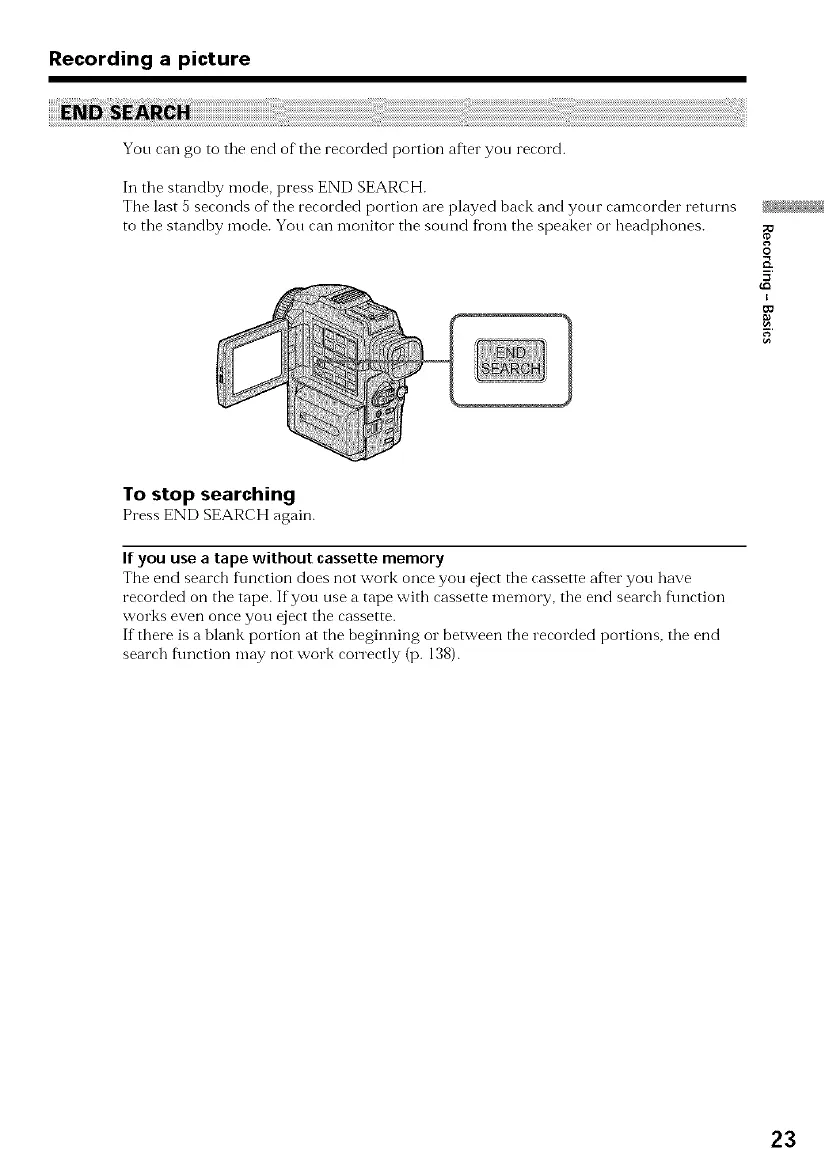
In the standby mode, press END SEARCH.
The last 5 seconds of the recorded portion are played back and yonr camcorder returns
to the standby mode. Yon can monitor the sound fl'om the speaker or headphones.
O
E
5
To stop searching
Press ENDSEARCHagain.
If you use a tape without cassette memory
The end search f\mction does not work once you eject the cassette after you have
recorded on the tape. If you use a tape witb cassette memory, the end search f\mction
works even once you eject the cassette.
If there is a blank portion at the beginning or between the recorded portions, the end
search f\mction may not work correctly (p. 138).
23















 To Next Page