Chapter 7 Menu System
Chapter 7 Menu System 7-7
2 Holding down the JOG button, turn the search dial
to change the setting from “OFF” to “ON”.
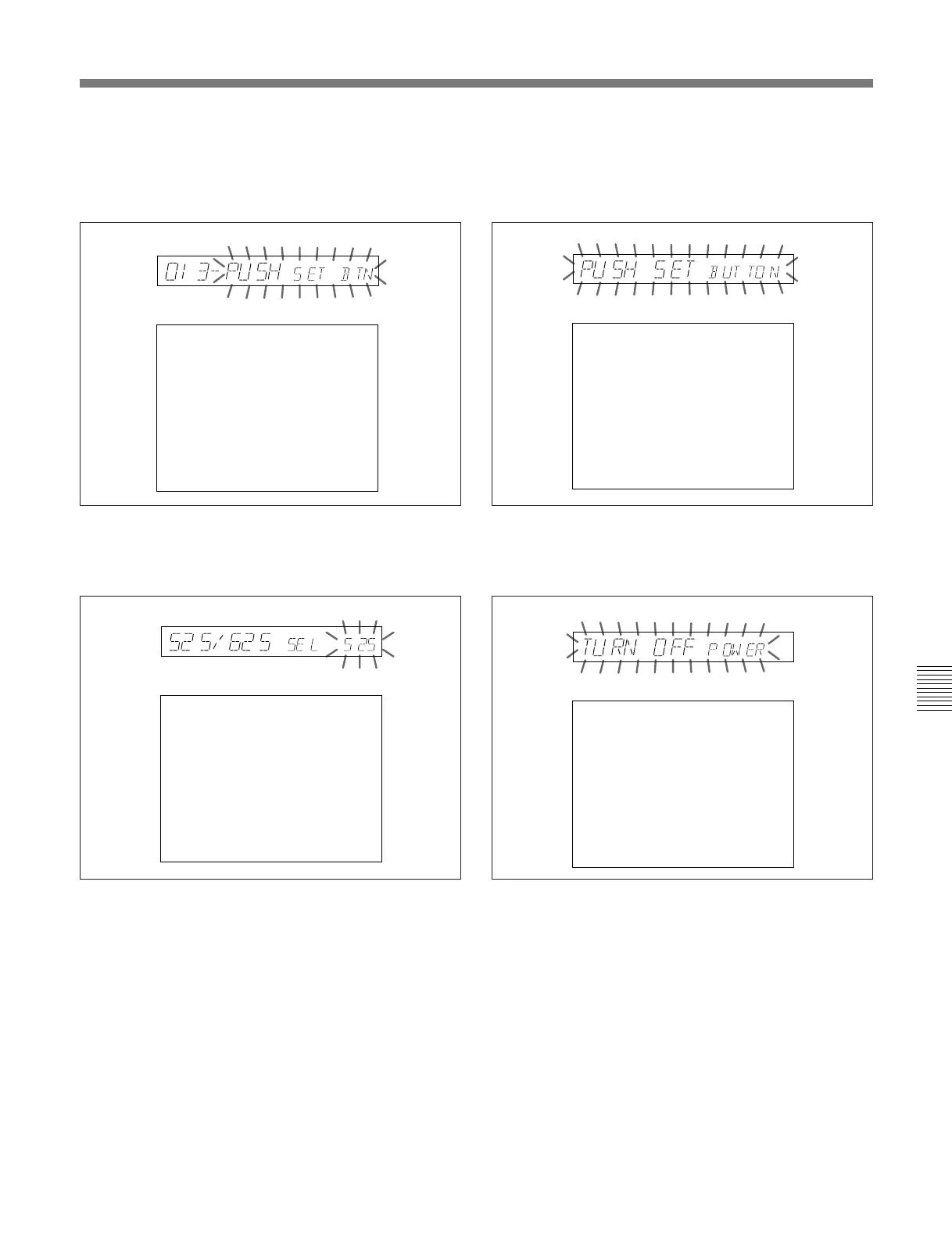
The displays change as follows.
3 Press the SET button.
The displays change as follows.
4 Holding down the JOG button, turn the search dial
to change the setting from “525” to “625”.
The displays change as follows.
5 Press the SET button.
The displays change as follows.
To abandon the 525/625 setting operation
Press the MENU button a required number of
times to exit from the menu.
6 Turn the POWER switch off momentarily, then on
again.
This switches from a 525 (NTSC) to 625 (PAL)
system; the 525 indicator goes off, and the 625
indicator lights.
The menu settings disappear from the time data
display, which returns to the normal indications.
525
525/625 SYSTEM SELECT
If the 525/625 setting
is changed, turn power
off and on!
------ Caution ------
All user data on the
disk will be lost.
Time data display
Monitor screen
625
525/625 SYSTEM SELECT
Push SET button!!
------ Caution ------
All user data on the
disk will be lost.
Time data display
Monitor screen
625
525/625 SYSTEM SELECT
Turn off/on POWER!!
------ Caution ------
All user data on the
disk will be lost.
Time data display
Monitor screen
525/625 SYSTEM
SELECT
ITEM-013
ON
Push SET button!!
Time data display
Monitor screen



 To Next Page