25
GB
Printing using a TV monitor (MONITOR OUT mode)
2
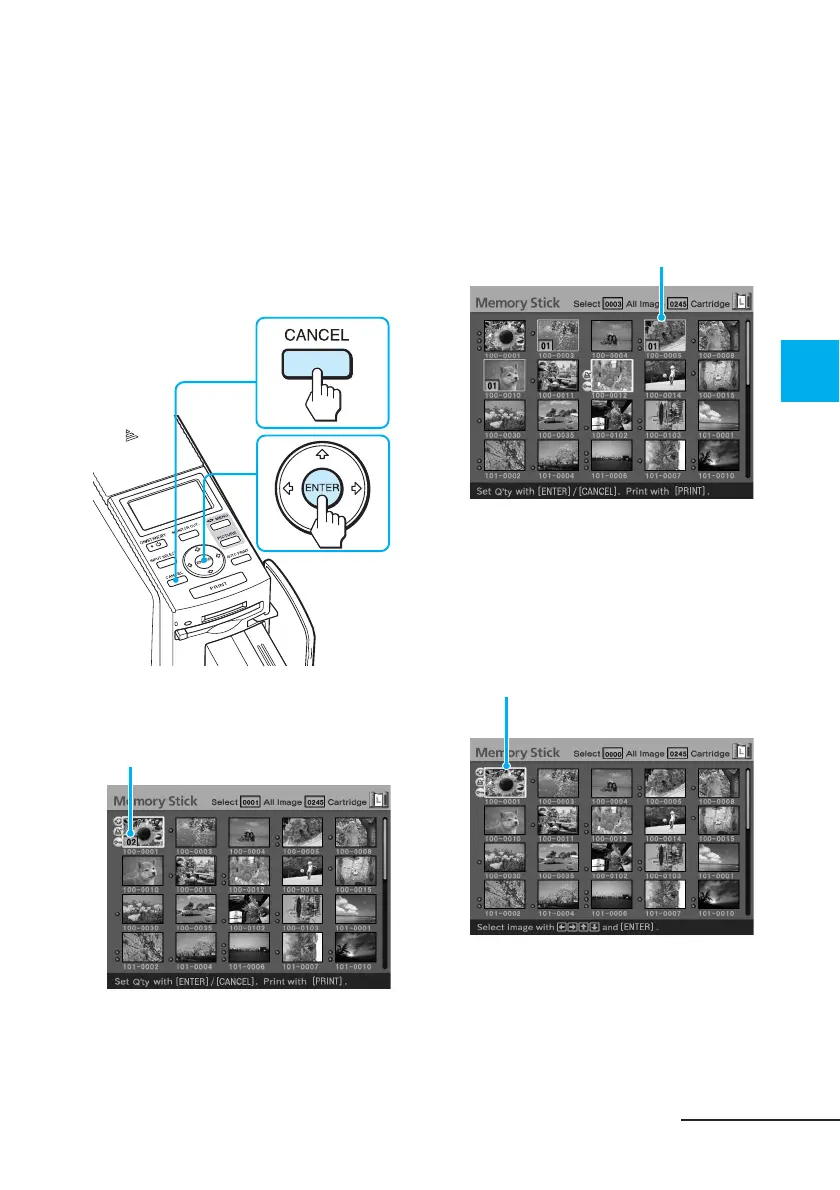
Press ENTER or CANCEL to set
the print quantity.
• To increase the print quantity one
by one, press ENTER.
• To decrease the print quantity
one by one, press CANCEL.
• To cancel the selection, press
CANCEL for more than two
seconds.
3
Repeat steps 1 and 2 to select
other images and set print
quantity for each of them.
When you move the yellow frame,
the previously selected image is
displayed with the orange frame.
Selected images with orange frame
Continued
You can set up to 30 copies of print
quantity for an image.
Print quantity increases or decreases.
To cancel the selection
Press the arrow (B/b/V/v) button
to move the yellow frame (cursor)
to the image you want to cancel in
the image list and press CANCEL
for more than two seconds.
The orange frame disappears.



 To Next Page