26
GB
4
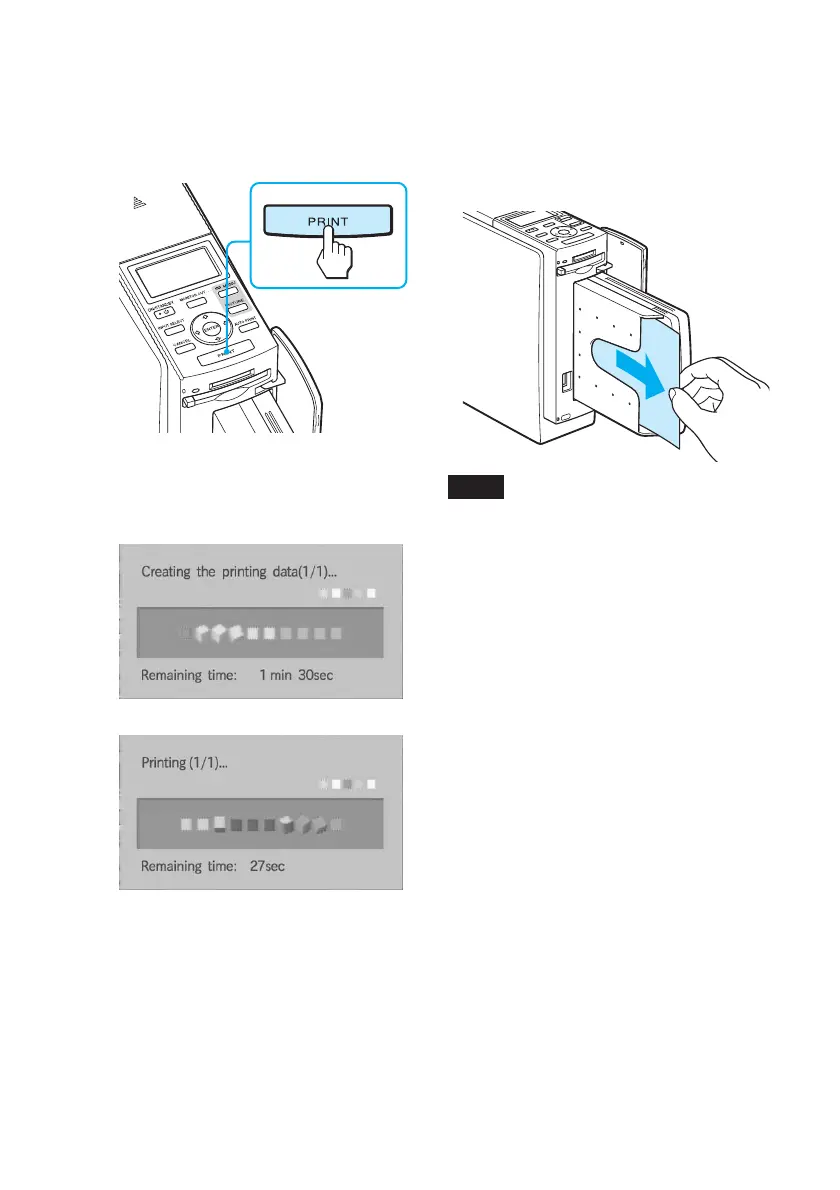
Press PRINT.
Printing of the images selected with
orange frames starts.
5
When printing is complete and
the print paper automatically
emerges, remove the printed
paper from the paper tray.
Notes
• Do not remove the memory card while the
access indicator is flashing; the memory
card or printer may be damaged.
• Never move or turn off the printer while it
is printing; the print cartridge or paper
may become stuck. If this happens, turn
the printer off and then on, and resume
printing from step 1 on page 24.
During printing, the printing
process is displayed on the TV
monitor.
v
To stop printing
Press CANCEL. When you are
printing multiple copies, the next
printing after the one currently
printing will be cancelled.



 To Next Page