97
Still image printing (PictBridge printer)
• You cannot print movies and images recorded
in RAW mode.
• When printing E-mail mode images or
uncompressed (TIFF) images, only their
corresponding JPEG files are printed.
• If an error message is sent from the connected
printer during the connection, flashes for
about five seconds. In such cases, check the
printer.
• Note that printing is canceled if you switch the
/CF switch while printing images.
On the single screen
a Select the recording medium
with the /CF switch and
display the image you want to
print with b/B.
b Press MENU.
The menu appears.
c Select (Print) with b/B, then
press the center of the multi-
selector.
d Select [This image] with v/V,
then press the center of the
multi-selector.
The Print screen appears.
e Select [Index] with v , select
[On] with b/B.
f Select [Quantity] with v/V,
select the number of images
laid side-by-side with b/B.
You can select the number up to 20.
You can lay the specified number of
images side-by-side.
g Select [OK] with V/B, then
press the center of the multi-
selector.
The image is printed.
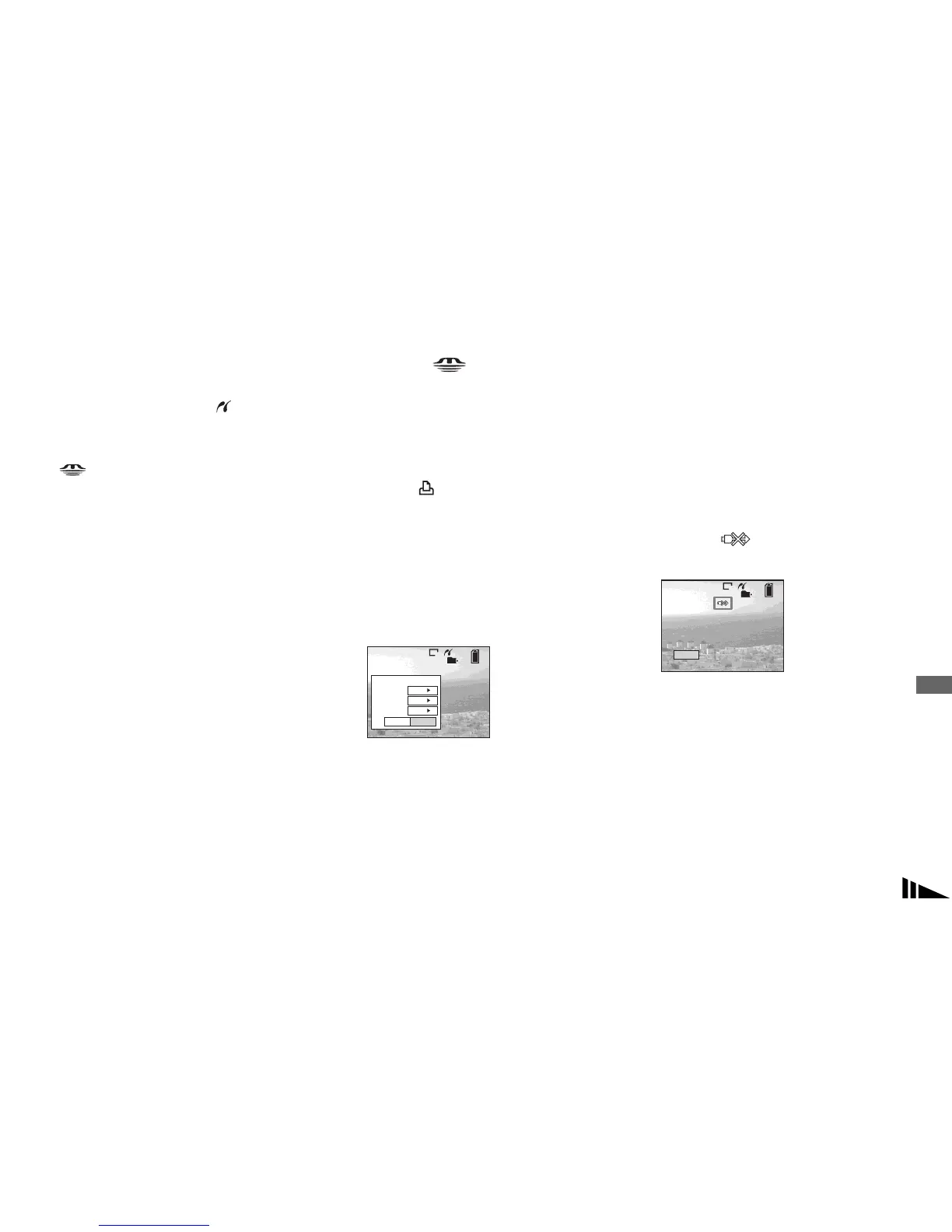
Do not disconnect the USB cable
while the (Not disconnect USB
cable) mark is indicated on the screen.
To cancel printing
In Step 4, select [Cancel] or in Step 7,
select [Exit].
To print other images
After Step 7, select another image, then
select [Print] with v . Then repeat from
Step 4.
2/9
101
8M
Exit OK
1
Print
Off
Off
Quantity
Date
Index
Exit
Printing Index
2/9
1/1
101
8M



 To Next Page
 Loading...








