96
f To print other images, repeat
Step 5.
g Press MENU.
The Print screen appears.
h Select [Quantity] with v/V,
select the number of images
with b/B.
You can select the number up to 20.
All the images selected are printed in
the specified number.
i Select [OK] with V/B, then
press the center of the multi-
selector.
The images are printed.
Do not disconnect the USB cable
while the mark is indicated on
the screen.
To cancel printing
In Step 4, select [Cancel] or in Step 9,
select [Exit].
To print all the images indicated
with the mark
In Step 4, select [DPOF image]. All the
images indicated with the mark are
printed in the specified number, regardless
of the image displayed.
To print all the images in the
folder
In Step 4, select [All In This Folder], then
press the center of the multi-selector.
To insert the date and time on
images
In Step 8, select [Date], then select the
date format with b/B. You can select from
[Day&Time] or [Date]. The date is inserted
in the images printed.
This function may not be provided
depending on the printer.
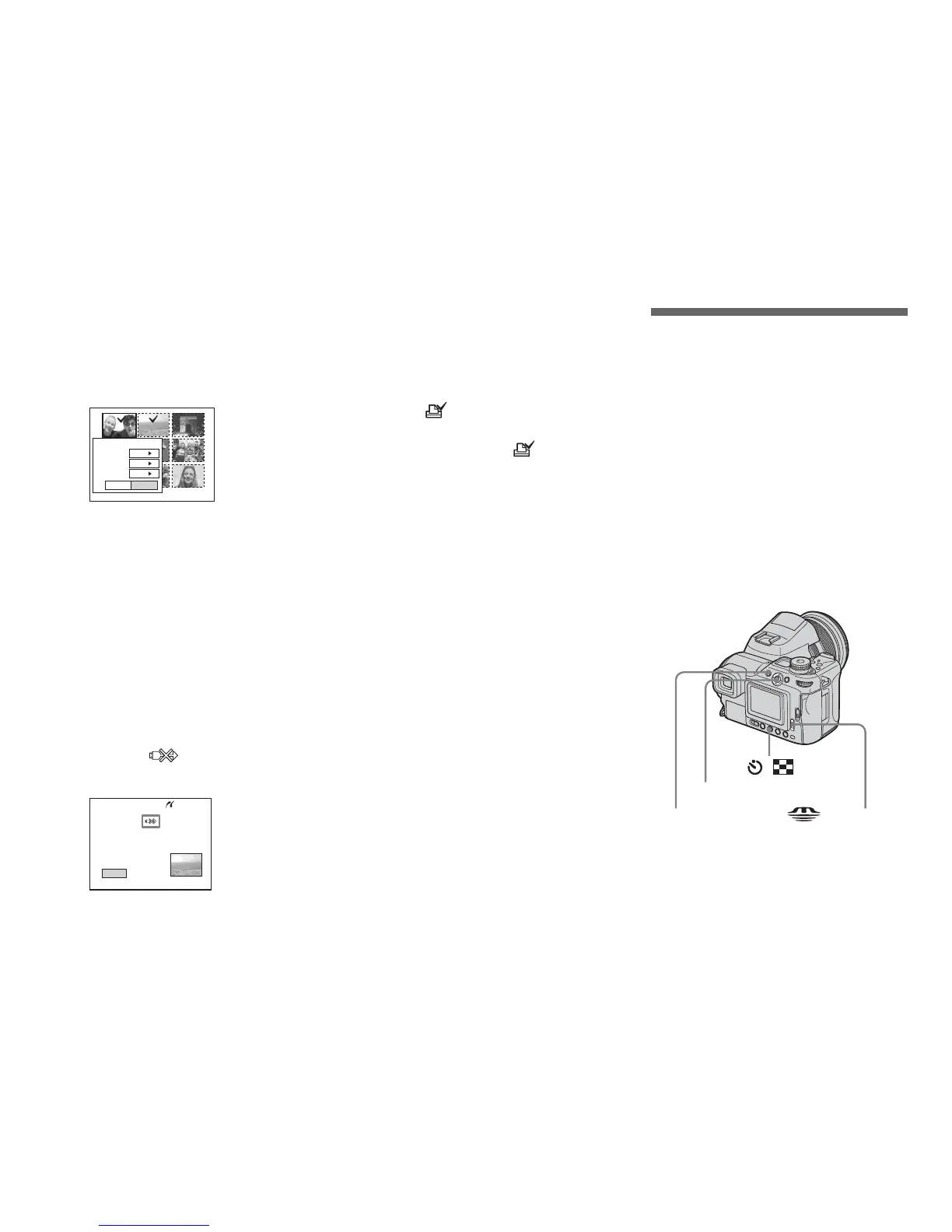
Printing index-images
You can print some images side-by-side.
We refer to this function as an index print*.
You can lay single images side-by-side in a
specified number and print them, or lay
different images side-by-side to make a set
by combining multiple different images and
print the set in the specified number of
copies.
Set up the camera following the procedure
on page 93, and connect the printer.
* An index print function may not be provided
depending on a printer.
Exit OK
1
Print
Off
Off
Quantity
Date
Index
Exit
2/3
Printing
/
Multi-selector (v/V/b/B)
MENU /CF switch



 To Next Page
 Loading...








