51
Before advanced operations
Selecting the recording
folder
a Set the mode dial to SET UP,
and select the recording
medium with the /CF
switch.
b Select (Memory Stick Tool)
or (CF Card Tool) with v/V,
[Change REC. Folder] with B/
V, and [OK] with B/v , then
press the center.
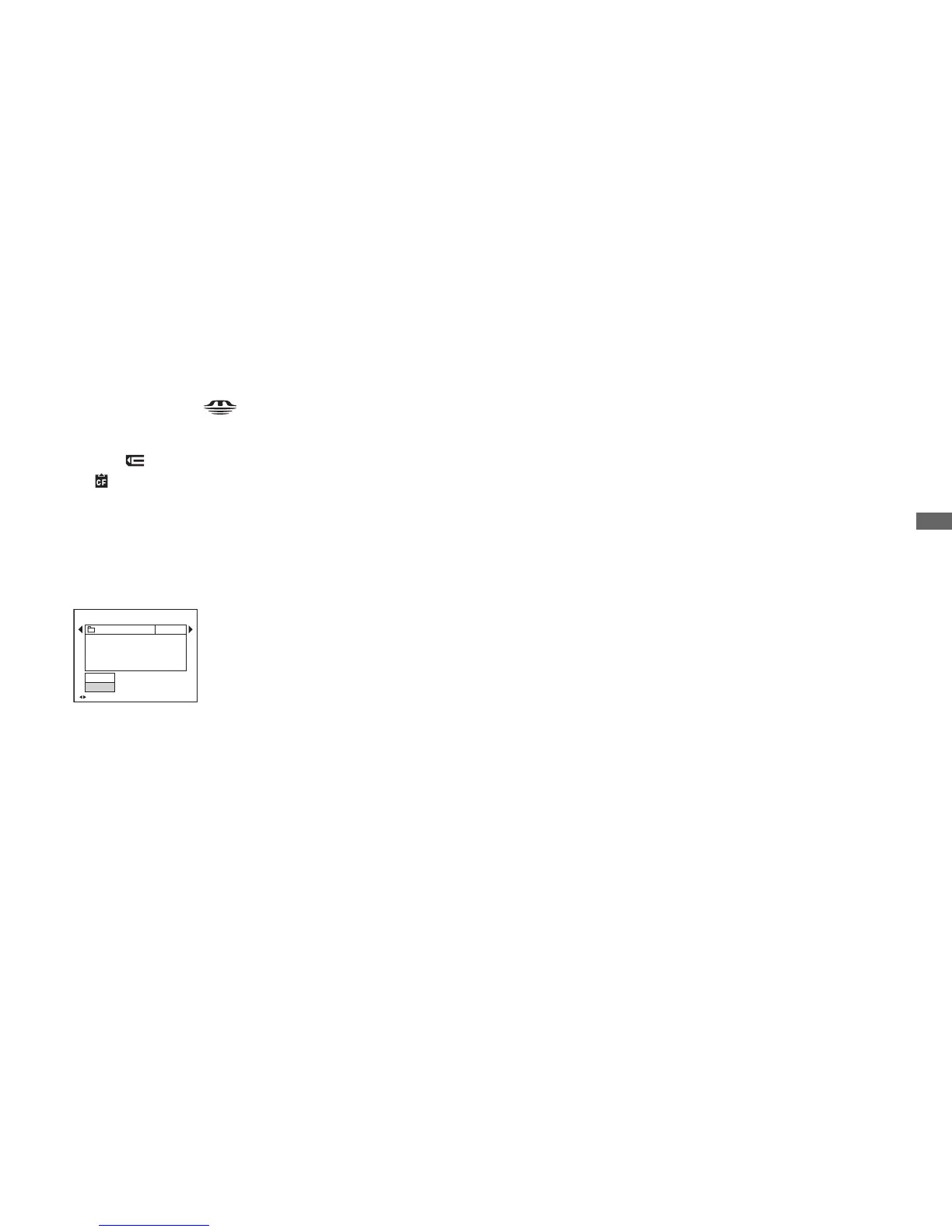
The recording folder selection screen
appears.
c Select the desired folder with
b/B, and [OK] with v , then
press the center.
To cancel changing the
recording folder
In Step 2 or 3, select [Cancel].
• You cannot select the “100MSDCF” folder as a
recording folder.
• The image is stored in the newly selected
folder. You cannot move images to other
folders using the camera.
BACK/NEXT
Select REC. Folder
Cancel
OK
Folder Name:
102 2/2
Created:
No. Of Files:
2004
102MSDCF
0
111::05:
34
AM



 To Next Page
 Loading...








