5-27
DSR-2000A/2000AP
Specification is as indicated on the display.
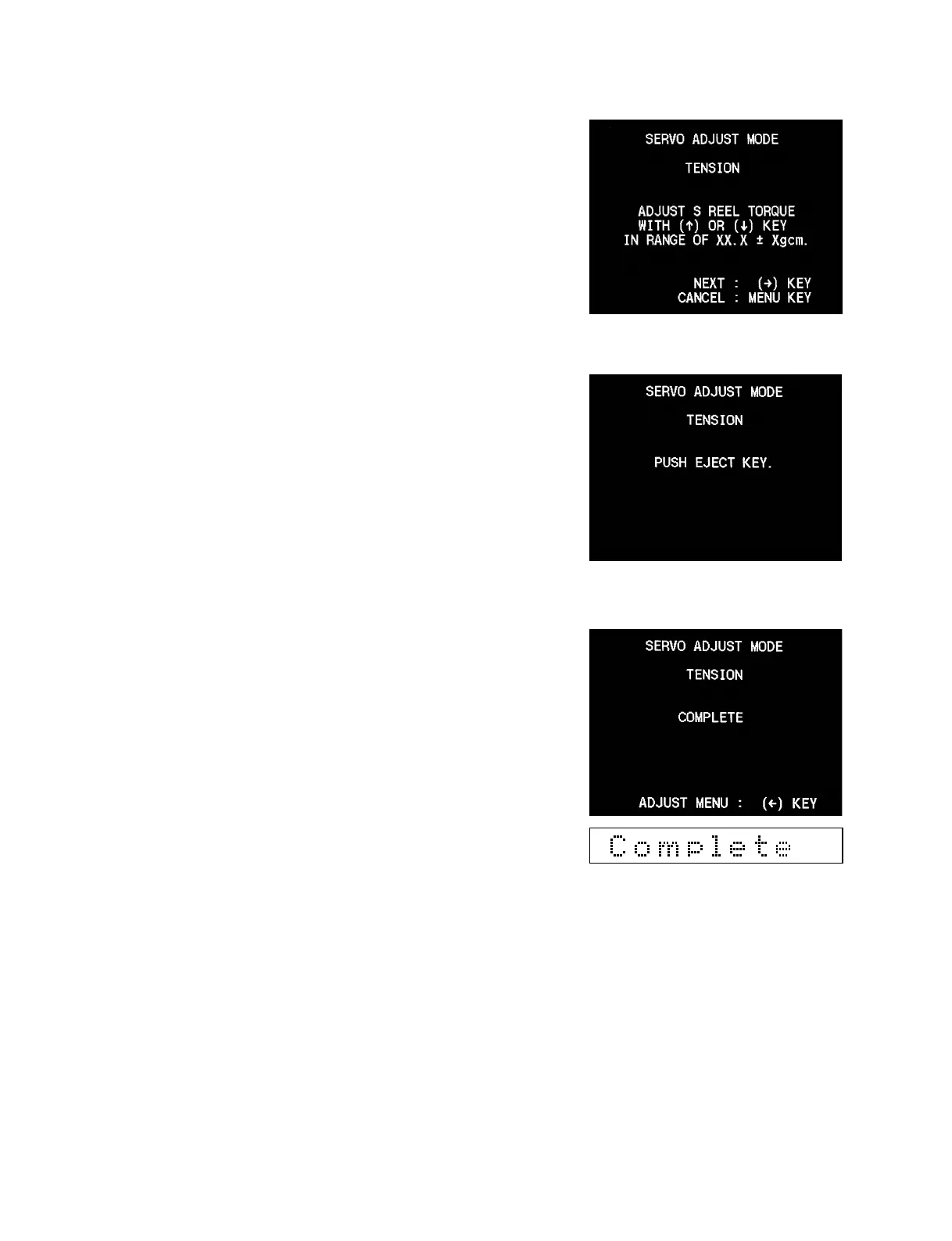
18. Keep pressing the [AUDIO|IN] (↑), [IN] (↓) keys until the
DV torque cassette reading agrees with the specification value
on the display.
19. When adjustment is completed, press the [ENTRY] (→) key.
20. Press the [EJECT] key and remove the DV torque cassette.
21. Confirm that the message “COMPLETE” appears on the
display.
*
Press the [EJECT] key to return to the ADJUST menu.
*
When adjustment is complete, attach the cassette compartment.











 To Next Page