8-4 (P)
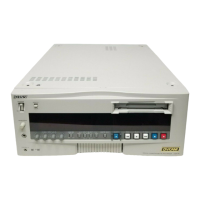
DSR-80/80P/60/60P
8-4. MAINTENANCE MENU (for PAL)
The servo system and the RF system alignments are performed automatically or semi-automatically using the maintenance
menus SERVO ADJUST and ELECTRICAL ADJUST.
Refer to sections “4-5. SERVO ADJUST” and “4-6. ELECTRICAL ADJUST” for more details.
How to start up the maintenance menu
1. While pressing the [&] key, press the [MENU] key.
This unit enters the maintenance menu. The maintenance menu appears on the display.
2. Select an item to modify using the [(], [)] keys.
Move the cursor shown with white background to any of the items displayed on monitor.
3. When an item is selected, press the [*] key.
Thus an item with white background can be selected.
How to exit the maintenance menu
Press the [MENU] key.


 To Next Page