2-16
DSR-80/80P/60/60P
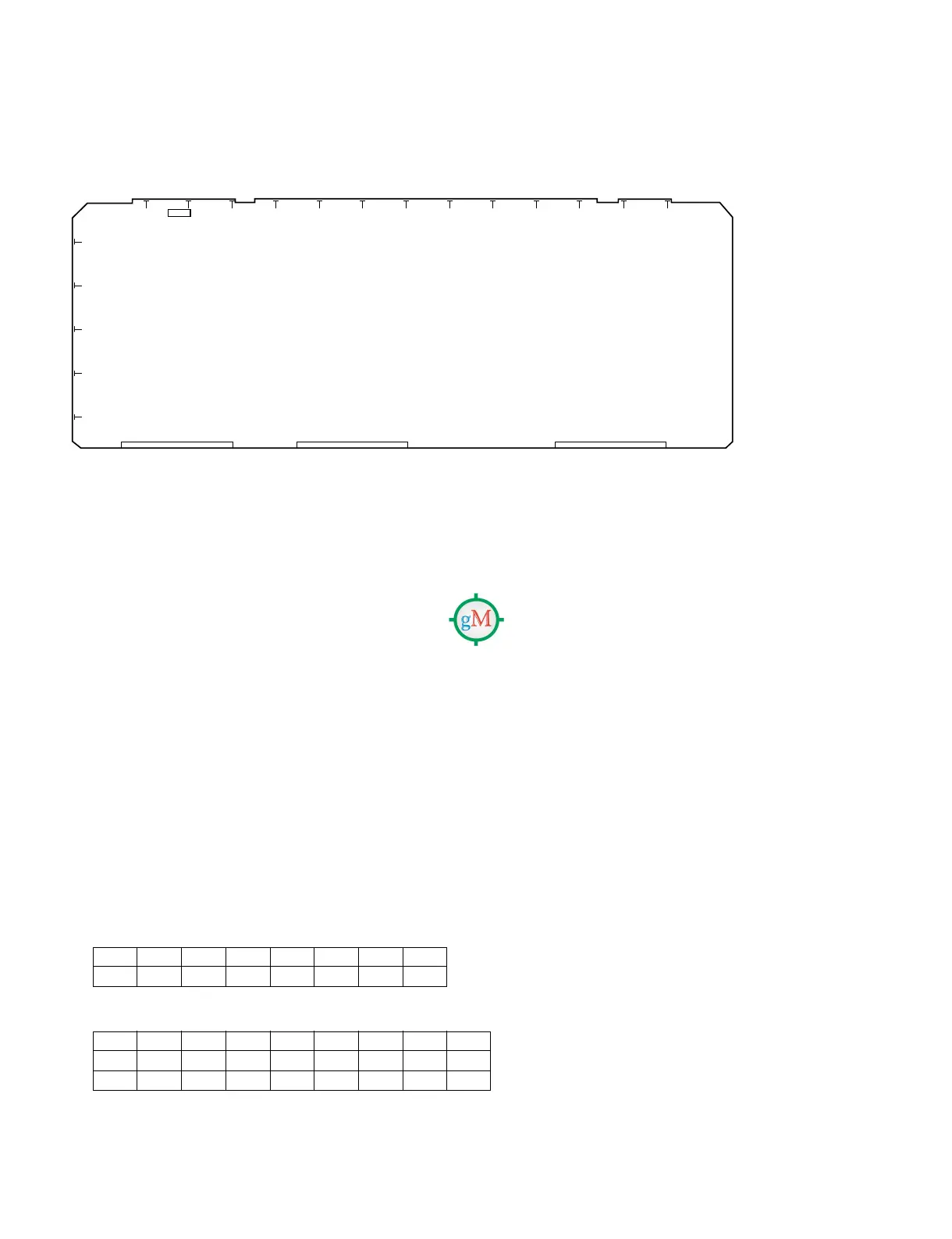
SDI-26
S301 : Switch for error check (factory setting : OFF)
2-9-4. System Adjustment After Installation
Observe the following precautions when this equipment is used for editing system.
. The REF. VIDEO INPUT requires video signal which complies with RS-170A and so forth.
. Adjust the sync phase of this equipment to the system sync with [SYNC PHASE] control on the sub
control panel.
. Adjust the SCH phase of this equipment to the system SCH with [SC PHASE] control on the sub
control panel.
. When this equipment is connected to the type of switcher that does not replace the sync signal, the
SYNC/BURST level adjustment is required.
2-9-5. Connection of Editor Controller
When an edit controller is connected, set the edit controller as follows.
1. RM-450
LEFT SWITCH
RIGHT SWITCH
2. PVE-500
No setting is required for equipment connection.
1
2
3
4
5
6
AB C D E F G H J K L M N P
S301
76543210
OFF __OFF ____
76543210
NTSC OFF _ OFF ON OFF OFF ON ON
PAL ON _ OFF ON OFF OFF ON ON


 To Next Page