3-7
DSR-80/80P/60/60P
3-3. ERROR MESSAGES
3-3-1. Alarm Display
This unit has an alarm display function.
When a problem is detected, an alarm is displayed immediately in the timer counter block. The alarm and a message
describing the countermeasure are displayed on a video monitor.
The alarm and message can be displayed on a monitor by connecting a monitor to the VIDEO 2 (SUPER) OUTPUT
connector, and by turning on the CHARA. DISPLAY item on the SETUP menu using the DISPLAY CONTROL.
This unit has two types of alarms: one is for operators while the other is for service persons. This manual describes only
the alarms for service persons. For details of alarms for operators, refer to the operating instruction or overview in this
manual. Activating the alarm display may influence the system, such as when the reference video signal is not used.
Therefore, you can select whether or not to display the alarm from the Setup menu selection. However, the alarms for
service persons are displayed regardless of the Setup menu setting.
1. Alarm display when the main power is turned on
Detection : Checks the settings of switch S201 on
the SY-241 board and the contents of
non-volatile memory (EEPROM).
Operation after detection : Set the switch S201 to the factory use.
(Refer to Installation Manual.)
Display : The alarm is displayed until any key is
pressed.
Detection : Checks the version of the Setup menu.
Operation after detection : The Setup menu operates using the
factory settings. The contents of the
non-volatile memory (EEPROM)
remain unchanged. Therefore, if the
setting of the Setup menu is not
changed, the same alarm will appear
when the main power is turned on.
Display : The alarm is displayed until any key is
pressed.
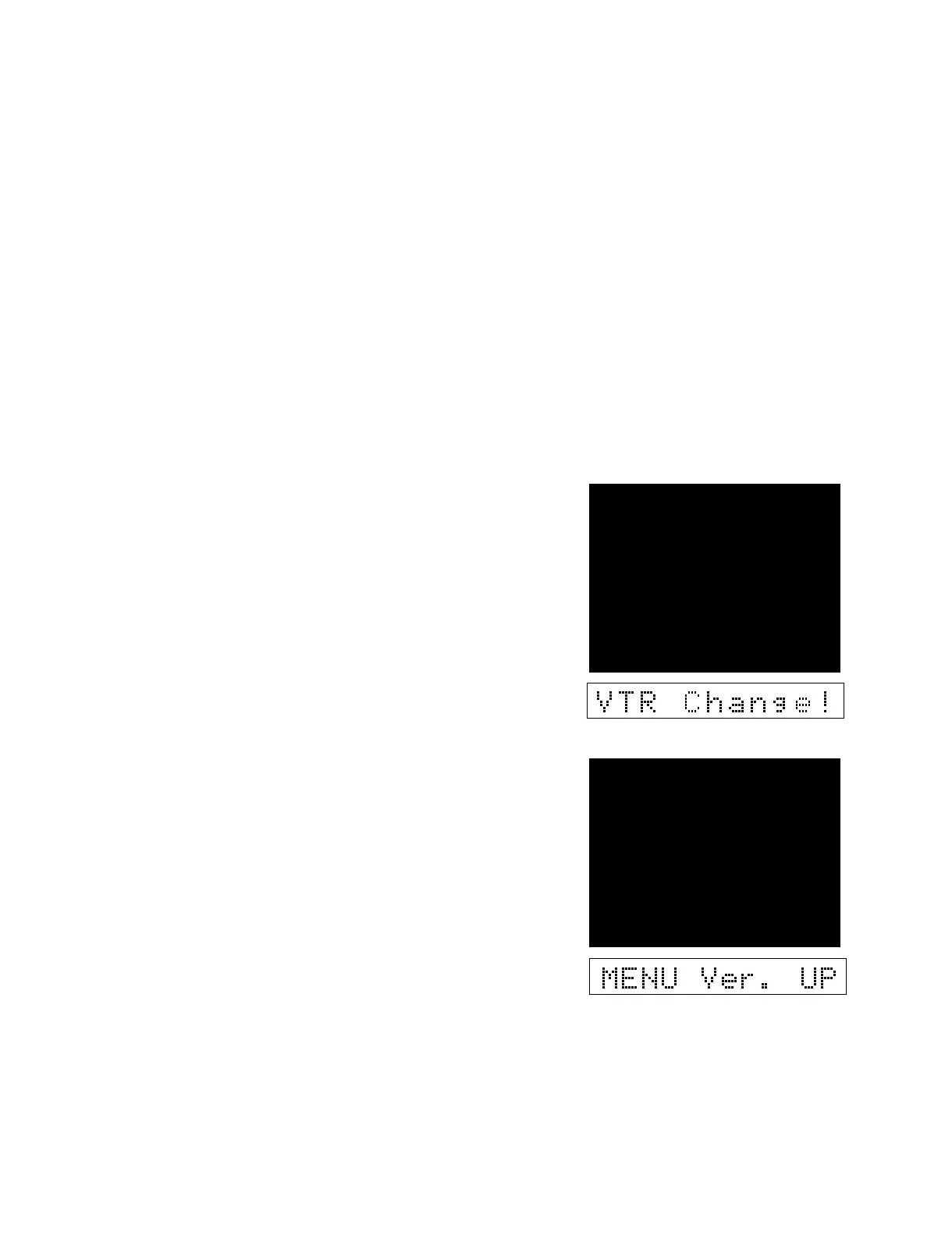
ALARM
SETTING HAS BEEN
CHANGED TO
X1 FEEDER NTSC (UC)
CHECK THE S201 SWITCH
ON THE SY BOARD.
ALARM
THE SETUP MENU SOFTWARE
HAS BEEN UPGRADED.
SET THE SETUP MENU ITEMS
TO THE DESIRED SETTINGS
OR ACTIVATE THE ’ LOAD
MENU DATA ’ (MAINTENANCE
MENU) FUNCTION.


 To Next Page