5.1 Channel Surround Hookups
fD
E
_Q
e_
g
Q.
With DVDs which contain DTS or Dolby Digital sound,
you can enioy the surround sound while producing the
effect of being in a movie theater or a concert hall using a
digital component with a built-in DTS or Dolby Digital
decoder (not supplied). The player outputs the surround
sound signals from the DIGITAL OUT OPTICAL and
COAXIAL connectors.
Using a receiver (amplifier) having the OPTICAL or
COAXIAL connector and 6 speakers, you can enjoy even
greater real audio presence in the comfort of your own
home.
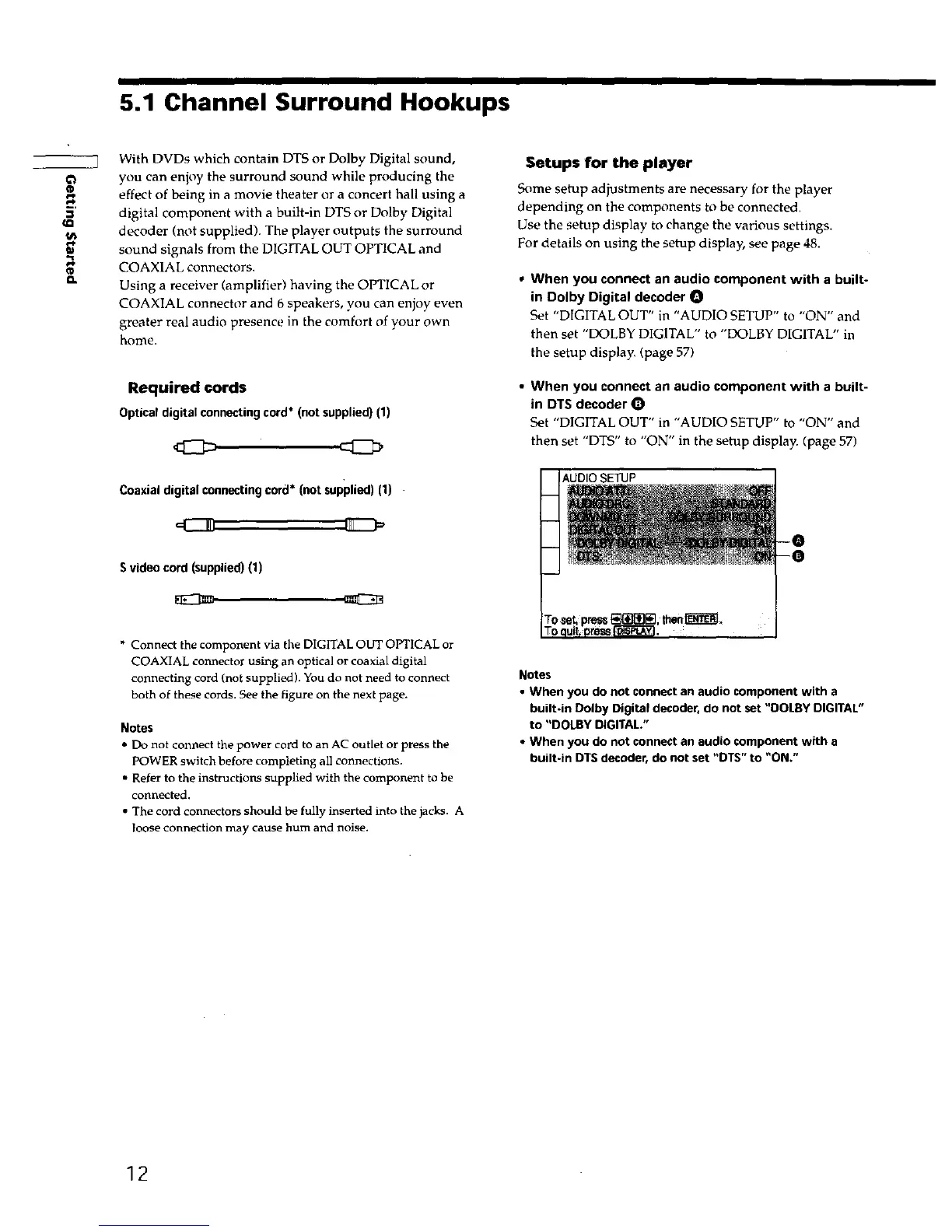
Required cords
Optical digital connecting cord* (not supplied) (1)
Coaxial digital connecting cord* (not supplied) (1)
Setups for the player
Some setup adjustments are necessary for the player
depending on the components to be connected.
Use the setup display to change the various settings.
For details on using the setup display, see page 48.
• When you connect an audio component with a built-
in Dolby Digital decoder O
Set "DIGITAL OUT" in "AUDIO SETUP" to "ON" and
then set "DOLBY DIGITAL" to "DOLBY DIGITAL" in
the setup display. (page 57)
• When you connect an audio component with a built-
in DTS decoder
Set "DIGITAL OUT" in "AUDIO SETUP" to "ON" and
then set "DTS" to "ON" in the setup display. (page 57)
S video cord (supplied) (1)
* Connect the component via the DIGITAL OUT OPTICAL or
COAXIAL connector using an optical or coaxial digital
connecting cord (not supplied). You do not need to connect
both of these cords. See the figure on the next page.
Notes
• Do not connect the power cord to an AC outlet or press the
POWER switch before completing all connections.
• Refer to the instructions supplied with the component to be
connected.
• The cord connectors should be fully inserted into the jacks. A
loose connection may cause hum and noise.
Notes
• When you do not connect an audio component with a
built-in Dolby Digital decoder, do not set "DOLBY DIGITAL"
to "DOLBY DIGITAL."
• When you do not connect an audio component with a
built-in DTS decoder, do not set "DTS" to "ON."
12











 To Next Page