Searching for a Particular Point on a Disc [] 0 0 0
9
t_
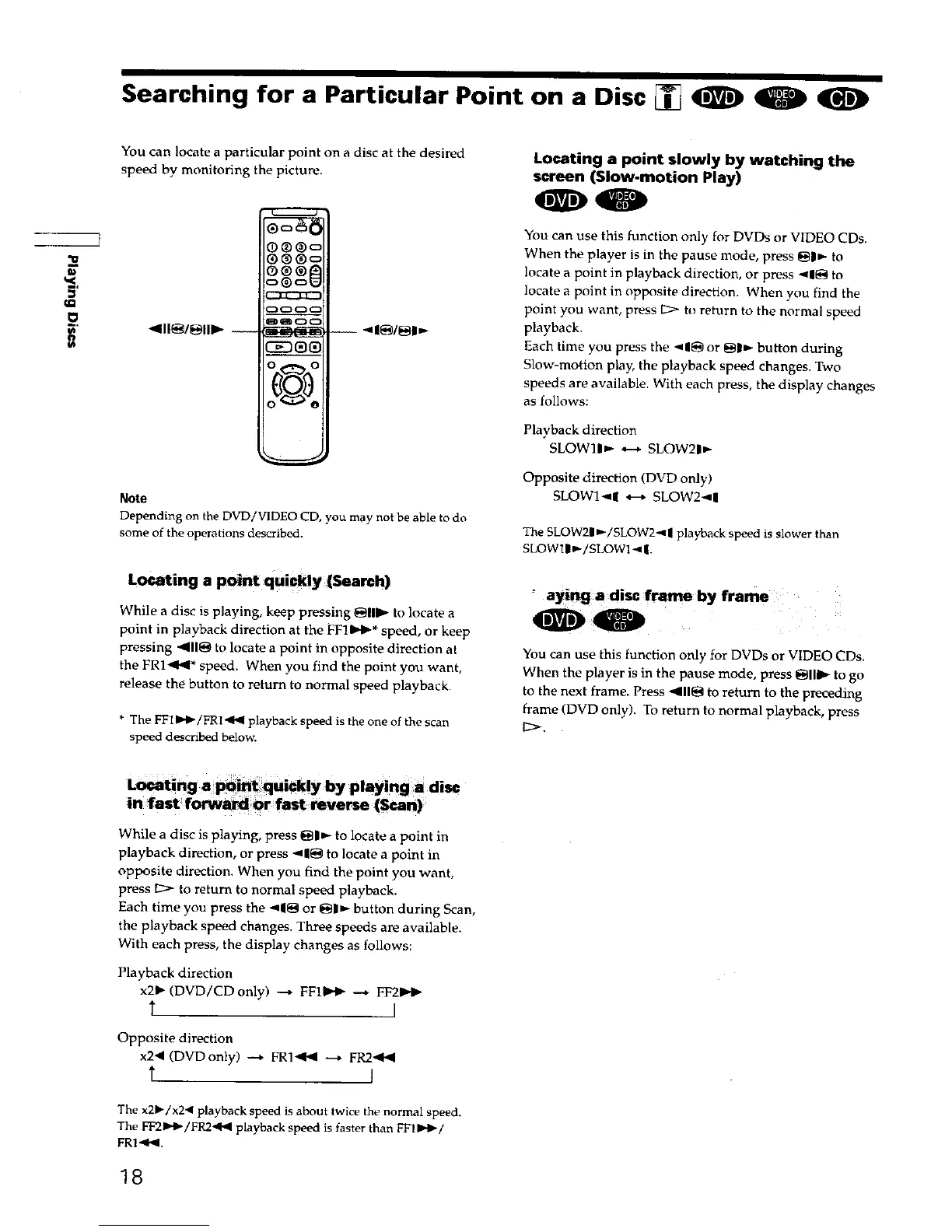
You can locate a particular point on a disc at the desired
speed by monitoring the picture.
_111_1_111_ --
®®®c
®®®l_
0_o
--_1_/_1_
Note
Depending on the DVD/VIDEO CD, you may not be able to do
some of the operations described.
Locating a point quickly (Search)
While a disc is playing, keep pressing @11_- to locate a
point in playback direction at the FFI_0,-* speed, or keep
pressing "_11@to locate a point in opposite direction at
the FRI'_<* speed. When you find the point you want,
release the button to return to normal speed playback.
* The FFI_b-/FR1 <b( playback speed is the one of the scan
speed described below.
Locating a point slowly by watching the
screen (Slow-motion Play)
00
You can use this function only for DVDs or VIDEO CDs.
When the player is in the pause mode, press _|_- to
locate a point in playback direction, or press <1_ to
locate a point in opposite direction. When you find the
point you want, press _ to return to the normal speed
playback.
Each time you press the <1_ or _pn,- button during
Slow-motion play, the playback speed changes. Two
speeds are available. With each press, the display changes
as follows:
Playback direction
SLOWlln-- _ SLOW21_-
Opposite direction (DVD only)
SLOWI-,I| *---*SLOW2<I
The SLOW2|_,-/SLOW2_| playback speed is slower than
SLOWIIB,-/SLOW1 < |.
aySng a disc frame by frame
You can use this function only for DVDs or VIDEO CDs.
When the player is in the pause mode, press _IIID,- to go
to the next frame. Press _11_ to return to the preceding
frame (DVD only). To return to normal playback, press
While a disc is playing, press _1_- to locate a point in
playback direction, or press "_1_ to locate a point in
opposite direction. When you find the point you want,
press _ to return to normal speed playback.
Each time you press the <1_ or _I_- button during Scan,
the playback speed changes. Three speeds are available.
With each press, the display changes as follows:
Playback direction
x2_ (DVD/CDonly) _ FF11_,.t_ --_ FF2_.
Opposite direction
x2< (DVDonly) _ FRI<t_ --* FR2<t_
The x21_/x2< playback speed is about twice the normal speed.
The FF21H_/FR2,9_I playback speed is faster than FF11HI_/
FR1<P<.
18











 To Next Page