Self-diagnosis function
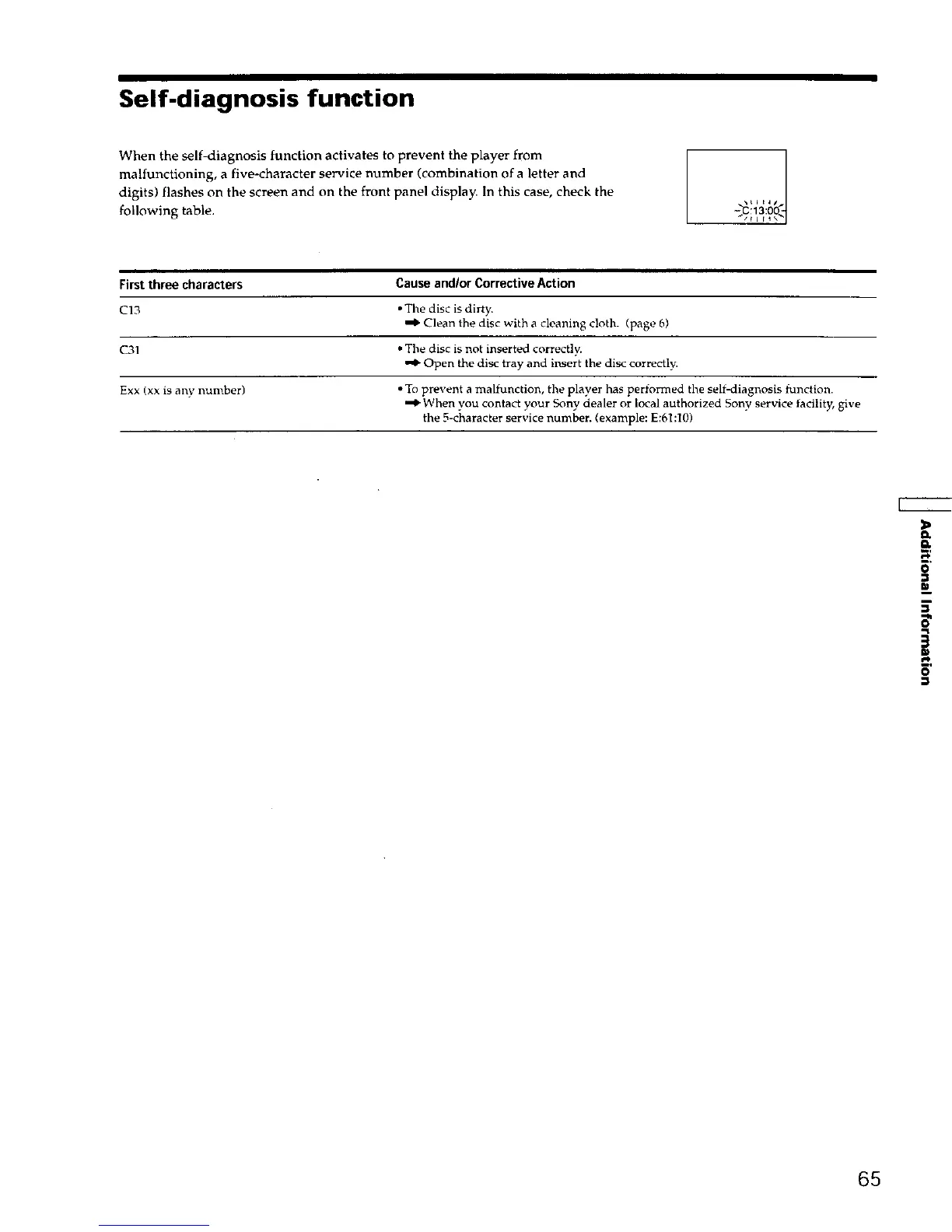
When the self-diagnosis function activates to prevent the player from
malfunctioning, a five-character service number (combination of a letter and
digits) flashes on the screen and on the front panel display. In this case, check the
following table.
-_::13:0
First three characters Cause andlor Corrective Action
C13 • The disc is dirty.
"_ Clean the disc with a cleaning c!oth. (page 6)
C31 • The disc is not inserted correctly.
•'_ Open the disc tray and insert the disc correctly.
Exx (xx is any number) • To prevent a malfunction, the player has performed the self-diagnosis function.
When you contact your Sony dealer or local authorized Sony service/acility, give
the 5-character service number. (example: E:61:101
r,p
5'
65











 To Next Page