Setting the Display Language or Sound Track
(LANGUAGE SETUP)
"LANGUAGE SETUP" allows you to set various
languages for the on-screen display or sound track.
The default settings are underlined.
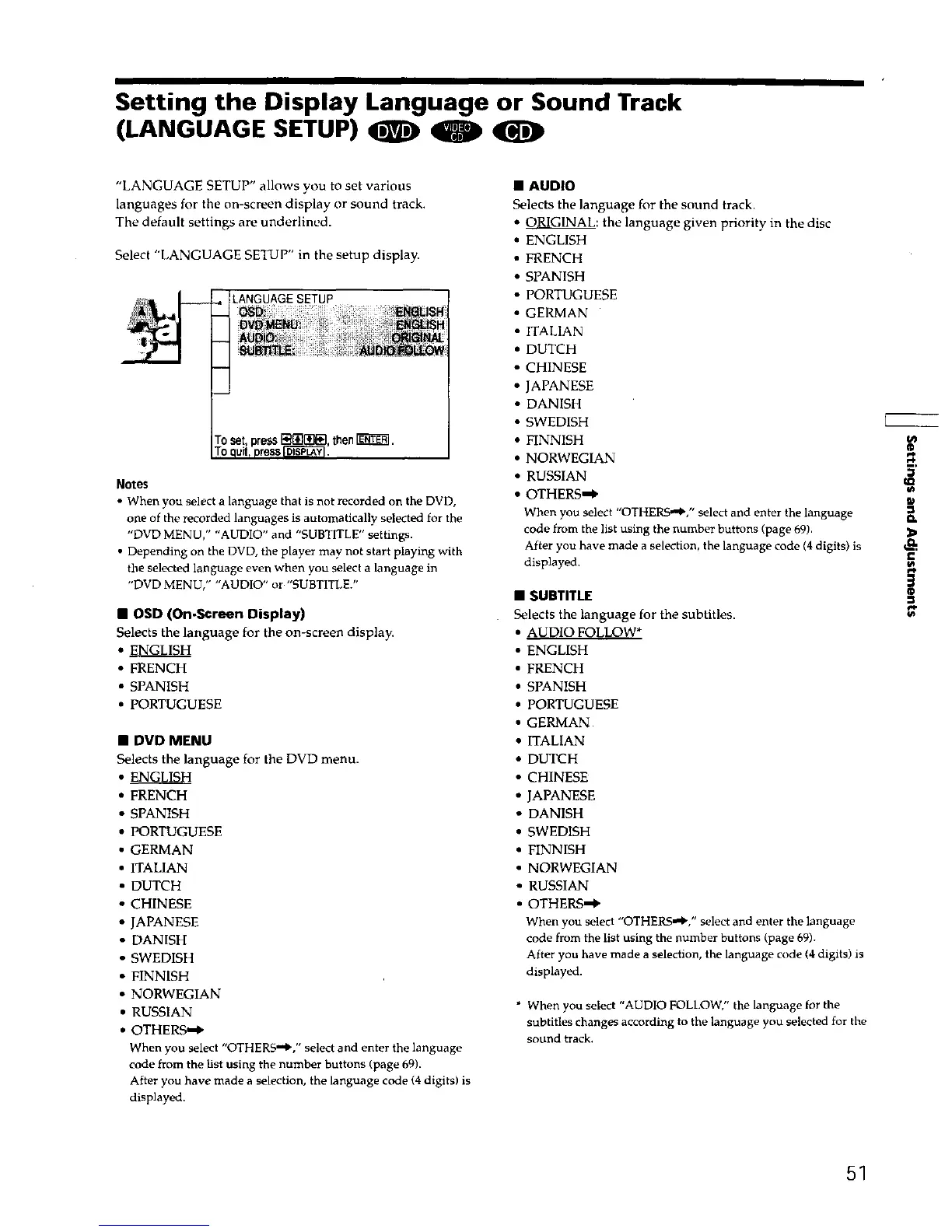
Select "LANGUAGE SETUP" in the setup display.
LANGUAGESETUP
then_.
Notes
• When you select a language that is not recorded on the DVD,
one of the recorded languages is automatically selected for the
"DVD MENU," "AUDIO" and "SUBTITLE" settings.
• Depending on the DVD, the player may not start playing with
the selected language even when you select a language in
"DVD MENU," "AUDIO" or "SUBTITLE."
• OSD (On-Screen Display)
Selects the language for the on-screen display.
• ENGLISH
• FRENCH
• SPANISH
• PORTUGUESE
• DVD MENU
Selects the language for the DVD menu.
• ENGLISH
• FRENCH
• SPANISH
• PORTUGUESE
• GERMAN
• ITALIAN
• DUTCH
• CHINESE
• JAPANESE
• DANISH
• SWEDISH
• FINNISH
• NORWEGIAN
• RUSSIAN
• OTHERS-_
When you select "OTHERS'_," select and enter the language
code from the list using the number buttons (page 69).
After you have made a selection, the language code (4 digits) is
displayed.
• AUDIO
Selects the language for the sound track.
• ORIGINAL: the language given priority in the disc
• ENGLISH
• FRENCH
• SPANISH
• PORTUGUESE
• GERMAN
• ITALIAN
• DUTCH
• CHINESE
• JAPANESE
• DANISH
• SWEDISH
• FINNISH
• NORWEGIAN
• RUSSIAN
• OTHERS'$"
When you select "OTHERS.'_," select and enter the language
code from the list using the number buttons (page 69).
After you have made a selection, the language code (4digits) is
displayed,
• SUBTITLE
Selects the language for the subtitles.
• AUDIO FOLLOW*
• ENGLISH
• FRENCH
• SPANISH
• PORTUGUESE
• GERMAN
• ITALIAN
• DUTCH
• CHINESE
• JAPANESE
• DANISH
• SWEDISH
• FINNISH
• NORWEGIAN
• RUSSIAN
• OTHERS"#"
When you select "OTHEr," select and enter the language
code from the list using the number buttons (page 69).
After you have made a selection, the language code (4 digits) is
displayed.
* When you select "AUDIO FOLLOW," the language for the
subtitles changes according to the language you selected for the
sound track.
&
3
#q,
51











 To Next Page