To return to the previous screen
Press 8"_RETURN.
To quit while making a selection
Press DISPLAY.
Note
The anguages you can select are the ones displayed in step 4.
For details, see page 51.
Operation Sound Effects
(Sound Feedback)
The player beeps when the following operations are
performed.
The default setting of the Sound Feedback function is set
to off.
Operation Operation sound
Power is turned on One beep
Power is turned off Two beeps
is pressed One beep
II is pressed Two beeps
Playback is stopped One long beep
Operation is not possible Three beeps
r<,
I
€
o.
• II
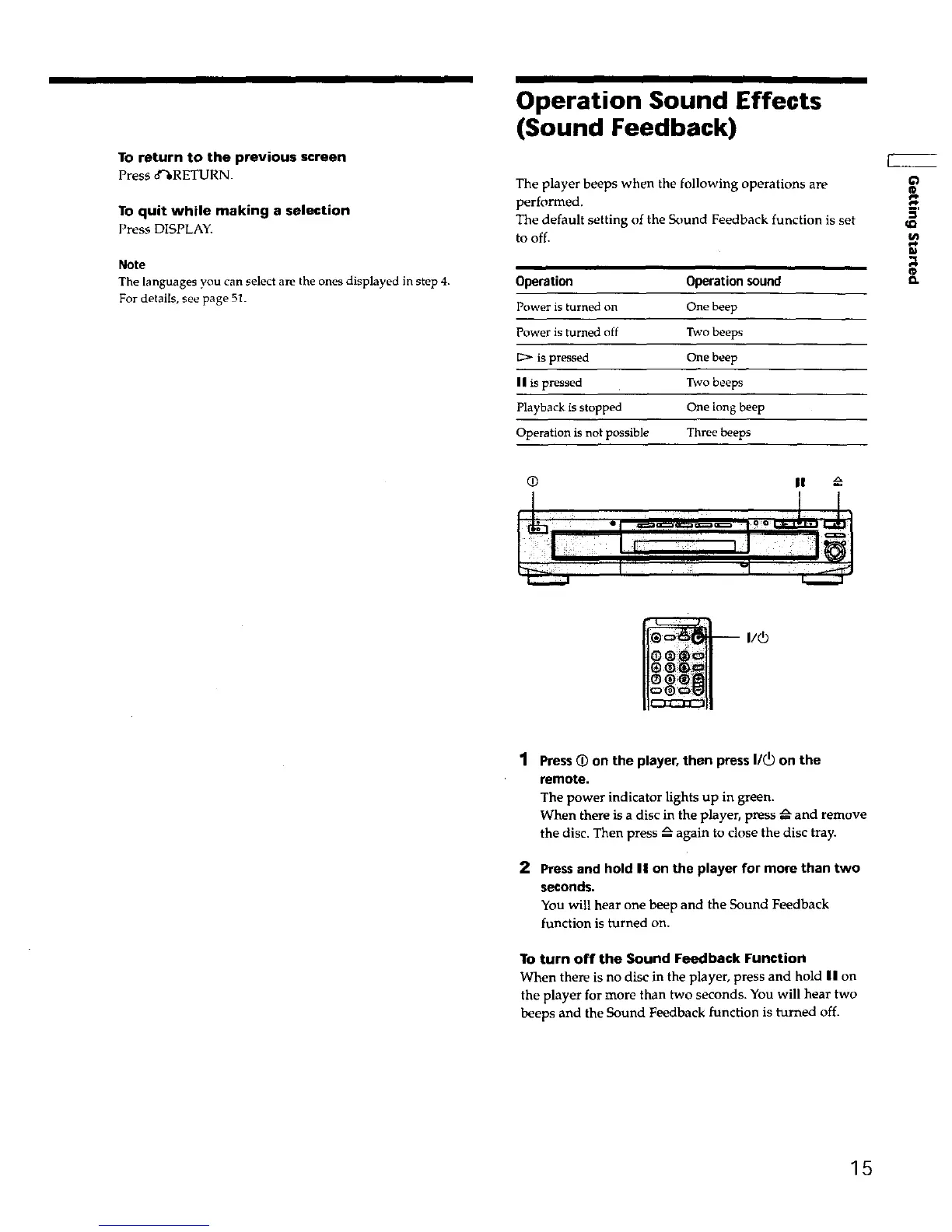
1 Press(_ on the player, then press I/_) on the
remote.
The power indicator lights up in green.
When there is a disc in the player, press _ and remove
the disc. Then press _ again to close the disc tray.
2 Pressand hold II on the player for more than two
seconds.
You will hear one beep and the Sound Feedback
function is turned on.
To turn off the Sound Feedback Function
When there is no disc in the player, press and hold II on
the player for more than two seconds. You will hear two
beeps and the Sound Feedback function is turned off.
15











 To Next Page